


Cross platform testing ensures that your application delivers a consistent experience across different browsers, operating systems, and devices.
That’s why modern QA teams treat cross platform testing as a core part of their release pipeline rather than an afterthought.
As the testing ecosystem evolves in 2026, teams now have access to a mix of AI-powered platforms, cloud device farms, and developer-first frameworks that make cross platform validation faster and more reliable.
In this blog, we’ll break down the 10 best cross platform testing tools, to help you choose the right solution based on your product, scale, and testing strategy.
Key Tools
- Panto AI: AI-driven cross platform testing tool for mobile teams needing deterministic real-device validation.
- BrowserStack: Cloud-based cross platform testing platform for broad browser and real-device coverage at scale.
- TestMu AI: Cross browser and real-device testing platform for teams wanting flexible cloud execution.
- Sauce Labs: Enterprise cross platform testing tool for centralized web and mobile QA across large teams.
- Playwright: Modern cross browser testing framework for web teams needing fast, reliable automation.
- Cypress: Browser-focused cross platform testing tool for frontend teams that value fast debugging and feedback.
- Selenium: Classic cross browser automation framework for teams needing maximum flexibility and ecosystem support.
- Appium: Open-source cross platform testing framework for native iOS and Android mobile automation.
- Katalon: Unified cross platform testing suite for web, mobile, API, and desktop QA.
- Ranorex: Commercial GUI testing platform for desktop, web, and mobile teams wanting less coding.
10 Best Cross Platform Testing Tools In 2026
1. Panto AI
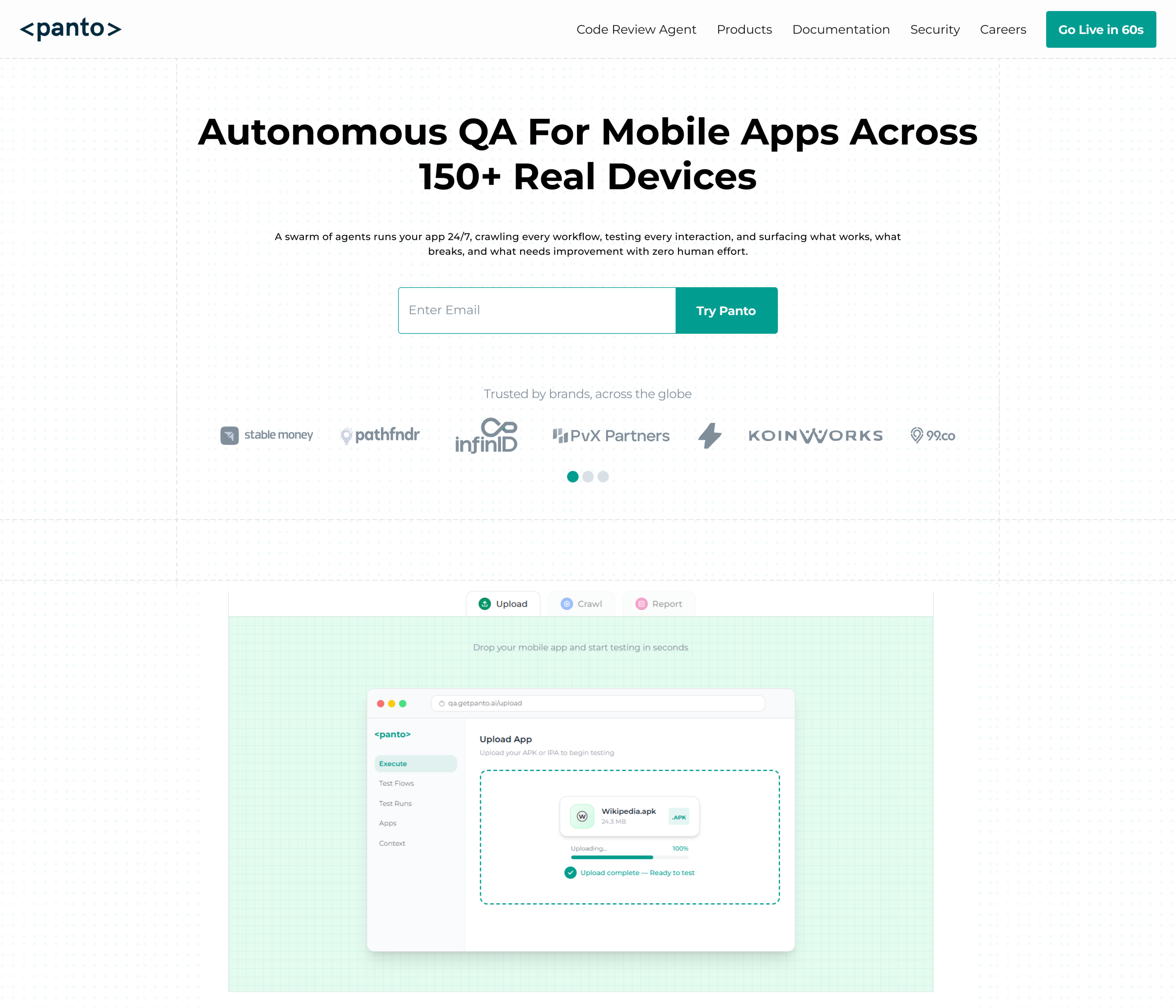
Panto AI is the strongest opener here because it is positioned around deterministic mobile QA at production scale.
Its platform emphasizes real-device-first execution, AI-powered root cause analysis, and test generation from plain-English flows.
It also supports Appium and Maestro, which makes it practical for mobile teams that want stability instead of flaky, one-off scripts.
Features
- Deterministic test generation for stable mobile workflows.
- Real-device-first execution with CI support and 150+ devices mentioned on the homepage.
- Appium and Maestro support, plus AI-powered RCA and intelligent reporting.
How It Helps In Cross Platform Testing
Panto AI helps teams validate the same mobile flow across many devices without rebuilding the test logic for every environment.
That makes it useful when your product must behave consistently on different Android and iOS setups, especially when you care about deterministic results and quick diagnosis.
Limitations
Its messaging is heavily mobile-QA centric, so it is not the broadest fit if your primary need is a classic desktop-browser grid or a general-purpose web-only framework.
Pricing
Panto AI lists a Free plan at $0 with 15 test flows, 50 minutes of real-device execution, and unlimited local runs. The Scale plan starts at $999/month and adds more automation capacity and dedicated parallel real-device access.
2. BrowserStack
BrowserStack remains one of the most recognizable cloud platforms for cross browser and mobile testing.
It offers access to thousands of browsers and real iOS/Android devices, with separate products for live testing, automation, visual testing, app testing, and accessibility workflows.
Features
- Cross-browser testing on 3000+ browsers and real devices.
- App Automate for real-device mobile testing, including biometrics and other device features.
- Visual testing, accessibility testing, and CI-friendly automation.
How It Helps In Cross Platform Testing
BrowserStack is useful when your release must be validated across a broad browser and device matrix without maintaining your own lab.
It is especially strong for teams that need quick access to real hardware and browser combinations.
Limitations
The product family is powerful, but pricing is modular, which can become expensive as usage grows or when teams need multiple products together.
Pricing
BrowserStack’s pricing starts with entry plans such as Live from $12.50/month on the public pricing page. Enterprise features are quote-based.
3. TestMu AI (Formerly LambdaTest)
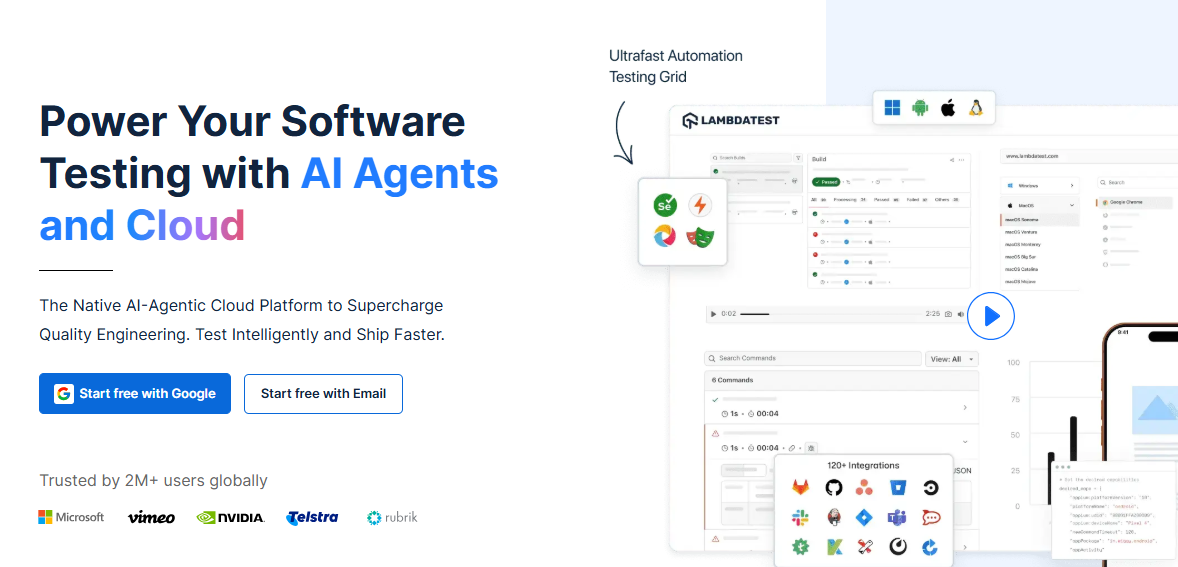
TestMu AI is the rebranded cloud testing platform formerly associated with LambdaTest.
It positions it as a live browser testing and real-device platform with plans for manual testing, automation, and enterprise usage.
Features
- Live browser testing plus real-device testing options.
- Support for scale-oriented workflows, including higher parallelization tiers.
- Enterprise security, privacy, and compliance options.
How It Helps In Cross Platform Testing
This is a strong fit when you need browser and device coverage without building your own device farm.
The platform is designed to support both manual checks and automation across real environments.
Limitations
Its pricing structure is more layered than a simple single-plan tool, so teams need to map concurrency, device access, and product tiers carefully before committing.
Pricing
Official pricing for LambdaTest shows a $29/month billed-annually entry point for live usage, with a Real Device Plus Live plan at $39/month billed annually, and enterprise quotes available for larger teams.
4. Sauce Labs
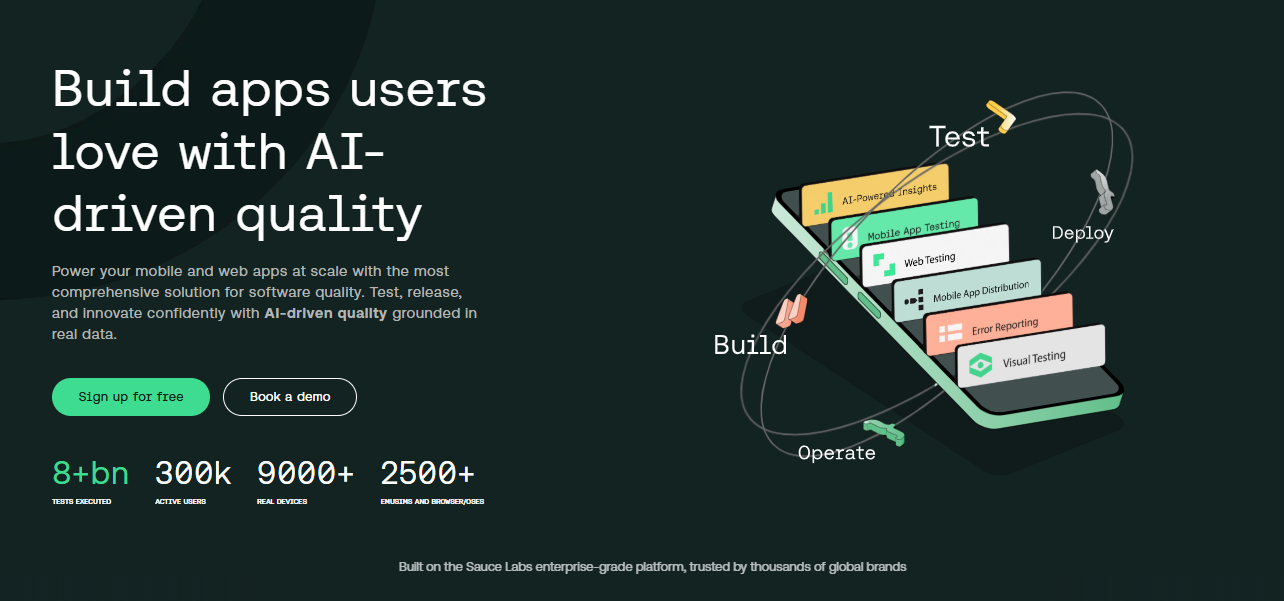
Sauce Labs is a mature enterprise testing cloud for web and mobile applications. Its platform combines cross-browser testing, mobile emulators and simulators, real devices, and AI-oriented workflow improvements.
Features
- Manual and automated cross-browser testing across major browsers.
- Large device coverage with real mobile devices, emulators, and simulators.
- AI-quality features aimed at productivity and defect reduction.
How It Helps In Cross Platform Testing
Sauce Labs works well when your QA strategy needs both browser breadth and device realism. It is especially useful for enterprises that want centralized test execution and reporting at scale.
Limitations
The platform is enterprise-leaning, and the lowest-cost entry still comes with a relatively narrow concurrency allowance compared with self-hosted frameworks. That makes it more of a managed platform than a lightweight starter tool.
Pricing
Public pricing starts at $39/month billed annually, or $49 month to month, for Live Testing with 1 parallel test. More advanced tiers and enterprise deployment are priced higher or require sales contact.
5. Playwright
Playwright is one of the best modern choices for web-focused cross browser testing. It supports Chromium, WebKit, Firefox, and branded browsers such as Chrome and Edge, with parallel execution, sharding, and native mobile emulation.
Features
- One API for Chromium, Firefox, and WebKit.
- Parallel execution and sharding for CI speed.
- Native mobile emulation and rich testing tooling.
How It Helps In Cross Platform Testing
Playwright is excellent when the target is a web application that must behave consistently across browser engines and device classes. It gives teams strong automation fidelity without needing a separate tool for every engine.
Limitations
It is primarily a web automation framework, so it is not the first pick for native mobile app testing or desktop GUI automation. That scope comes directly from the official documentation.
Pricing
Playwright is open source and available through its official tooling, so there is no licensing fee; the real cost is your test infrastructure and maintenance.
6. Cypress
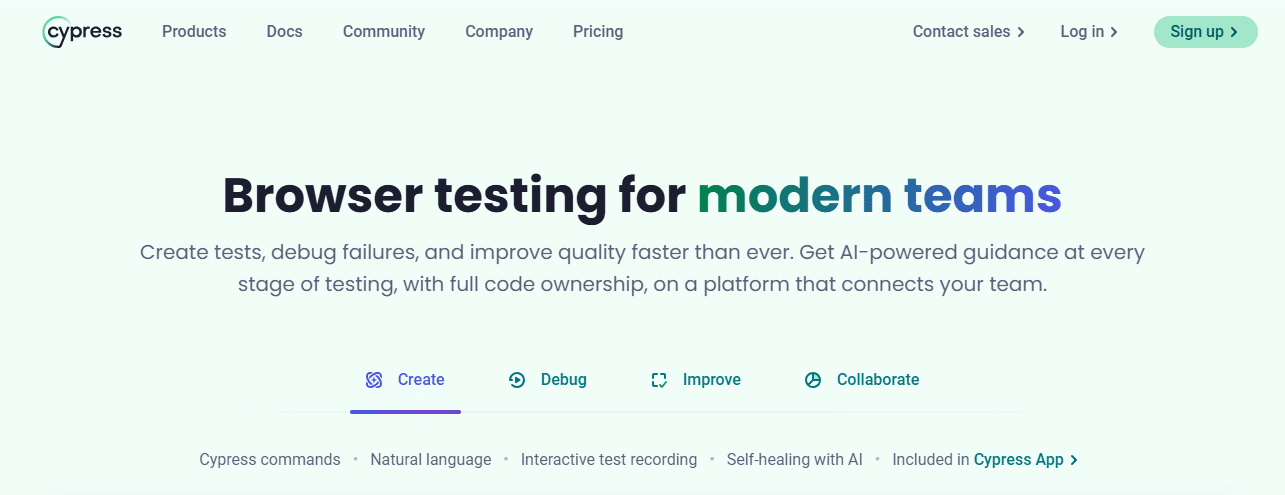
Cypress is a developer-friendly browser testing framework for browser-based applications and components.
It supports Chrome-family browsers, Firefox, and WebKit, with separate paid cloud and premium offerings around the open-source app.
Features
- Open-source app for writing and running tests locally.
- Cross-browser support across Chrome-family browsers, Firefox, and WebKit.
- Cypress Cloud, UI Coverage, and accessibility add-ons for scale.
How It Helps In Cross Platform Testing
Cypress is a strong fit when your cross platform requirement mainly means different browser engines for a web app. It gives fast local feedback and a smooth developer workflow.
Limitations
Its browser support is narrower than Selenium’s broader WebDriver ecosystem, and it is still primarily browser-focused rather than a full mobile/device lab.
Pricing
The Cypress App is free and open source, while Cypress Cloud and premium products have their own pricing tiers.
7. Selenium
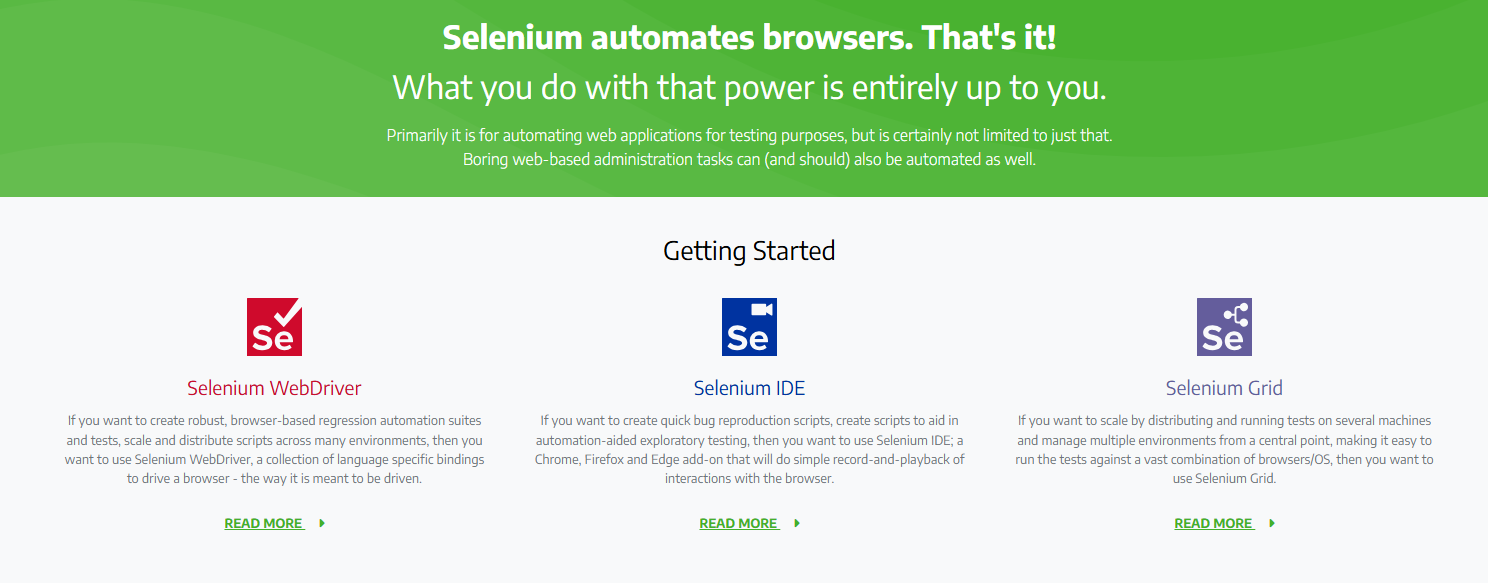
Selenium is still the classic baseline for browser automation. The official project describes it as an umbrella project for browser automation and WebDriver, with interchangeable code for major browsers.
Features
- WebDriver support for major browsers and browser-specific capabilities.
- Selenium Grid and ecosystem support for distributed execution.
- Broad language and framework ecosystem.
How It Helps In Cross Platform Testing
Selenium is useful when you want maximum browser compatibility and deep ecosystem support. It remains a strong choice for large regression suites that need to run across many browsers and environments.
Limitations
It is more of a framework than a turnkey product, so teams usually need extra setup for infrastructure, reporting, parallelization, and execution management.
Pricing
Selenium itself is open source, so there is no license fee, but teams should budget for grid, cloud, and maintenance costs.
8. Appium
Appium is the most relevant open-source option when cross platform means mobile-first testing across iOS, Android, and beyond. It has support for mobile, browser, desktop, and TV platforms under a cross-platform standard API.
Features
- Cross-platform UI automation through a standard API.
- Supports many app platforms, including iOS, Android, macOS, Windows, and TV.
- Works through drivers and a modular ecosystem.
How It Helps In Cross Platform Testing
Appium is ideal when the same test intent must be validated on multiple mobile platforms or device categories. It is a natural fit for teams that need one automation layer across native, hybrid, and web-based mobile apps.
Limitations
The driver-based model is flexible, but it usually means more setup and maintenance than a managed cloud platform.
Pricing
Appium is open source, so it is free to use; your cost comes from devices, infrastructure, and implementation effort.
9. Katalon
Katalon’s True Platform now covers web, mobile, API, and desktop testing, which makes it a broad all-in-one choice for QA teams. It also includes AI agents for test creation, execution, bug reporting, and analytics.
Features
- Unified testing across web, mobile, API, and desktop.
- AI automated agents for test creation, execution, bug reporting, and analytics.
- Test Execution Cloud for broad environment access.
How It Helps In Cross Platform Testing
Katalon helps teams that want a more integrated QA suite instead of stitching together separate tools. It is especially helpful when one team owns multiple application types and wants shared execution and reporting.
Limitations
Because it is a full platform, it may be heavier than a minimalist framework for teams that only need one browser engine or one app type.
Pricing
Katalon’s pricing starts at $67/seat/month on the annual package offer, while the standard Team Edition is listed at $167/seat/month billed annually or $185 monthly. Enterprise pricing is customized.
10. Ranorex
Ranorex is a commercial GUI automation suite built for desktop, web, and mobile testing. Its official pages emphasize cross-platform compatibility, browser and device support, and accessibility for teams with mixed skill levels.
Features
- Automated testing across desktop, web, and mobile apps.
- Cross-platform and cross-browser test execution from one central platform.
- Object recognition and enterprise-oriented GUI tooling.
How It Helps In Cross Platform Testing
Ranorex is a practical option when the QA team wants one product to cover multiple app surfaces without managing separate frameworks. It is especially appealing for teams that want GUI-focused automation rather than code-only test engineering.
Limitations
The licensing model is commercial and sales-led, so it is less suitable for teams that want a purely free, open-source stack.
Pricing
Ranorex does not publish a simple public price list on the licensing page; it directs visitors to contact sales, and downloads mention subscription, floating, and node-locked licenses.
Comparison Table
| Tool | Best For | Coverage | Pricing | Main Limitation |
| Panto AI | Mobile QA teams that want deterministic tests | Mobile workflows, Appium, Maestro, real devices | Free; Scale starts at $999/month | More mobile-focused than broad web-grid tools |
| BrowserStack | Large browser/device matrices | 3000+ browsers, real iOS/Android devices | From public entry plans; enterprise quote-based | Costs can rise with modular usage |
| TestMu AI | Cross-browser and device cloud testing | Live browsers, real devices, enterprise tiers | From $29/month billed annually; enterprise quote-based | Plan structure needs careful sizing |
| Sauce Labs | Enterprise web/mobile QA | Browsers, emulators, simulators, real devices | From $39/month billed annually | Enterprise-leaning and parallel-limited at entry |
| Playwright | Modern web apps | Chromium, WebKit, Firefox, mobile emulation | Free, open source | Not for native mobile or desktop apps |
| Cypress | Browser-based frontend apps | Chrome-family, Firefox, WebKit | Free app; paid Cloud/premium products | Narrower scope than full mobile/device platforms |
| Selenium | Broad browser automation | Major web browsers, Grid ecosystem | Free, open source | More setup and infra management |
| Appium | Native and hybrid mobile testing | iOS, Android, desktop, TV, browser | Free, open source | Driver-based setup adds overhead |
| Katalon | Unified QA teams | Web, mobile, API, desktop | From $67/seat/month annually; enterprise quote-based | Broad platform can be heavier than a narrow framework |
| Ranorex | GUI automation across surfaces | Desktop, web, mobile | Contact sales / subscription licensing | Less suitable for teams wanting fully open-source tooling |
Final Takeaway
The best cross platform testing tool depends on your application surface and team maturity.
- Choose Panto AI when your primary focus is mobile app testing and you need deterministic, stable test execution on real devices with fast root cause analysis.
- Choose BrowserStack when you need broad coverage across browsers and real devices without maintaining infrastructure, especially for quick validation at scale.
- Choose TestMu AI when you want a balanced cloud platform for both manual and automated cross browser testing, with real device testing with flexible scaling.
- Choose Sauce Labs when you’re an enterprise team that needs centralized testing, reporting, and large-scale orchestration across web and mobile.
- Choose Playwright when you’re a developer-heavy team building modern web apps and need fast, reliable cross-browser automation with strong CI integration.
- Choose Cypress when your focus is frontend debugging in a controlled browser environment and you value developer experience and fast feedback loops.
- Choose Selenium when you need maximum flexibility and ecosystem support for large, customizable cross-browser test suites.
- Choose Appium when your requirement is true cross-platform mobile testing (iOS + Android) using a single automation framework.
- Choose Katalon when you want an all-in-one testing platform covering web, mobile, API, and desktop with minimal setup.
- Choose Ranorex when your team prefers a GUI-driven, commercial tool for testing across desktop, web, and mobile apps with less emphasis on coding.
Choosing the right cross platform testing tool ultimately comes down to your product surface, team expertise, and scale requirements.
As testing continues to evolve in 2026, the shift is clearly toward smarter, faster, and more integrated solutions: whether through AI-driven insights, unified platforms, or highly optimized automation frameworks.
The key is to align your tooling with your testing strategy, ensuring you can ship consistent, high-quality experiences across every platform your users rely on.



