
Teams searching for Sourcegraph Cody alternatives are often asking a critical question: is Cody the right fit as our codebase scales, distributed teams grow, and AI coding requirements evolve?
Sourcegraph Cody brought enterprise-grade whole-repository intelligence to developers, enabling context-aware code completions and refactoring across massive monorepos.
However, in 2026, the AI coding landscape has fragmented into specialized tools serving different team sizes, security requirements, and architectural needs.
This guide evaluates the best Sourcegraph Cody alternatives for 2026. It is written for engineering managers, senior developers, and platform teams making tooling decisions that will impact code quality, developer velocity, and security posture long-term.
What Is Sourcegraph Cody and Where It Fits Best
Understanding Cody’s Strengths and Limitations
Sourcegraph Cody is an enterprise AI code assistant optimized for large monorepos, polyglot systems, and teams operating at scale.
It leverages Sourcegraph’s codebase-aware architecture to provide full-repository intelligence, enabling developers to understand dependencies, trace changes across microservices, and generate code with deep contextual awareness.
Cody remains strong for organizations with massive codebases and distributed teams. However, newer alternatives now offer specialized capabilities: privacy-first approaches, faster on-boarding, IDE-native experiences, and security-focused workflows that challenge Cody’s broad appeal.
Teams often encounter Cody’s limitations as needs evolve: infrastructure costs for self-hosted instances, complexity in smaller projects, steep onboarding curves for new teams, and lack of IDE-native speed that competitors now deliver natively.
Where Cody Works Well vs. Falls Short
Cody excels in: Large monorepos with 500K+ lines of code, distributed engineering teams, organizations needing full-repository context and cross-service impact analysis.
Cody struggles with: Lightweight, fast onboarding for startups; IDE-native speed compared to Cursor or Windsurf; privacy-first deployments without cloud infrastructure; code completion latency in resource-constrained environments.
As AI coding moves toward specialized agents, IDE-native experiences, and agentic workflows, teams increasingly need tools optimized for specific use cases rather than monolithic all-in-one platforms.
Cody Alternatives Evaluation: A Deep Dive
Quick Verdict: Best Cody Alternatives by Use Case
- Best for security and code review: Panto AI
- Best for AI-native IDE: Cursor
- Best for agentic workflows: Windsurf (Codeium)
- Best for privacy-first: Tabnine
- Best for open-source: Continue
- Best for enterprise-scale: Greptile
- Best for rapid prototyping: Claude Code
- Best for terminal-first developers: Cline
- Best for web development: Vercel v0
- Best for code completion speed: Supermaven
1. Panto AI: Code Review with Business Context
Best for: Security-conscious teams and compliance-driven organizations
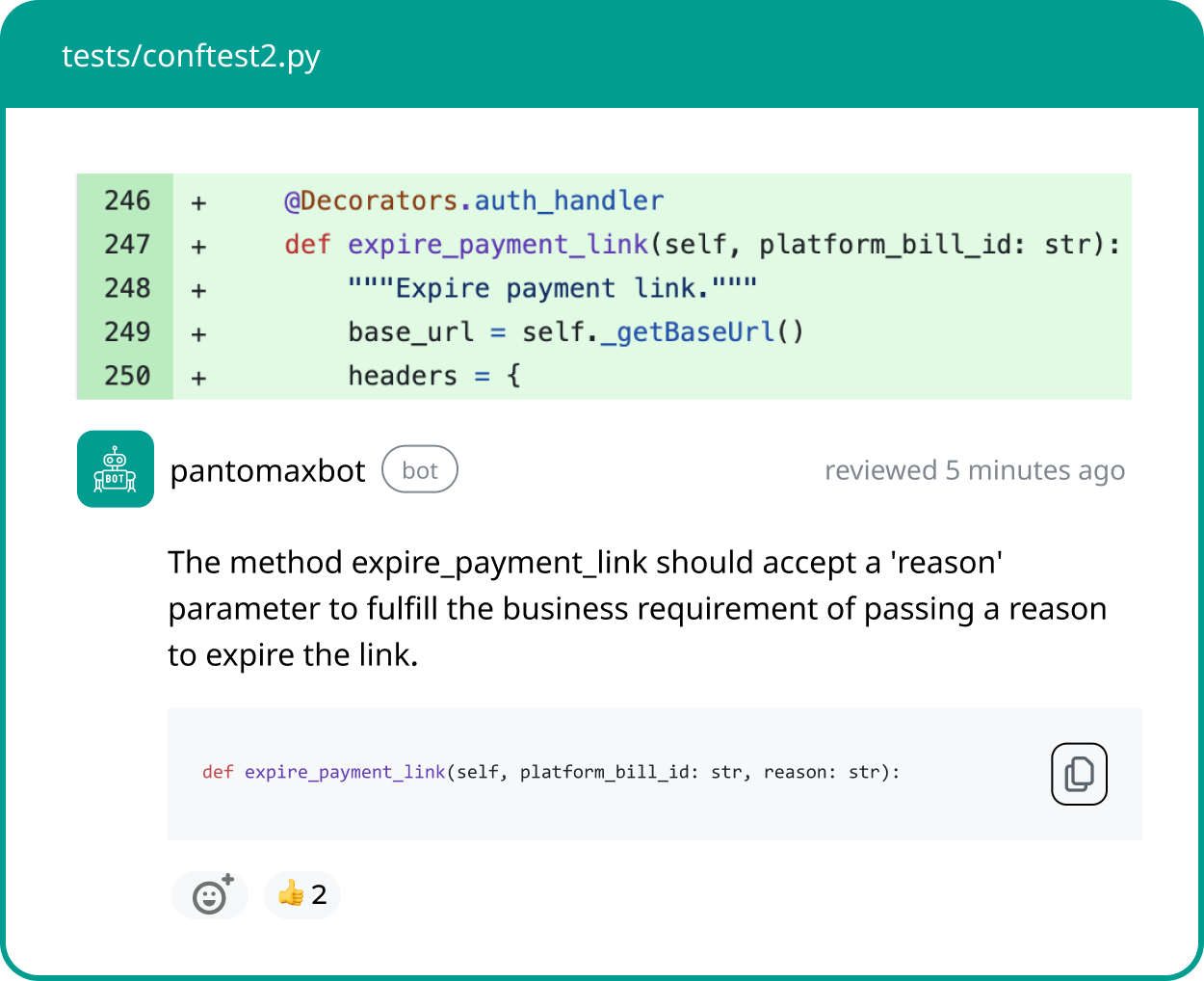
Panto AI transcends traditional code assistance by combining AI-powered code review with business context alignment.
It runs 30,000+ security and quality checks across 30+ programming languages, identifying systemic risks, compliance violations, and architectural drift before code reaches production.
Unlike Cody, which focuses on completion and refactoring, Panto contextualizes code changes within Jira tickets and Confluence docs, helping reviewers understand intent and business impact.
Its proprietary AI OS learns team patterns, reducing noise while catching real issues teams care about.
500+ dev teams use Panto, having reviewed 5M+ lines of code with zero data retention and CERT-IN compliance certification.
For regulated industries or security-first engineering cultures, Panto replaces Cody by addressing the full code quality and risk pipeline.
2. Cursor: The AI-First IDE
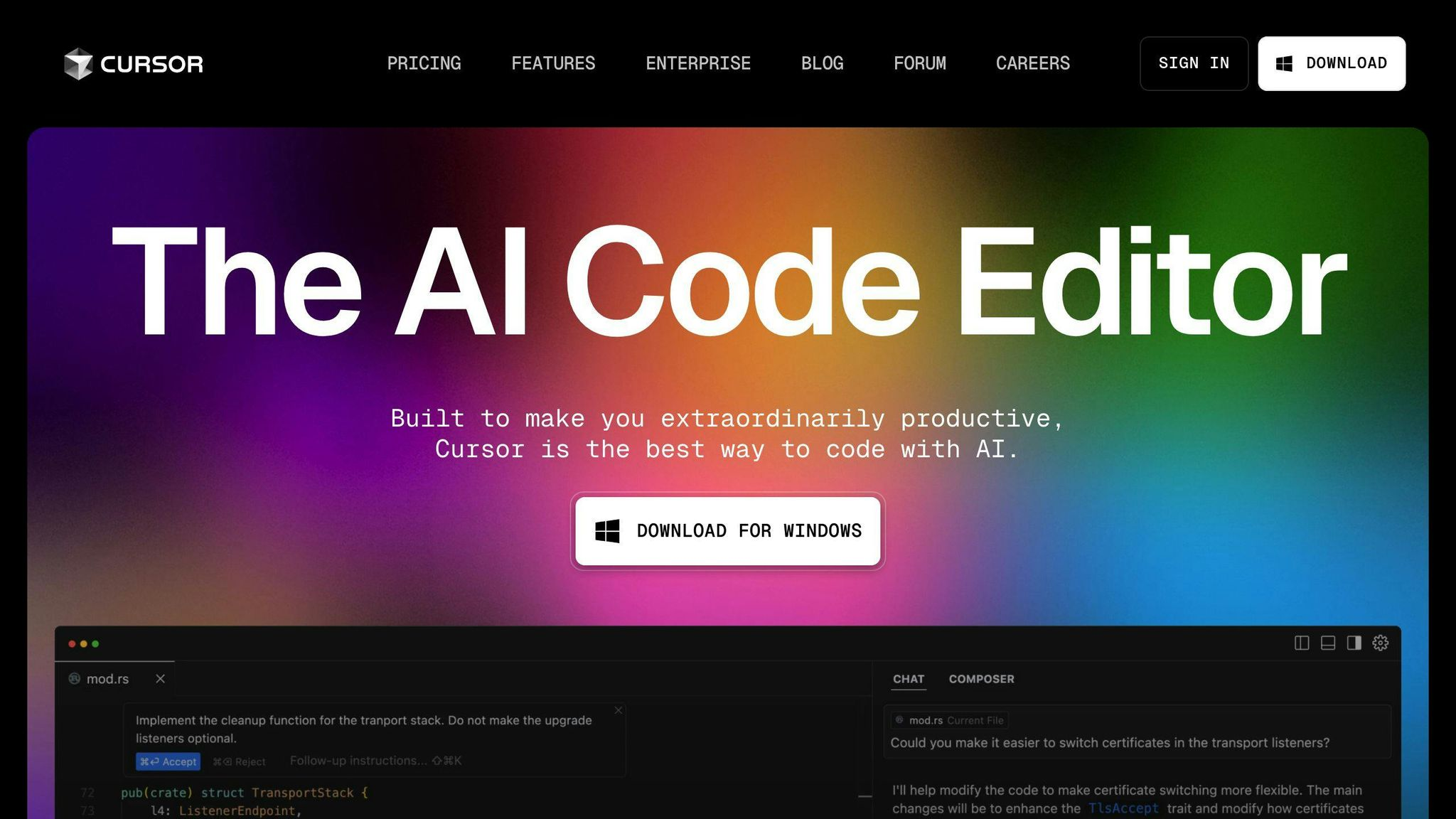
Best for: Developers prioritizing IDE-native speed and agentic refactoring
Cursor is a fork of VS Code built from the ground up for AI. It features instant context loading, agentic multi-file edits, and deep inline refactoring without the latency overhead of Cody or traditional assistants.
Developers praise its ability to understand project structure and make large-scale changes in seconds.
Cursor’s @symbols feature lets you reference entire codebases inline, enabling faster reasoning than competitors. For teams abandoning VS Code in favor of an AI-optimized editor, Cursor delivers unmatched developer experience and coding velocity.
Cursor replaces Cody for teams wanting an IDE-first experience rather than a code intelligence platform. The trade-off: you must switch editors, but the speed gains are substantial for most workflows.
3. Windsurf (Codeium): Agentic Code Generation at Scale
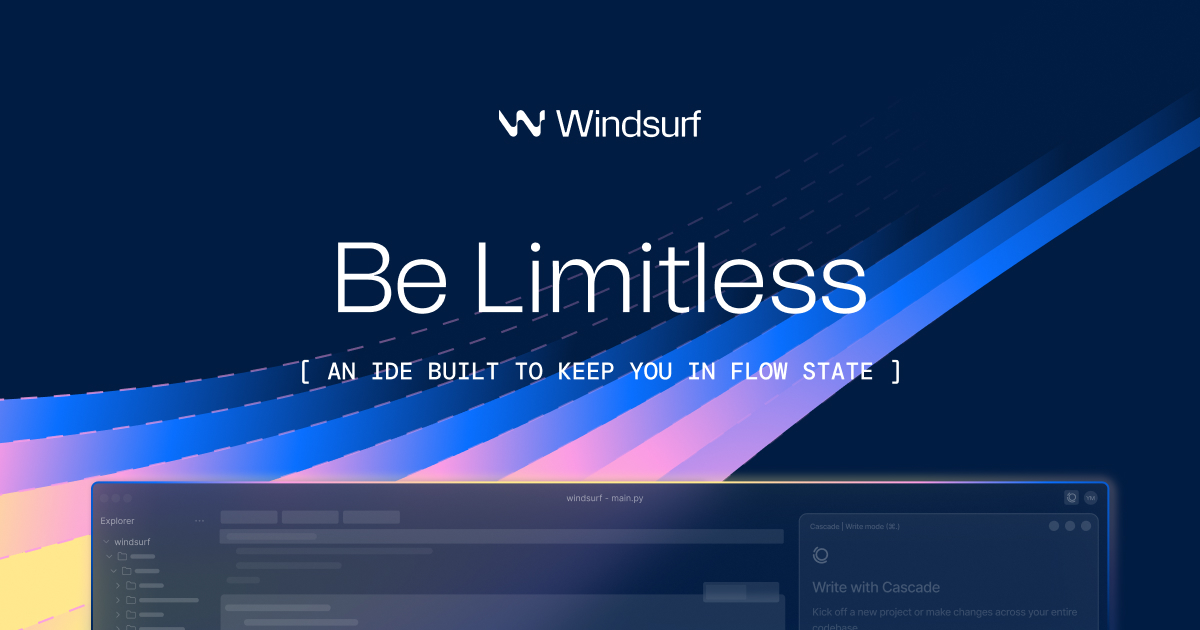
Best for: Teams needing autonomous multi-file code generation and Cascade agentic workflows
Windsurf introduces Cascade, an agentic AI framework that understands complex requirements and implements solutions across multiple files autonomously.
Unlike Cody’s context-aware suggestions, Cascade reasons about dependencies, orchestrates refactoring, and executes multi-step code changes.
It operates as a standalone IDE (macOS, Windows, Linux) or integrates into existing editors. Supercomplete feature delivers intelligent autocomplete for entire functions, eliminating boilerplate code and reducing context-switching friction.
For teams building complex systems or managing multi-service deployments, Windsurf’s agentic capabilities enable faster iteration than Cody’s traditional approach. Privacy-first options ensure code stays local while maintaining cloud inference flexibility.
4. Tabnine: Privacy-First Code Intelligence
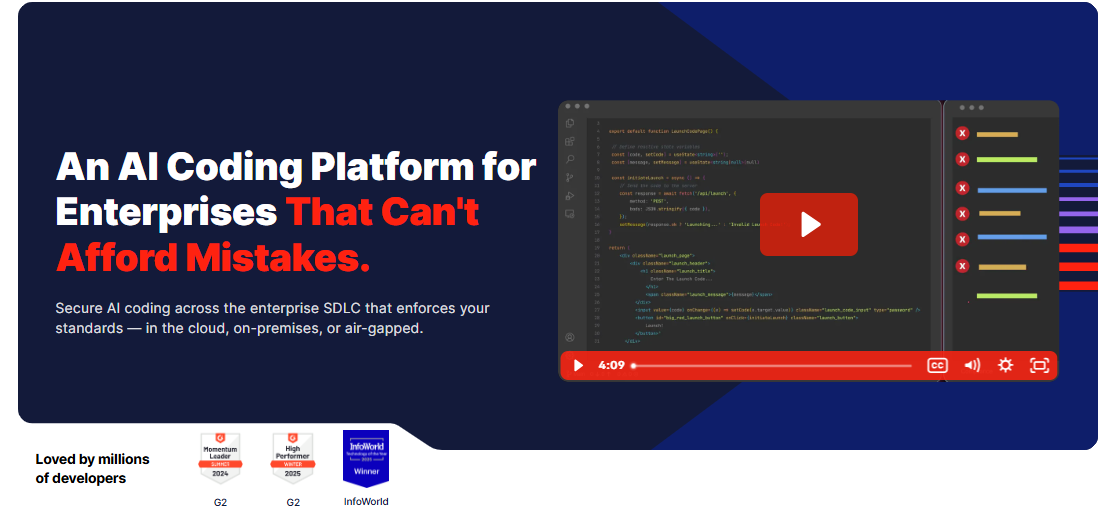
Best for: Enterprise teams requiring strict data privacy and self-hosted control
Tabnine delivers on-premise AI code completion with zero-knowledge architecture, ensuring proprietary code never reaches cloud infrastructure. It supports all major IDEs (VS Code, JetBrains, Eclipse, Neovim) and integrates seamlessly into CI/CD pipelines for enterprise workflows.
Unlike Cody’s cloud-first approach, Tabnine can run entirely locally on your hardware while maintaining high performance. Teams in regulated industries (healthcare, finance, defense) often prefer Tabnine for its privacy guarantees and HIPAA/SOC 2 compliance.
Tabnine trades repository-wide intelligence for privacy assurance. If your organization prioritizes data sovereignty and compliance over whole-codebase context, Tabnine outpaces Cody.
5. Greptile: Semantic Code Graph for Enterprise Scale
Best for: Large organizations needing architecture-level code understanding and PR reviews
Greptile as a tool, builds a semantic graph of entire repositories, enabling deep cross-file and cross-service impact analysis.
Unlike Cody’s diff-centric reviews, Greptile understands architectural implications of every change, surfacing hidden dependencies and breaking changes.
It offers customized code review reports, compliance dashboards, and team performance insights. SOC 2 certification and self-hosting options make it suitable for regulated industries requiring full infrastructure control.
For enterprises managing microservices or polyglot systems, Greptile’s graph-first approach identifies systemic risks that traditional assistants miss, making it a strategic upgrade from Cody for large-scale systems.
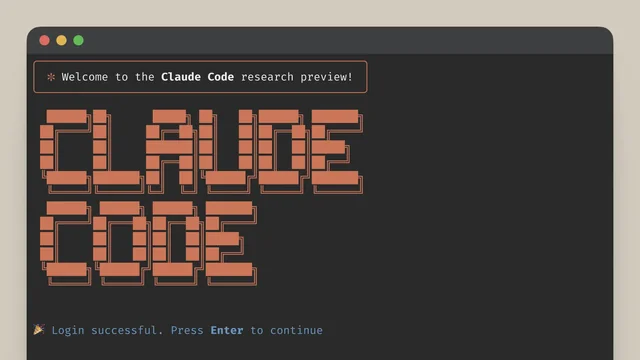
6. Claude Code: Complex Reasoning and Terminal Integration
Best for: Developers building complex systems with advanced reasoning requirements
Claude Code harnesses Claude 3.5 Sonnet’s extended reasoning to solve complex architectural problems, debug intricate workflows, and generate production-grade code.
Its terminal-first design and 100K+ token context window enable developers to feed entire codebases into a single conversation.
Unlike Cody’s traditional suggestions, Claude Code excels at explaining code, suggesting refactoring strategies, and debugging logic errors. Terminal-native integration makes it ideal for developers living in bash/zsh environments.
Teams tackling complex systems, building interpreters, or solving algorithmic challenges often find Claude Code’s reasoning depth superior to Cody’s pattern-matching approach.
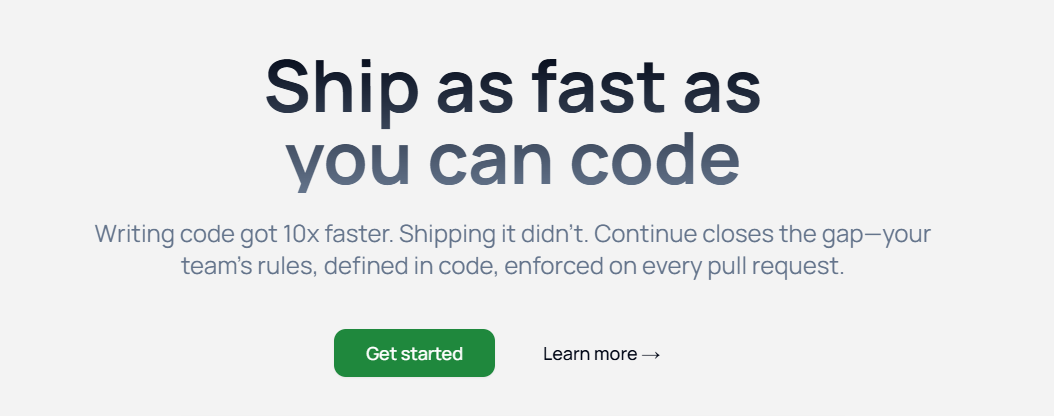
7. Continue: Open-Source, Customizable AI Coding
Best for: Teams wanting no vendor lock-in and full customization over AI models
Continue is open-source (Apache 2.0) and model-agnostic, letting teams bring their own LLMs (local or cloud), build custom agents, and define organization-specific rules without vendor constraints.
It integrates into VS Code and JetBrains with companion CLI tools for terminal workflows. Zero vendor lock-in, full sensitive data control, and extensible architecture appeal to organizations uncomfortable with proprietary platforms like Cody or Cursor.
Open-source projects, research teams, and privacy-conscious organizations often choose Continue to avoid long-term dependency on commercial tools while maintaining cutting-edge AI capabilities.
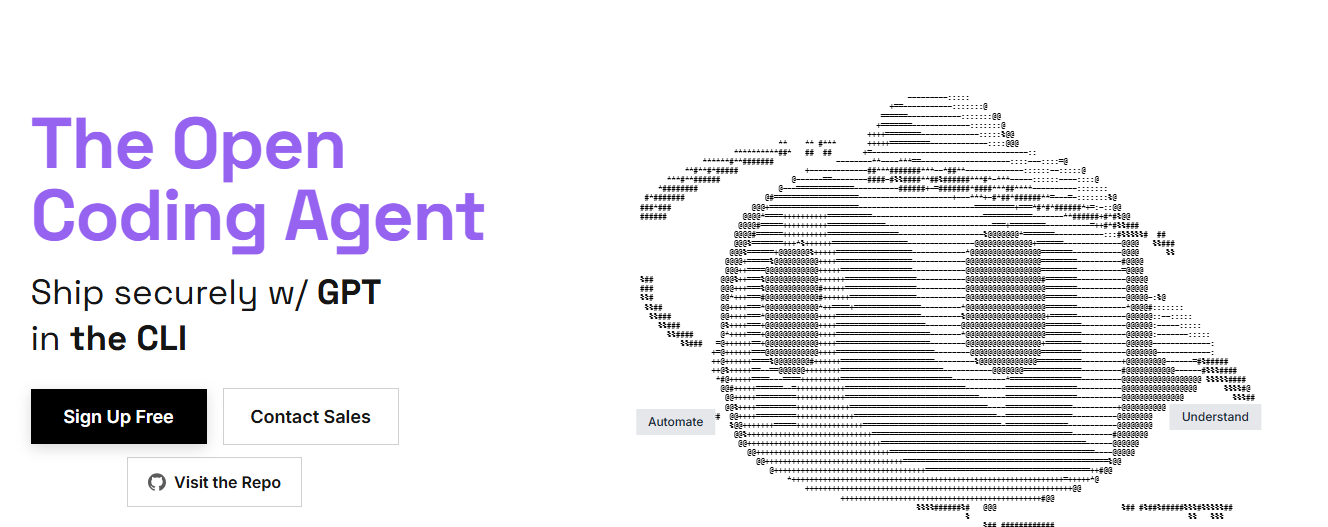
8. Cline: Terminal-First, Model-Agnostic AI Agent
Best for: Developers building large features autonomously with minimal human oversight
Cline operates as an autonomous AI agent for terminal-first workflows, capable of reading codebases, writing tests and debugging, and executing commands without constant prompting. It works with any LLM (Claude, GPT-4, local models) via your own API keys.
Unlike Cody’s suggestion-based approach, Cline executes multi-step development tasks end-to-end—reading requirements, refactoring code, running tests, and committing changes. For developers comfortable with agentic workflows, Cline dramatically reduces iteration cycles.
Cline’s cost model (pay-as-you-use API tokens) favors heavy automation users. Teams building full features from scratch or performing large refactorings often achieve faster iteration with Cline than traditional code assistants.
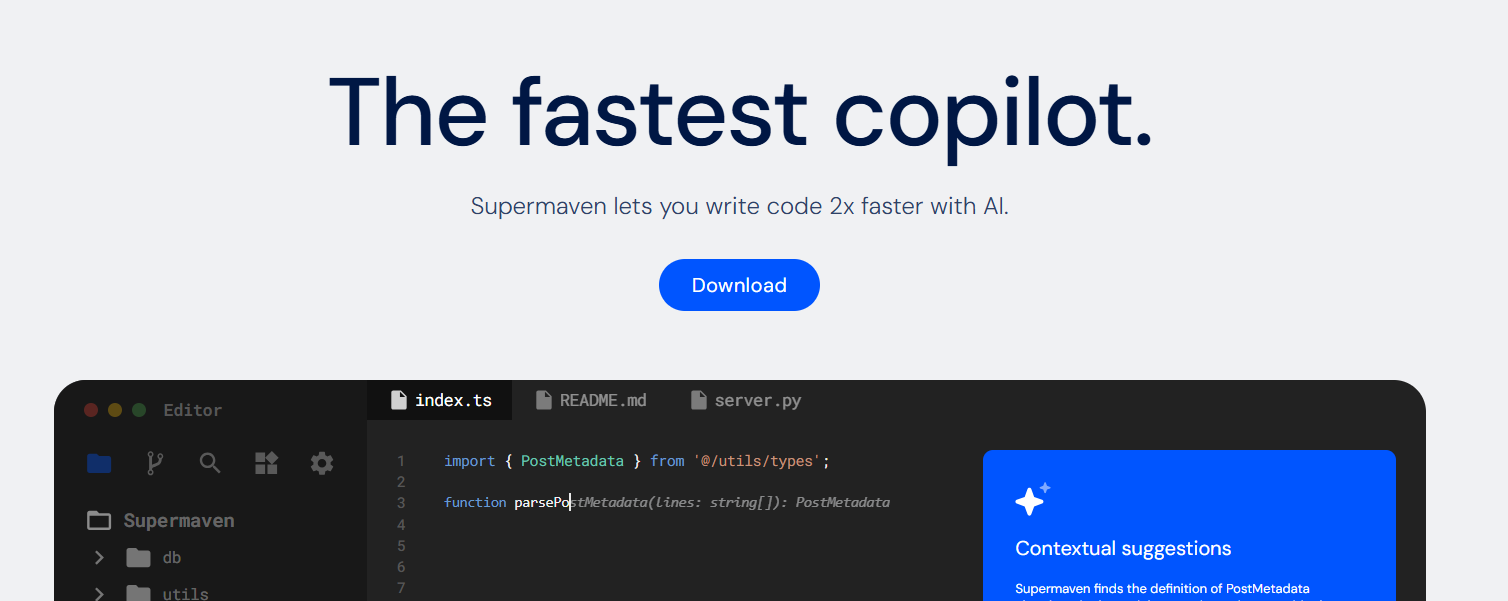
9. Supermaven: Lightning-Fast Code Completion
Best for: Teams prioritizing autocomplete speed and code generation latency
Supermaven delivers instant code completion with zero perceptible latency, supporting GPT-4o, Claude 3.5 Sonnet, and other frontier models.
Its context window can handle entire repositories in-memory, enabling faster suggestions than competitors.
Integration with VS Code, JetBrains, and Neovim is seamless. For teams frustrated with Cody’s suggestion latency or wanting faster developer feedback loops, Supermaven’s performance-first approach delivers measurable productivity gains.
Supermaven’s focused scope (completion speed over architectural reasoning) makes it ideal for teams valuing developer velocity over deep codebase intelligence.
10. Vercel v0: Web App Prototyping at Scale
Best for: Frontend teams and full-stack developers building web applications rapidly
Vercel v0 specializes in AI-powered React component generation and full-stack prototyping, enabling developers to build web applications from NLP. It integrates with Vercel’s deployment platform for instant production deployment.
Unlike Cody’s backend-focused code assistance, v0 excels at frontend development, design system integration, and rapid UI iteration. Teams building web products benefit from its visual preview and instant deployment capabilities.
For web-centric organizations, v0 replaces Cody by focusing on full-stack web development rather than enterprise backend systems and monorepo management.
11. Amazon Q Developer: Cloud-Native AI Coding
Best for: AWS-focused organizations and teams optimizing cloud infrastructure
Amazon Q Developer integrates inline code suggestions, vulnerability scanning, and chat into JetBrains, VS Code, and AWS management consoles.
It’s trained on AWS best practices and CloudFormation/Terraform patterns, making it ideal for infrastructure-as-code workflows.
Unlike Cody’s infrastructure-agnostic approach, Amazon Q optimizes code for AWS cost, performance, and compliance. CLI autocompletion and cloud shell integration enable complete terminal workflows without leaving AWS infrastructure.
AWS-centric teams benefit from Amazon Q’s native cloud integrations and cost optimization recommendations that Cody cannot provide.
12. Copilot Pro: Multi-Language Agentic Coding
Best for: Teams familiar with GitHub ecosystem and wanting enterprise-grade agentic features
GitHub Copilot Pro combines GPT-4o reasoning with agentic code generation capabilities, enabling multi-file edits, architectural refactoring, and complex problem-solving.
Its tight GitHub integration provides seamless PR reviews and inline suggestions.
Copilot Pro’s advantage: native GitHub integration, enterprise SSO support, and policy-based code controls. Teams already leveraging GitHub for source control benefit from unified workflows across coding, review, and collaboration.
Copilot Pro competes with Cody primarily through ecosystem integration rather than technical superiority, making it a strategic choice for GitHub-native organizations.
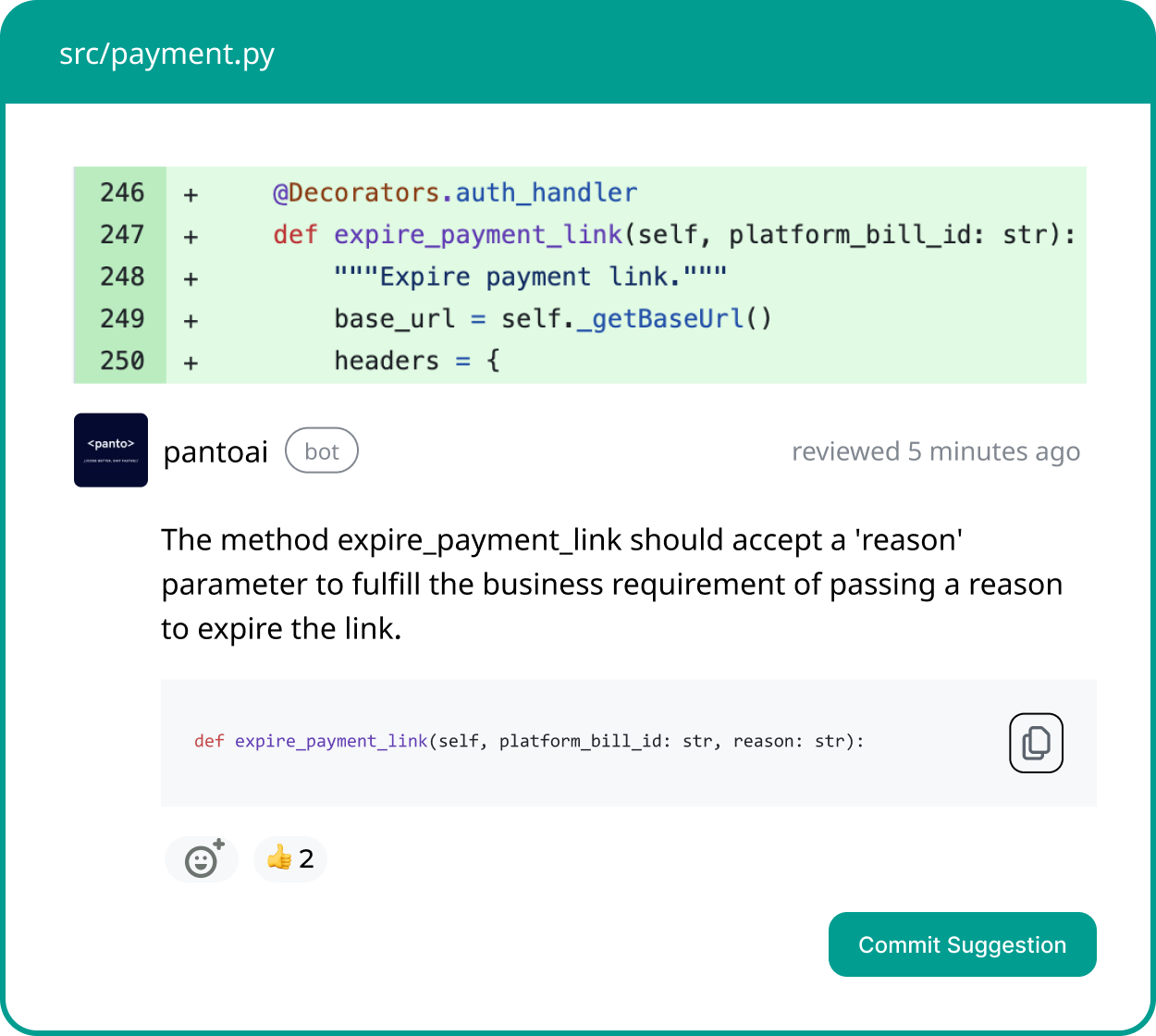
Your AI Code Review Agent
Panto reviews every pull request with business context, architectural awareness, and consistent standards—so teams ship faster without hidden risk.
- ✓ Aligns business intent with code changes
- ✓ Catches bugs and risk in minutes, not days
- ✓ Hallucination-free, consistent reviews on every commit
Sourcegraph Cody Alternatives Comparison Table
| Tool | Core Strength | Code Scope | Best For | Pricing Model |
|---|---|---|---|---|
| Panto AI | Security & compliance review | Full repository | Regulated enterprises | Custom enterprise |
| Cursor | IDE-native speed & agentic edits | Project-scoped | IDE-first developers | $20/month |
| Windsurf | Cascade agentic workflows | Multi-file edits | Complex systems | Free + Pro |
| Tabnine | Privacy-first, self-hosted | Project-scoped | Security-conscious teams | Free + Enterprise |
| Greptile | Semantic code graphs | Full repository | Enterprise scale | $30+/user/month |
| Claude Code | Advanced reasoning | Context-fed | Complex debugging | Claude API pricing |
| Continue | Open-source flexibility | Customizable | No vendor lock-in | Free (open-source) |
| Cline | Autonomous agent | Full repository | Large feature building | API token usage |
| Supermaven | Lightning-fast completion | Project-scoped | Velocity-first teams | Freemium + Pro |
| Vercel v0 | Web app prototyping | Component-focused | Frontend teams | Free + Pro |
| Amazon Q | AWS-native optimization | Infrastructure-focused | AWS-centric teams | $30/month Pro |
| Copilot Pro | GitHub ecosystem integration | Multi-file agentic | GitHub-native teams | $20/month |
Decision Framework: Choosing Your Cody Alternative
- Solo developers or small startups (1-5 engineers): Cursor, Tabnine, or Supermaven for instant onboarding and for individual speed.
- Mid-size teams (5-50 engineers): Windsurf, Copilot Pro, or Greptile for balanced velocity and code quality.
- Enterprise organizations (100+ engineers): Panto AI, Greptile, or Amazon Q for code governance, compliance, and architectural reasoning.
- Privacy-first organizations: Tabnine, Continue, or Cline for full data control and self-hosted capabilities.
- Frontend/web-centric teams: Vercel v0 or Windsurf for rapid UI development and component generation.
When Sourcegraph Cody Still Makes Sense
- Remains a strong choice for massive monorepos (1M+ lines of code) requiring deep, repository-wide understanding
- Best suited for organizations already invested in Sourcegraph, where tight platform integration reduces switching costs
- Valuable for teams that need code search and AI reasoning unified in a single system
- Performs well when repository intelligence and cross-file context matters more than IDE-native speed
- Works best in environments with dedicated DevOps resources to manage infrastructure and self-hosting
- Becomes less compelling as AI coding tools specialize in 2026, especially for teams optimizing around narrow, high-impact use cases
Conclusion: The Era of Specialized AI Coding Tools
Choosing among Sourcegraph Cody alternatives in 2026 reflects a fundamental shift: AI coding is no longer monolithic.
Cursor excels at speed, Panto at security, Windsurf at autonomy, and Tabnine at privacy—specialization beats generalism.
The next step: Evaluate based on your team’s primary pain point. Is it code review quality? IDE responsiveness? Compliance requirements? Security concerns? Your answer determines which alternative best displaces Cody.