


Mobile QA teams increasingly rely on black-box automation to validate real user journeys. Appium and Maestro are two popular frameworks addressing this need from different angles. Choosing the right one directly impacts test speed, reliability, and team productivity.
This comparison examines Appium and Maestro across architecture, usability, stability, and scale. The structure mirrors modern evaluation criteria used by fast-moving mobile engineering teams. The focus is practical decision-making.
Why Appium vs Maestro Is a Common Debate
Both frameworks enable automation without modifying application source code. They integrate well with CI pipelines and real-device debugging strategies. However, their philosophies and operational costs differ significantly.
Appium emphasizes flexibility and ecosystem maturity. Maestro prioritizes simplicity and speed of adoption. Team skill sets strongly influence framework success. The debate reflects deeper questions about engineering culture and resource allocation.
Mobile testing evolved from niche practice to core engineering function. Early frameworks required deep coding expertise. Modern teams demand tools that match their velocity and diversity. This shift created space for alternatives like Maestro.
Enterprise teams face unique pressures. They must support multiple app platforms with limited automation engineers. They need reliable tests that non-programmers can maintain. These requirements highlight Appium’s complexity and Maestro’s appeal.
The choice impacts hiring and team structure. Appium requires specialized automation engineers. Maestro enables QA analysts to contribute directly. This difference affects staffing budgets and career development paths.
Market Positioning and Adoption Trends
Appium dominates enterprise mobile QA. It powers automation at Fortune 500 companies across industries. Its WebDriver foundation ensures compatibility with existing Selenium infrastructure. This legacy advantage creates high switching costs.
Maestro emerged from mobile-first companies frustrated with existing tools. Its focus on developer experience resonates with modern engineering values. Adoption is accelerating but remains concentrated in specific segments.
Cloud testing providers shape framework adoption. Most support Appium natively due to enterprise demand. Maestro support is growing but less universal. This infrastructure gap influences framework decisions for teams relying on cloud devices.
Open-source community dynamics differ significantly. Appium benefits from a decade of contributions and plugins. Maestro’s smaller community moves faster but has fewer integrations. The trade-off is stability versus innovation speed.
Decision Framework Overview
Selecting between Appium and Maestro requires evaluating five critical metrics. These dimensions determine long-term success more than any individual feature.
- First, assess your team’s technical composition and learning capacity. Programming-heavy teams adapt to Appium quickly. Mixed teams with QA analysts benefit from Maestro’s accessibility.
- Second, analyze your application portfolio complexity. Diverse platforms and technologies favor Appium’s flexibility. Focused mobile app strategies align with Maestro’s simplicity.
- Third, quantify your test automation maturity. Established automation programs leverage Appium’s depth. New initiatives gain momentum faster with Maestro.
- Fourth, evaluate your infrastructure and tooling ecosystem. Existing Selenium investments make Appium natural. Greenfield projects choose Maestro for modern workflows.
- Fifth, consider your scalability requirements and growth trajectory. Large-scale parallel execution favors Maestro’s lightweight model. Complex enterprise integrations require Appium’s ecosystem.
Architecture, Usability, and Real-World Trade-offs
What Is Appium?
Appium is an open-source mobile automation framework based on the WebDriver protocol. It interacts with mobile apps externally using platform automation drivers. Tests simulate real user behavior without internal app access.
Appium supports native, hybrid, and mobile web applications. It allows teams to write tests in multiple coding languages. This makes it suitable for large, diverse engineering organizations.
The framework operates as a server that translates WebDriver commands into platform-specific actions. This abstraction layer enables cross-platform test scripts. The same test logic can target iOS and Android with minimal changes.
Core Characteristics of Appium
- Black-box automation using WebDriver provides standardized interaction patterns.
- Supports iOS, Android, hybrid, and mobile web apps through unified APIs.
- Compatible with Java, JavaScript, Python, Ruby, and more enables polyglot teams.
- Extensive plugin and cloud provider ecosystem extends functionality for specialized needs.
- The WebDriver protocol ensures compatibility with existing test infrastructure and tooling.
WebDriver Protocol Implementation
Appium implements the W3C WebDriver specification for mobile contexts. This standardization enables reuse of Selenium knowledge and tools. Test scripts use familiar commands like findElement, click, and sendKeys.
The protocol defines a client-server architecture. Test code sends HTTP requests to the Appium server. The server translates these into platform-specific automation commands. This adds network latency but increases abstraction.
Command execution follows a strict request-response cycle. Each interaction requires round-trip communication. Complex gestures need multiple commands, multiplying overhead. This architecture prioritizes standardization over raw performance.
Driver Architecture and Platform Support
Appium’s driver model isolates platform-specific implementation details. The XCUITest driver wraps Apple’s native testing framework for iOS. The UIAutomator2 driver interfaces with Android’s automation APIs.
This separation enables independent driver development. iOS and Android teams can update drivers without coordinating releases. Plugin architecture allows custom drivers for specialized platforms like Flutter or React Native.
However, this modularity increases configuration complexity. Teams must manage driver versions, platform SDKs, and compatibility matrices. Version mismatches cause subtle failures that are difficult to debug.
Capabilities and Configuration System
Appium uses capabilities to configure test sessions. These key-value pairs specify platform, device, and automation settings. Capabilities control everything from device orientation to automation engine selection.
The capabilities system provides flexibility but requires deep knowledge. Teams maintain capability sets for different test scenarios. Environment-specific configurations increase maintenance overhead.
Advanced capabilities enable performance tuning and feature flags. However, discovering and understanding these options demands expertise. New team members face steep learning curves.
What Is Maestro?
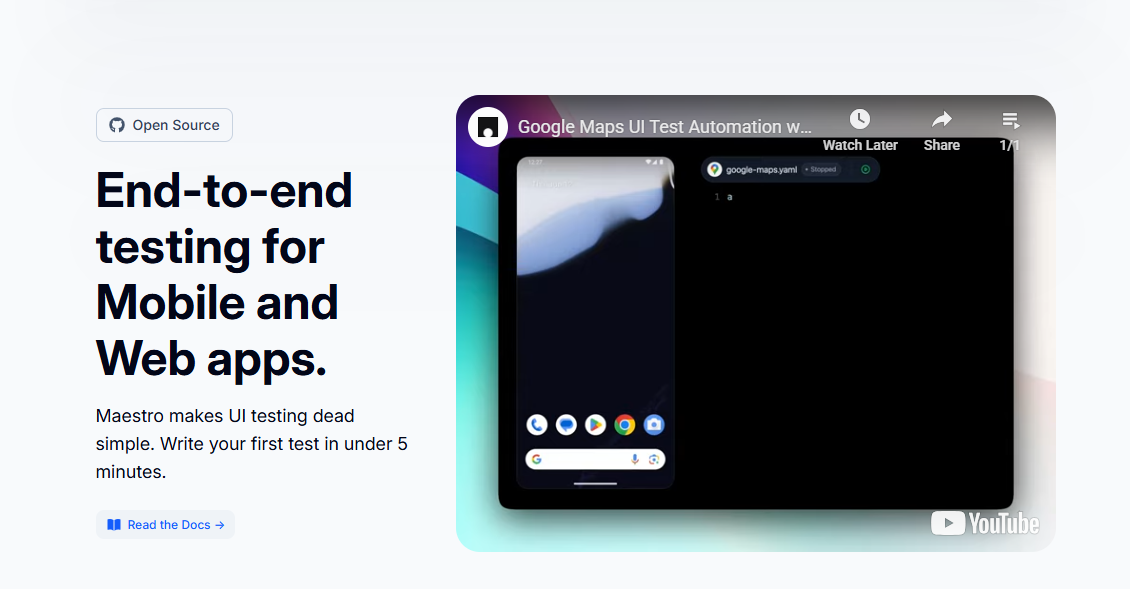
Maestro is a modern mobile UI testing framework focused on ease of use. It uses a declarative YAML syntax instead of traditional programming languages. Tests are written as readable, step-based user flows.
Maestro emphasizes stability through intelligent synchronization. It automatically waits for UI elements and animations to settle. This significantly reduces flaky test behavior.
The framework operates through a lightweight runner that executes YAML flows directly. This eliminates compilation steps and reduces tooling complexity. Tests run on real devices and emulators with minimal setup.
Core Characteristics of Maestro
Black-box automation with user-centric execution prioritizes real-world interaction patterns. No-code or low-code YAML-based test definitions enable rapid test creation. Built-in smart waits and retries eliminate timing-related failures.
Cloud-friendly execution model supports modern CI/CD pipelines. The architecture minimizes infrastructure requirements and operational overhead.
YAML-Based Test Definition
Maestro tests are pure YAML files describing user flows. Each step specifies an action like tap, inputText, or assertVisible. The syntax reads like natural language, making tests self-documenting.
This approach eliminates programming language dependencies. QA analysts write tests without learning JavaScript or Python. Developers review tests easily during pull requests.
The declarative nature focuses tests on what users do, not how automation works. Steps describe intent rather than implementation details. This abstraction reduces brittleness when UI implementation changes.
Intelligent Synchronization Engine
Maestro’s synchronization engine monitors UI state automatically. It waits for elements to appear, animations to complete, and network requests to finish. Tests proceed only when the app is truly ready.
This intelligence eliminates explicit wait statements. Test authors focus on user flows, not timing logic. The engine uses multiple signals including view hierarchy changes and main thread activity.
The result is exceptional stability. Tests behave consistently across different device speeds and network conditions. Flakiness rates drop dramatically compared to manual synchronization approaches.
Cloud-Native Execution Model
Maestro designed for cloud execution from the start. Its lightweight runner starts quickly and consumes minimal resources. This enables efficient parallelization across device fleets.
The framework integrates seamlessly with cloud device providers. Tests upload as YAML files without compilation dependencies. Execution environments remain simple and reproducible.
This design reduces CI pipeline complexity. Docker containers run Maestro tests with small footprints. Resource efficiency translates to lower cloud testing costs at scale.
Test Authoring Experience
Appium test authoring resembles traditional software development. Tests require knowledge of programming constructs and test frameworks. This provides flexibility but increases onboarding time.
Maestro prioritizes readability and speed of creation. QA engineers can write tests without deep programming expertise. Test intent is immediately visible from the YAML structure.
The authoring experience shapes team productivity. Fast test creation enables rapid coverage expansion. Readable tests facilitate collaboration and maintenance.
Appium Authoring Patterns
Appium tests typically use page object models. These encapsulate element locators and interaction logic. Tests become concise but require supporting infrastructure.
Element locator strategies demand expertise. IDs, accessibility labels, and XPath expressions each have trade-offs. Flaky locators cause test maintenance headaches.
Error handling requires explicit try-catch blocks and retry logic. This adds boilerplate that obscures test intent. Junior engineers struggle with these patterns without mentorship.
Maestro Authoring Simplicity
Maestro tests read like user story acceptance criteria. Each line represents a clear user action or assertion. Stakeholders outside engineering can understand test flows.
The learning curve is measured in hours, not weeks. New team members write their first working test on day one. This accelerates team scaling and knowledge transfer.
Refactoring tests remains straightforward. Changing a button label requires updating one YAML line. No compilation or complex refactoring tools needed.
Collaboration and Code Review
Appium tests review like production code. Engineers check logic, patterns, and maintainability. QA analysts often cannot participate fully in reviews due to programming complexity.
Maestro tests review like documentation. Product managers and designers can validate test coverage against user stories. This broader participation improves test quality and coverage.
Pull request discussions focus on user scenarios, not implementation details. Teams catch missing edge cases earlier in the development cycle.
Execution Speed and Feedback Loops
Appium execution speed depends on driver performance and infrastructure quality. Each command travels through multiple layers before reaching the device. Latency increases as test suites scale.
Maestro is optimized for fast local and CI execution. Its lightweight runner minimizes overhead. Feedback cycles are typically shorter.
Rapid feedback transforms development workflows. Developers run tests locally before committing. CI pipelines complete quickly, enabling faster iteration.
Benchmark Performance Data
Independent benchmarks show Maestro executing tests 2-3x faster than Appium. A typical checkout flow test completes in 12-18 seconds with Maestro versus 30-45 seconds with Appium.
The difference compounds across test suites. A 50-test regression suite finishes in 10 minutes with Maestro versus 25-30 minutes with Appium. This impacts developer productivity and CI resource costs.
Local execution speed particularly favors Maestro. Developers run relevant tests during development without context switching. Appium’s slower local runs encourage developers to skip tests until CI.
CI Pipeline Impact
Maestro’s speed reduces CI queue times and resource consumption. Faster pipelines enable more frequent deployments. Teams merge changes with confidence multiple times daily.
Appium’s slower execution increases CI costs. Cloud device minutes accumulate quickly. Parallelization helps but multiplies infrastructure requirements.
Pipeline optimization becomes necessary with Appium. Teams implement test splitting, result caching, and selective execution. These optimizations add complexity and maintenance burden.
Debugging and Failure Analysis
Maestro provides immediate, clear failure information. YAML steps show exactly where flows break. Screenshots and view hierarchies capture automatically on failure.
Appium debugging requires inspecting stack traces and driver logs. Indirect error messages obscure root causes. Teams spend significant time diagnosing timing-related failures.
The debugging experience affects defect resolution speed. Clear failure information enables faster fixes. Developers spend less time investigating test issues and more time building features.
Stability and Flakiness
Appium stability depends heavily on explicit waits and locator strategies. Improper synchronization leads to intermittent failures. Large test suites require continuous tuning.
Maestro handles synchronization automatically. Tests run only when the UI is ready for interaction. This dramatically reduces flaky results.
Flaky tests undermine automation ROI. Teams lose confidence and start ignoring failures. This defeats the purpose of automated code quality gates.
Appium Flakiness Challenges
Appium’s black-box nature creates synchronization challenges. Tests cannot observe internal app state. They rely on timeouts and polling to guess readiness.
Element locator brittleness causes frequent failures. Dynamic IDs, changing hierarchies, and timing issues break tests. Maintenance consumes 30-40% of automation engineer time.
Network request handling particularly challenges Appium. Tests cannot know when async operations complete. Fixed waits add delay; short waits cause flakiness. This fundamental limitation requires constant workaround development.
Maestro Stability Advantages
Maestro’s synchronization engine observes UI state directly. It detects when elements become visible, enabled, and responsive. Tests proceed at optimal speed without unnecessary waiting.
The framework automatically retries failed interactions. Transient issues like animation timing resolve without test failure. This resilience matches real user behavior.
Flakiness rates below 1% are common with Maestro. Teams report suites running for weeks without intermittent failures. This stability transforms mobile QA from overhead to enabler.
Long-Term Maintenance Impact
Stable tests require minimal ongoing maintenance. Teams focus on expanding coverage rather than fixing flaky tests. Automation engineers become quality advocates instead of maintenance technicians.
Appium’s flakiness creates a vicious cycle. Unstable tests demand attention, reducing time for new test development. Coverage stalls while maintenance costs grow.
Maestro’s stability enables continuous improvement. Teams add tests confidently as features evolve. The test suite grows with the application, providing increasing value over time.
Setup and Maintenance Complexity
Appium setup involves installing platform SDKs, drivers, and dependencies. Environment inconsistencies are common across machines. Maintenance effort grows with OS updates.
Maestro offers a lightweight setup with minimal dependencies. Configuration is straightforward and reproducible. Ongoing maintenance costs are lower.
Complexity directly impacts team productivity. Difficult setup discourages adoption. High maintenance diverts resources from value-added activities.
Appium Environment Management
Appium requires specific versions of platform SDKs, build tools, and drivers. Version conflicts cause subtle failures that are difficult to diagnose. Teams maintain detailed setup documentation and internal tooling.
Docker helps but adds container management overhead. Images must include all platform dependencies, making them large and slow to build. Updating images for new OS versions requires significant effort.
Environment drift between local machines and CI causes “works on my machine” issues. Debugging these inconsistencies wastes valuable engineering time. Teams implement strict environment management policies.
Maestro Installation Simplicity
Maestro installs via a single command on macOS, Linux, and Windows. No platform SDKs or build tools required. The runner includes all necessary dependencies internally.
This simplicity enables immediate productivity. New team members install Maestro and run tests within minutes. Onboarding time reduces from days to hours.
CI integration requires only the Maestro CLI. Docker images remain small and fast. Environment consistency happens naturally without complex management.
Appium vs Maestro: Comparison Table
| Aspect | Appium | Maestro |
|---|---|---|
| Testing Approach | Black-box (WebDriver) | Black-box (YAML flows) |
| Test Authoring | Multiple languages (Java, JS, Python) | No-code YAML |
| Setup Complexity | High (SDKs + drivers) | Low (single command) |
| Execution Speed | Moderate (network latency) | Fast (lightweight runner) |
| Test Flakiness | Medium-High (manual waits) | Very Low (smart sync) |
| Platform Support | iOS/Android/Hybrid/Web | iOS/Android/React Native/Flutter |
| Maintenance Effort | High (locator updates) | Low (YAML edits) |
| Team Accessibility | Developers only | QA + Developers |
| CI/CD Integration | Complex (server management) | Simple (CLI/Docker) |
| Cloud Device Support | Extensive | Growing |
| Learning Curve | Steep (weeks) | Hours |
Why Panto AI Outperforms Appium and Maestro
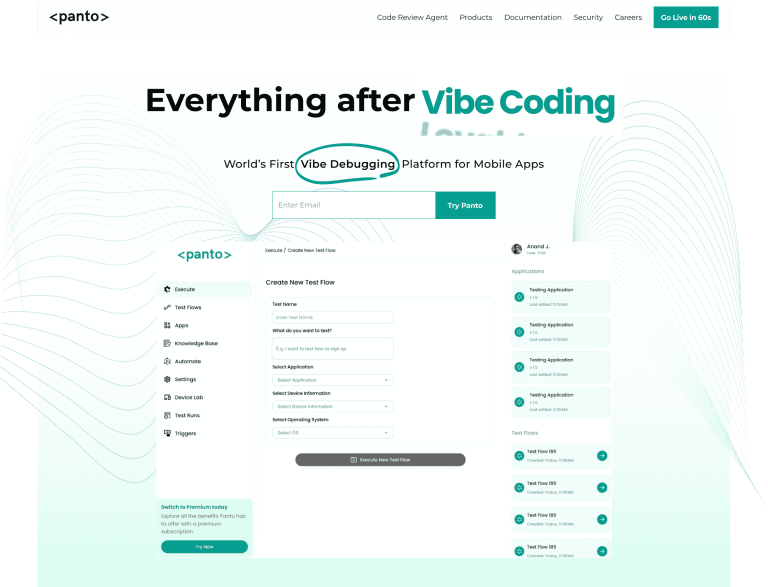
Appium and Maestro improve black-box automation in different ways. Yet both still depend on predefined test steps and human-authored flows. Panto AI removes this dependency entirely.
Panto AI continuously learns from real user sessions. It generates coverage automatically, without YAML or code. Testing becomes adaptive rather than prescriptive.
Panto AI Advantages Over Appium and Maestro
- No test authoring in code or configuration files
- Automatic discovery of critical user paths
- Self-healing tests without manual intervention
- Reduced flakiness without explicit synchronization logic
Instead of asking teams to predict user behavior, Panto AI validates what users actually do. This results in higher confidence with lower effort.
Appium vs Maestro vs Panto AI: Comparison Table
| Aspect | Appium | Maestro | Panto AI |
|---|---|---|---|
| Testing Approach | Black-box (WebDriver) | Black-box (YAML flows) | AI-driven (self-healing) |
| Test Authoring | Multiple languages (Java, JS, Python) | No-code YAML | No-code (NLP + auto-generation) |
| Setup Complexity | High (SDKs + drivers) | Low (single command) | Very Low (cloud-first) |
| Execution Speed | Moderate (network latency) | Fast (lightweight runner) | Fastest (AI optimization) |
| Test Flakiness | Medium-High (manual waits) | Very Low (smart sync) | Near-Zero (self-healing) |
| Platform Support | iOS/Android/Hybrid/Web | iOS/Android/React Native/Flutter | All mobile frameworks |
| Maintenance Effort | High (locator updates) | Low (YAML edits) | Minimal (auto-adapts) |
| Team Accessibility | Developers only | QA + Developers | All team members |
| CI/CD Integration | Complex (server management) | Simple (CLI/Docker) | Seamless (API-first) |
| Cloud Device Support | Extensive | Growing | Full integration |
| Learning Curve | Steep (weeks) | Hours | Minutes |
| Cost Model | Open source + infra costs | Open source + infra costs | SaaS (predictable) |
Choose Panto AI when you want:
- Zero test authoring – Automatic coverage generation vs. YAML/code writing
- True self-healing – Adapts to UI changes without human intervention
- Maximum team access – Every QA member contributes instantly vs. developer dependency
- Highest ROI – 70% less maintenance vs. Appium’s constant locator updates or Maestro’s YAML edits
Panto AI transforms testing from manual prescription to adaptive validation of actual user behavior. Teams achieve higher confidence with dramatically lower effort, making it the clear choice for modern mobile QA workflows



