


Software quality today is no longer just a technical concern — it directly affects release velocity, customer trust, and operational cost. As development cycles accelerate through Agile and DevOps practices, teams constantly face one key decision:
Should testing be manual, automated, or both?
The debate around manual testing vs automated testing is often oversimplified. Many articles frame automation as the inevitable future and manual testing as outdated. In reality, high-performing engineering teams rely on strategic combinations of both.
This guide breaks down the differences, real costs, practical use cases, and decision frameworks that help teams choose the right debugging approach at the right time.
Manual vs Automated: Introduction
What Is Manual Testing?
Manual testing is the process of validating software functionality without automation tools, where human testers execute test cases step by step and evaluate outcomes.
Testers interact with the application like real users — clicking interfaces, validating workflows, and identifying usability or behavioral issues.
Unlike automated testing, manual testing emphasizes human judgment, intuition, and exploratory analysis, making it particularly effective for discovering unexpected defects.
Typical characteristics:
- Performed by QA engineers or testers
- No scripting required
- Flexible and adaptable
- Ideal for exploratory and usability validation
Manual testing focuses less on scale and more on understanding user experience and product behavior.
What Is Automated Testing?
Automated testing uses scripts and testing frameworks to execute predefined test cases automatically.
Instead of repeating tests manually, teams write code that validates application behavior across builds, environments, and configurations.
Once created, automated tests can run repeatedly with minimal human intervention.
Key characteristics:
- Script-driven execution
- Integrated into CI/CD pipelines
- Repeatable and scalable
- Designed for consistency and speed
Automation shifts testing from human execution to systematic verification at scale, enabling faster releases without sacrificing stability.
Manual Testing vs Automated Testing — Key Differences
The differences between manual and automated testing extend beyond speed. They affect cost structures, team workflows, and long-term engineering scalability.
| Factor | Manual Testing | Automated Testing |
|---|---|---|
| Speed | Slower execution | Faster after setup |
| Cost | Low upfront cost | Higher initial investment |
| Maintenance | Minimal tooling overhead | Requires script maintenance |
| Accuracy | Human error possible | Highly consistent results |
| CI/CD Fit | Limited integration | Essential for CI/CD |
| Scalability | Difficult to scale | Highly scalable |
| Best For | Exploratory testing | Regression & repeated testing |
| Feedback Cycle | Slower feedback | Immediate feedback |
| Skill Requirement | QA-focused | QA + programming skills |
The key takeaway: manual testing optimizes discovery, while automation optimizes repetition.
Cost Comparison of Manual vs Automated Testing
Many comparisons stop at “automation costs more upfront.” That statement is technically correct but strategically incomplete.
The real comparison involves total cost of ownership over time.
1. Initial Investment
Manual testing starts cheaply because it requires minimal setup.
Automation requires tooling, framework design, and engineering effort before delivering value.
| Cost Component | Manual Testing | Automated Testing |
|---|---|---|
| Setup tools | Minimal | Testing frameworks & infrastructure |
| Training | Low | Moderate to high |
| Test creation | Fast | Slower initially |
| Infrastructure | Limited | CI/CD + environments |
Manual testing wins early-stage cost efficiency, while automation is an investment phase.
2. Maintenance Cost
This is where automation complexity emerges. Automated tests must evolve alongside product changes.
Common maintenance tasks:
- Updating selectors after UI changes
- Refactoring brittle tests
- Managing flaky tests
- Environment configuration updates
Manual testing avoids script maintenance but introduces repeated human labor costs.
Over time:
- Manual cost grows linearly
- Automation cost stabilizes after maturity
3. Long-Term ROI
Automation becomes economically favorable when tests are executed repeatedly.
Example scenario:
| Scenario | Manual Testing | Automated Testing |
|---|---|---|
| Single release validation | Cheaper | Expensive |
| Weekly releases | Increasing cost | Cost stabilizes |
| Daily deployments | Unsustainable | Highly efficient |
The ROI tipping point usually appears when:
- Releases occur frequently
- Regression suites expand
- Teams scale products across platforms
Automation transforms testing from a recurring expense into a scalable asset.
4. Team Scaling Impact
Manual testing scales through hiring more testers. Automation scales through infrastructure.
| Scaling Method | Result |
|---|---|
| Hire more testers | Higher operational cost |
| Add automation | Higher productivity per engineer |
Organizations pursuing rapid growth typically shift toward automation because headcount scaling alone does not keep pace with deployment velocity.
Which one is a better Choice: Manual or Automated?
When Manual Testing Is Actually Better
Despite automation trends, manual testing remains essential in several scenarios.
1. Early-Stage Products
When features change daily, automated scripts break constantly. Manual testing allows fast validation without maintenance overhead.
Best suited for:
- MVP development
- Startup experimentation
- Rapid product iteration
2. Rapid UI Changes
Automation struggles with unstable interfaces. Manual testers adapt instantly without rewriting scripts.
Examples include:
- Design system transitions
- A/B testing interfaces
- Frequent layout updates
3. Exploratory Testing
Humans excel at discovering unexpected issues.
Manual testers can:
- Follow intuition
- Investigate edge cases
- Simulate unpredictable user behavior
Automation only tests what it is programmed to test.
4. UX and Usability Validation
User experience cannot be fully automated.
Manual testers evaluate:
- Visual clarity
- Interaction flow
- Emotional friction
- Accessibility perception
These require human interpretation.
5. Short-Term Projects
If software has limited lifespan, automation ROI may never materialize.
Examples:
- Campaign websites
- Temporary internal tools
- Proof-of-concept applications
Manual testing minimizes unnecessary investment.
When Automated Testing Becomes Critical
Automation transitions from optional to essential as systems mature.
CI/CD Changes the Manual vs Automation Equation
In traditional release cycles, manual testing could occur at the end of development.
In modern CI/CD workflows, testing happens continuously.
Every pull request triggers:
- Build validation
- Unit test execution
- Integration testing
- Regression suite checks
- Deployment gating
Automated tests act as merge gates. If tests fail, the code does not ship. Manual testing cannot function as a merge gate at scale because:
- It cannot run instantly
- It cannot validate every commit
- It cannot execute in parallel across environments
- It cannot block deployments automatically
Consider a SaaS platform deploying 15 times per day. If each regression cycle takes 3 hours manually, continuous deployment becomes impossible. Automation reduces that validation cycle to minutes.
Example:
- Manual regression: 3–5 hours
- Automated regression in CI: 8–12 minutes
- Parallel cross-browser execution: 3–4 minutes
That delta directly impacts:
- Release velocity
- Developer productivity
- Incident risk
- Mean time to recovery (MTTR)
In CI/CD environments, automation is not an efficiency upgrade. It is infrastructure. Manual testing still plays a role, but primarily in:
- Pre-release exploratory validation
- High-risk feature checks
- Usability review before major launches
The shift from manual-heavy QA to automation-heavy QA is operational, not simply philosophical.
2. Large Regression Suites
As products grow, verifying existing functionality manually becomes impractical. Automation ensures previously working features remain stable.
Ideal for:
- Enterprise platforms
- SaaS applications
- APIs with complex dependencies
3. Multi-Browser and Device Coverage
Testing across combinations of platforms manually is resource-intensive.
Automation allows parallel testing across:
- Browsers
- Devices
- Operating systems
This dramatically reduces testing time.
4. Frequent Deployments
Modern teams deploy daily or even hourly.
Automation supports:
- Continuous validation
- Risk reduction
- Faster release cycles
Manual-only testing cannot sustain high deployment frequency, whereas automated QA provides a variety of options for high volumes of deployment.
5. Data-Heavy Validation
Automation excels at validating large datasets.
Examples:
- API responses
- Database consistency
- Performance benchmarks
Humans cannot reliably validate thousands of data points repeatedly.
The Hybrid Approach (What High-Performing Teams Do)
Elite engineering organizations rarely choose one approach exclusively. They implement hybrid testing strategies.
Manual Testing Focus Areas
- Exploratory testing
- Edge-case discovery
- UX evaluation
- New feature validation
Automation Focus Areas
- Regression testing
- Smoke tests
- API validation
- Performance checks
The goal is optimization, not replacement.
Risk-Based Testing Strategy
Modern teams prioritize automation based on risk. High-risk areas receive automated coverage first:
- Payment systems
- Authentication flows
- Core business logic
Low-risk or evolving features remain manual. This maximizes ROI while minimizing maintenance burden.
AI and Intelligent Automation: Reducing the Friction of Scale
Traditional automation has always carried hidden costs:
- Brittle selectors
- Flaky tests
- Maintenance churn
- Debugging false failures
This is where AI-assisted testing is reshaping the economics of automation.
1. Self-Healing Tests
When UI elements change, AI can identify alternative selectors and update tests automatically, reducing breakage after minor UI updates.
2. Failure Clustering
Instead of debugging 20 failing tests individually, AI systems group failures by root cause — helping teams identify whether a single backend issue caused cascading failures.
3. Predictive Test Prioritization
AI analyzes historical failure patterns to determine which tests are most likely to fail in a new build, enabling faster feedback cycles in CI.
4. Smart Test Generation
Some systems can generate baseline regression coverage from user flows or production behavior logs.
However, AI does not eliminate:
- Strategy decisions
- Risk analysis
- UX evaluation
- Exploratory reasoning
AI reduces mechanical overhead. Humans still determine what quality means.
For example, intelligent failure clustering can reduce debugging time by grouping related failures instead of requiring engineers to analyze each test independently.
The real transformation is this: AI makes automation more sustainable — not more autonomous.
Teams that combine:
- Risk-based prioritization
- Intelligent failure analysis
- Stable regression architecture
Reduce automation maintenance cost significantly compared to traditional scripting-only approaches.
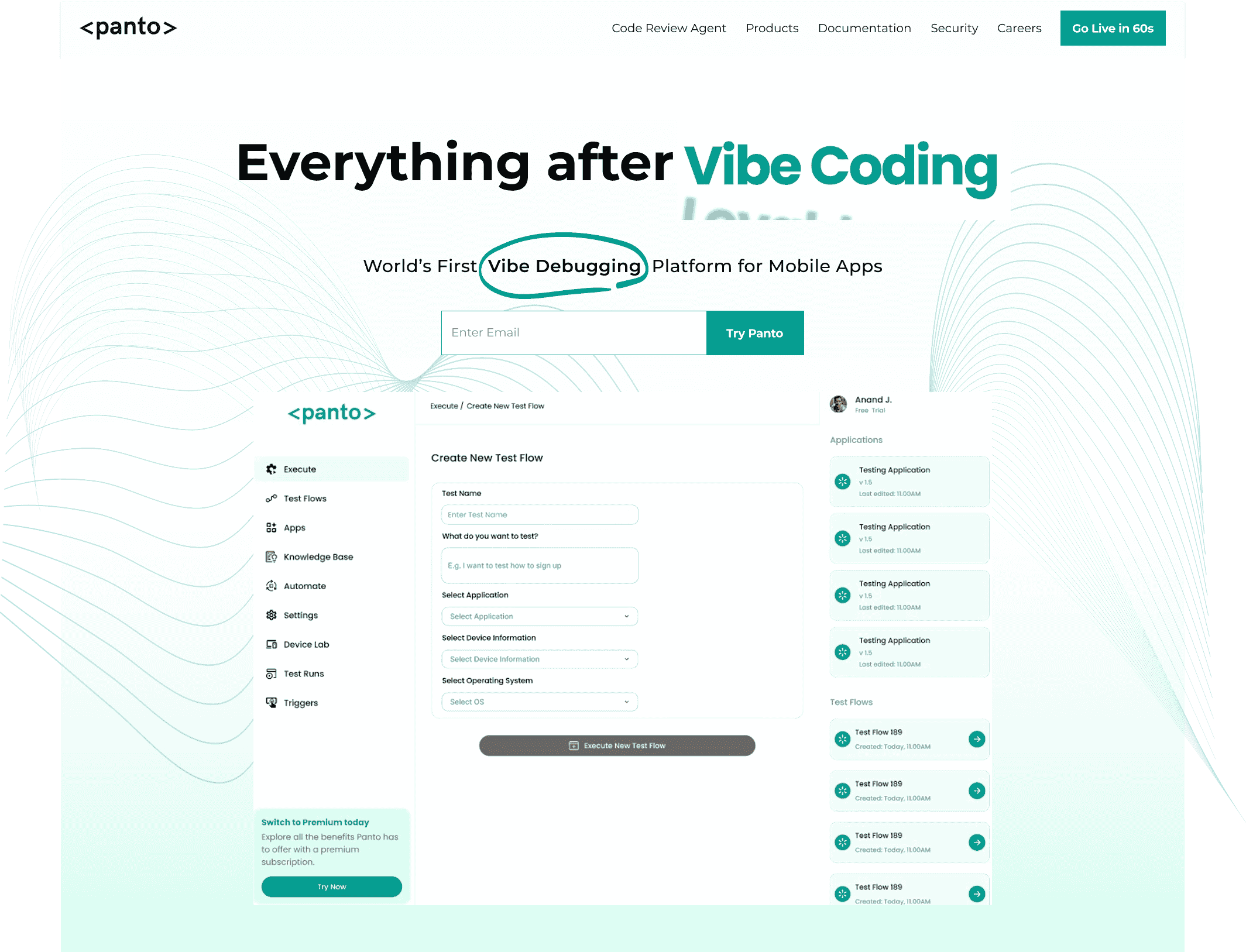
Everything After Vibe Coding
Panto AI helps developers find, explain, and fix bugs faster with AI-assisted QA—reducing downtime and preventing regressions.
- ✓ Explain bugs in natural language
- ✓ Create reproducible test scenarios in minutes
- ✓ Run scripts and track issues with zero AI hallucinations
Common Mistakes Teams Make
Testing failures often come from strategy mistakes rather than tooling limitations.
1. Automating Too Early
Automating unstable features leads to constant script failures.
Result:
- High maintenance cost
- Team frustration
- Low trust in automation
2. Automating Everything
Not all tests should be automated.
Poor candidates include:
- Visual aesthetics checks
- Rapidly changing features
- One-time workflows
Automation should target repetition, not novelty.
3. Staying Manual Too Long
Teams delaying automation eventually face:
- Release bottlenecks
- QA overload
- Slower delivery cycles
Transition timing is critical.
4. Ignoring Maintenance Overhead
Automation is not “set and forget.”
Successful teams allocate:
- Maintenance ownership
- Test refactoring cycles
- Stability monitoring
Automation without maintenance becomes technical debt.
5. Treating QA as Separate From Development
Modern testing succeeds when developers share responsibility.
Best practices include:
- Shift-left testing
- Developer-written tests
- Integrated QA workflows
Quality becomes a shared engineering outcome.
The 3-Layer Modern Testing Model
High-performing teams structure testing in three layers:
1. Discovery Layer (Manual Testing)
2. Protection Layer (Automated Regression)
3. Optimization Layer (AI-Assisted Testing)
Each layer serves a distinct purpose and prevents over-reliance on any single method.
Conclusion
The discussion around manual testing vs automated testing is not about choosing sides — it is about aligning testing strategy with product maturity, team scale, and delivery speed.
Manual testing provides flexibility, creativity, and human insight.
Automated testing provides consistency, scalability, and rapid feedback.
Organizations that succeed long term understand a simple principle:
- Manual testing discovers problems.
- Automation prevents them from returning.
By combining both intelligently through hybrid strategies and risk-based prioritization, teams can achieve faster releases, lower costs, and higher software reliability without unnecessary complexity.
In modern software delivery, testing is no longer just quality assurance — it is a competitive advantage.
FAQs
Is manual testing better than automation?
Neither is universally better. Manual testing excels at discovery and usability evaluation, while automation excels at scalability and regression validation. The best approach combines both strategically.
Can automation replace manual testing?
No. Automation cannot fully replace human intuition, exploratory testing, or UX evaluation. It complements manual testing rather than eliminating it.
Which is more expensive: manual or automated testing?
Manual testing is cheaper initially but becomes more expensive over time due to repeated labor. Automated testing requires higher upfront investment but delivers better long-term ROI for frequently updated products.
Should startups automate testing?
Startups should begin primarily with manual testing and gradually introduce automation once features stabilize and release frequency increases.
Teams typically automate:
- Critical user flows
- Regression-prone features
- High-frequency tests
- Business-critical functionality
Risk and repetition determine automation priority.



