

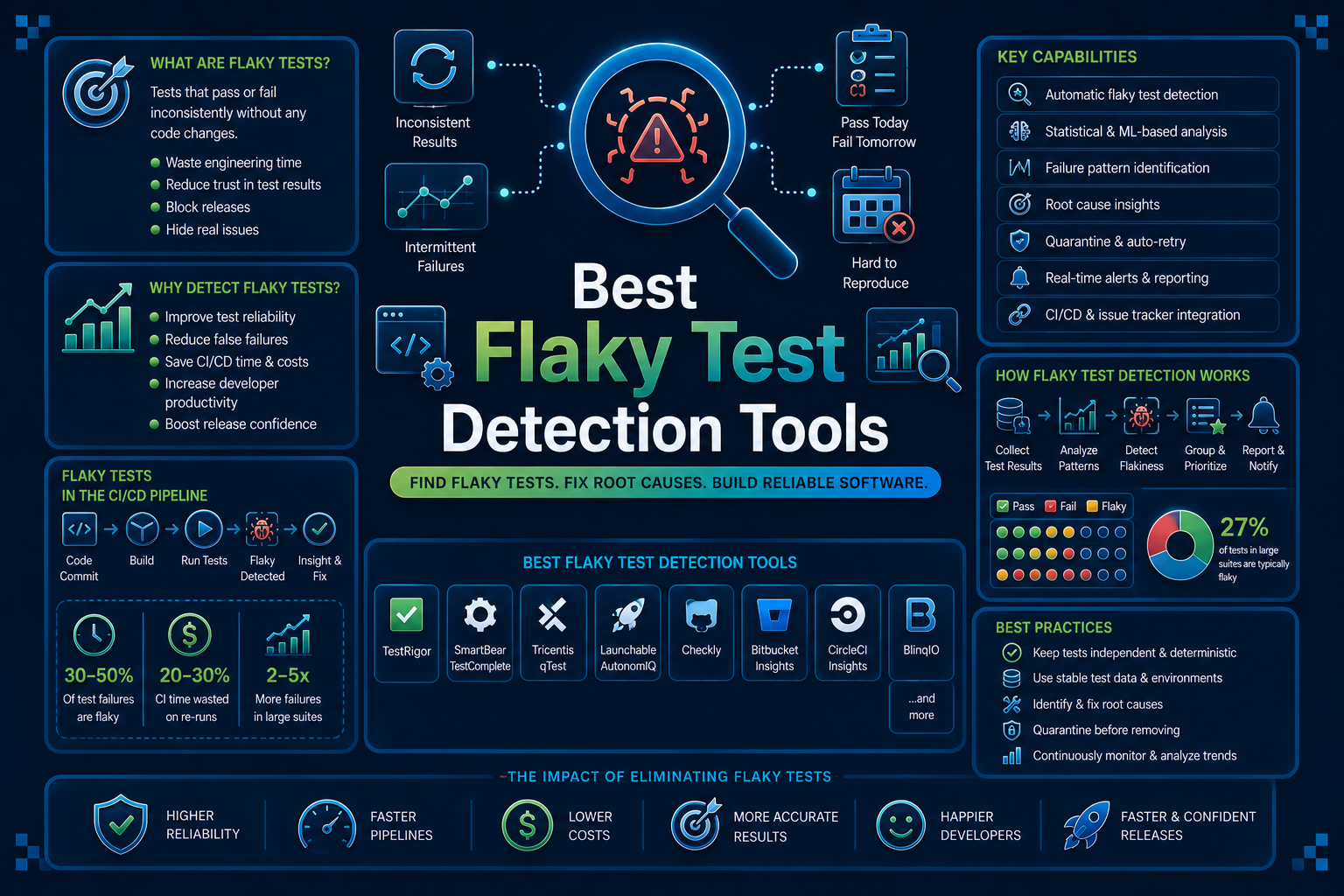

A test fails. You re-run it with zero code changes. It passes. Nobody trusts the result, but nobody has time to investigate either.
That is a flaky test, and it is quietly one of the most expensive problems in modern CI/CD. Teams have learned to live with it, which is exactly the problem. A pipeline that cries wolf enough times stops being treated as a quality gate at all.
This guide covers the 10 best tools to reduce flaky test rate in CI right now. Some detect flakiness from run history, some quarantine it automatically, and some prevent it at the source with AI-driven, self-healing test execution.
10 Best Flaky Test Detection Tools
1. Panto AI
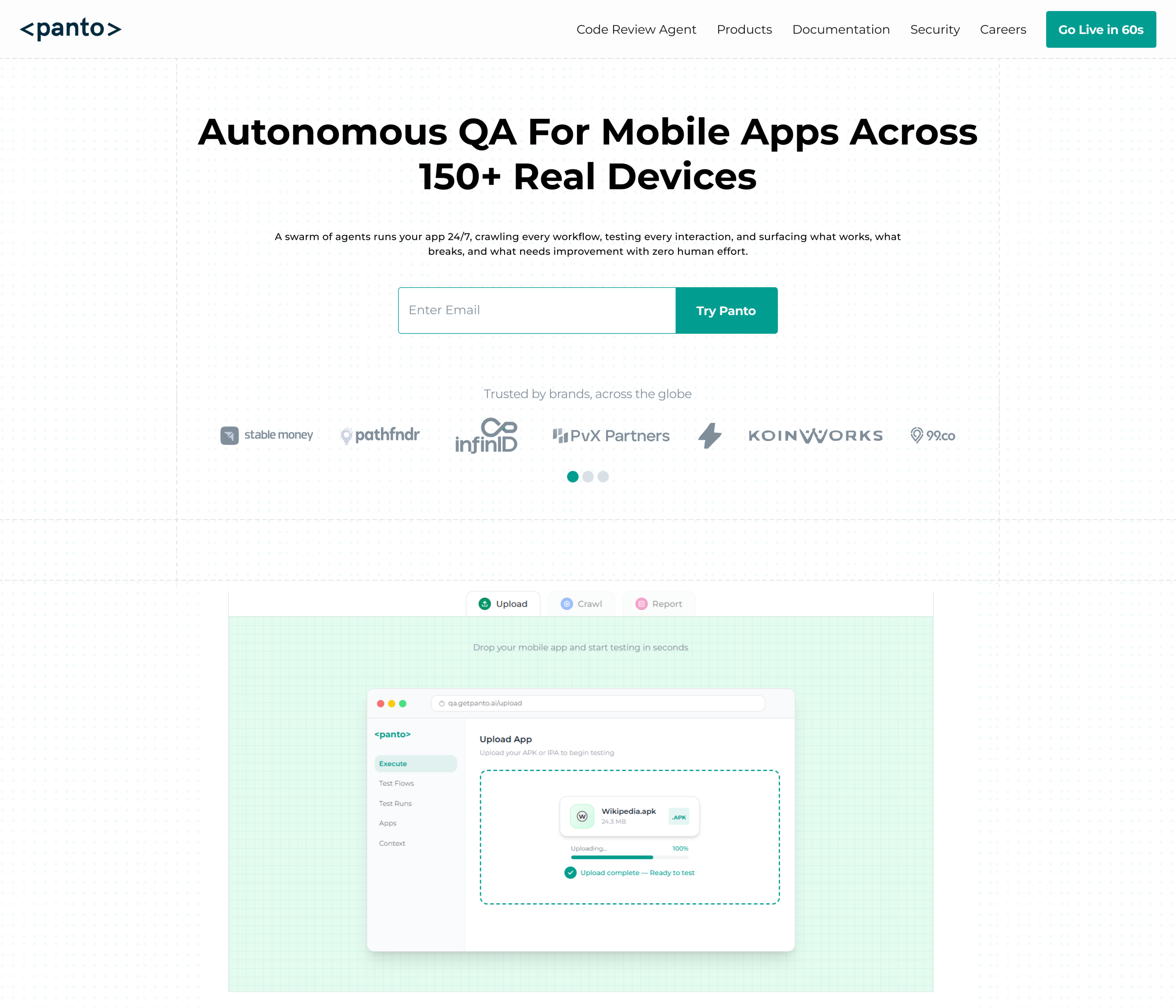
Panto AI is an AI-native mobile QA platform built to remove the two biggest sources of mobile test flakiness at the root: brittle locators and manual script maintenance.
Tests are generated from plain English descriptions and run on real Android and iOS devices rather than emulators.
Instead of bolting flaky test detection onto an existing suite, Panto treats test stability as a product of how the test was created in the first place.
Self-healing automation keeps tests working as the app’s UI evolves, which is one of the most common triggers for flakiness after a release.
Key Features
- Natural language test creation across 150+ real devices
- Self-healing automation that adapts to UI and layout changes automatically
- AI-powered root cause analysis linking failures to the exact code change responsible
- Vibe Debugging, which connects a failed test directly to the pull request that caused it
- CI/CD integration with GitHub Actions, GitLab, Bitrise, and Jenkins
- Appium and Maestro script export for teams that want portable, version-controlled suites
How It Helps Reduce Flaky Test Rate In CI
Panto’s self-healing layer absorbs UI changes that would normally break a locator and cause a false failure. Root cause analysis then separates genuine regressions from environment noise, so teams stop wasting review time on false positives.
Benefits
- Reduces flakiness caused by UI drift without manual script updates
- Cuts investigation time by tying failures to specific commits
- Works across real device fragmentation instead of a single emulator profile
Limitations
- Built specifically for mobile QA, so it is not a fit for teams needing broad web or API flakiness coverage
- Teams with deep existing Appium suites will need time to migrate workflows
Price: Free for open source projects with unlimited PR reviews. Paid plans scale with device usage and team size, available on request.
2. BrowserStack Test Observability
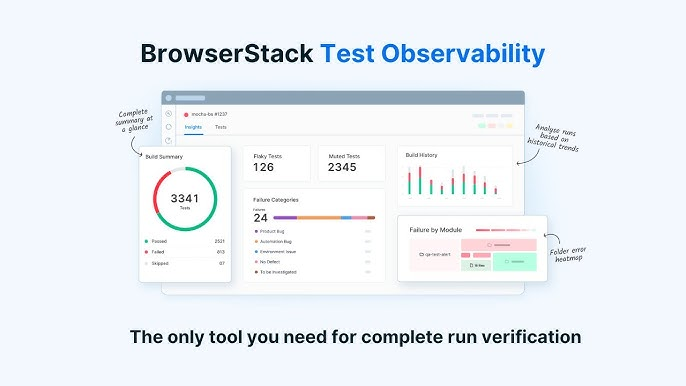
BrowserStack is best known for its real device cloud, and its Test Observability product extends that into flaky test analysis across mobile and web suites.
It pulls execution data from thousands of real device runs to separate environment-caused failures from actual bugs.
Because it sits on top of BrowserStack’s existing device infrastructure, teams already using the platform for mobile testing get flaky test detection without adding a separate tool to their stack.
Key Features
- Automatic flaky test tagging based on pass and fail history
- Root cause grouping that clusters related failures together
- Device and OS-level failure breakdowns for mobile suites
- Integration with Jenkins, GitHub Actions, CircleCI, and Bitbucket Pipelines
- Test analytics dashboard showing flakiness trends over time
How It Helps Reduce Flaky Test Rate In CI
By correlating failures with specific device and OS combinations, teams using BrowserStack can tell whether a flaky result is a real compatibility bug or a genuine timing issue, instead of guessing.
Benefits
- Strong fit for teams already running BrowserStack for device coverage
- Cross-platform view spanning mobile and web in one dashboard
- Historical trend data helps prioritize which flaky tests to fix first
Limitations
- Adds meaningful cost on top of existing BrowserStack device cloud plans
- Detection is history-based, so it does not prevent flakiness at the test-authoring stage
Price: Sold as an add-on to BrowserStack’s Automate plans. Pricing is quote-based depending on device and parallel test usage.
3. Datadog CI Visibility
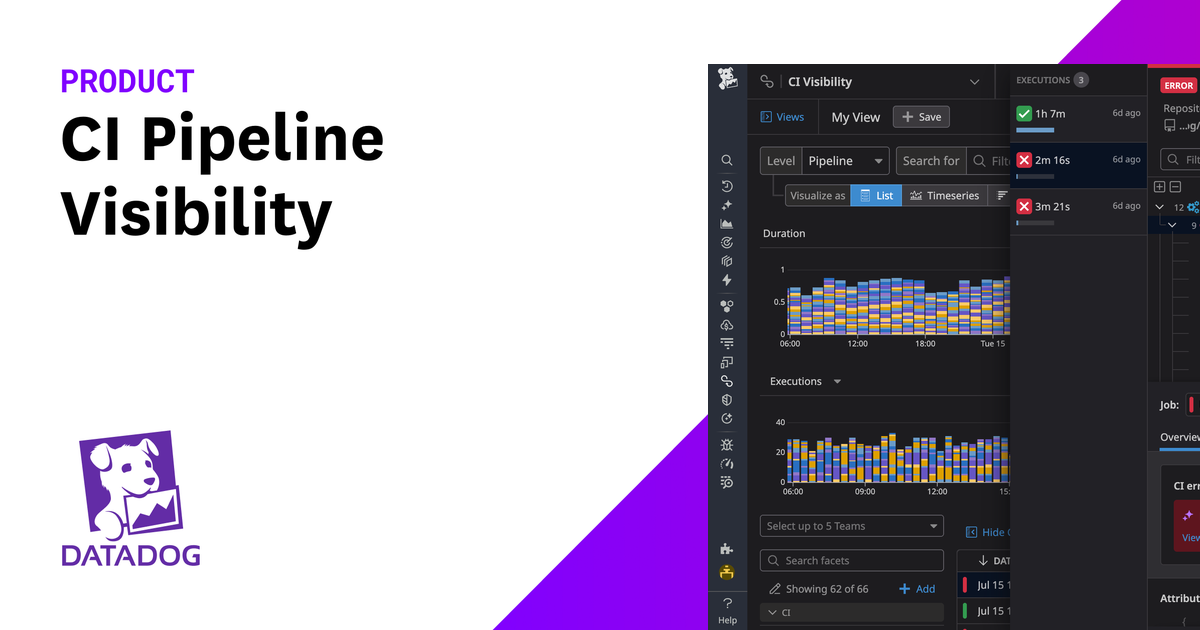
Datadog CI Visibility extends the company’s broader observability platform into test execution data.
It is built for teams that already rely on Datadog for infrastructure and application monitoring and want flakiness data in the same place.
The core idea is correlation. Instead of treating a flaky test as an isolated event, Datadog ties it back to infrastructure metrics like CPU load, memory pressure, or network latency at the moment of failure.
Key Features
- Automatic flaky test detection across CI providers
- Correlation between test failures and infrastructure metrics
- Test impact analysis to flag which tests are affected by a given code change
- Support for CircleCI, GitHub Actions, GitLab CI, and Jenkins
- Unified dashboards alongside existing APM and log data
How It Helps Reduce Flaky Test Rate In CI
Seeing infrastructure conditions next to test results makes it easier to catch environment-driven flakiness, like a CI runner running low on memory during a specific job.
Benefits
- Deep visibility for teams already inside the Datadog ecosystem
- Useful for diagnosing environment drift, not just code-level bugs
- Scales well across large, multi-service test suites
Limitations
- Usage-based pricing can get expensive at high test volumes
- Best suited to teams already paying for Datadog elsewhere, less compelling as a standalone purchase
Price: Usage-based pricing tied to committers and test runs. Requires an existing or new Datadog subscription.
4. Trunk Flaky Tests
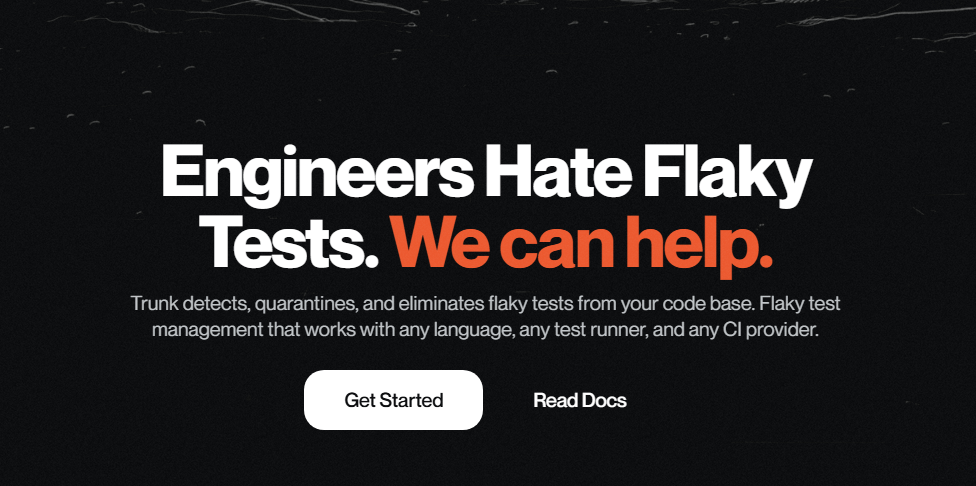
Trunk built its Flaky Tests product specifically to solve one problem: getting unreliable tests out of the release-blocking path without losing the signal entirely. It automatically quarantines tests that show inconsistent results across runs.
Rather than requiring teams to manually mark tests as flaky, Trunk tracks pass and fail history per commit and makes the quarantine decision automatically, then routes the data back to engineers for follow-up.
Key Features
- Automatic detection and quarantine of flaky tests based on run history
- Slack and GitHub notifications when a test starts flaking
- Ownership tracking so the right engineer gets notified
- Merge queue integration for teams using Trunk’s broader CI tooling
- Historical flakiness reports by repository and team
How It Helps Reduce Flaky Test Rate In CI
Automatic quarantine stops flaky tests from blocking merges while still keeping a record that they need fixing, which prevents teams from silently ignoring the problem.
Benefits
- Fast to set up on top of an existing CI pipeline
- Reduces merge delays caused by unrelated flaky failures
- Clear ownership routing avoids the “nobody’s job” problem
Limitations
- Focused on detection and quarantine, not on preventing flakiness at the source
- Best value comes when paired with Trunk’s other CI products
Price: Free tier available for small teams. Paid plans scale by repository and seat count.
5. BuildPulse
BuildPulse was built around a single, sharp thesis: most teams underestimate how much flaky tests actually cost them in engineering hours. It quantifies that cost directly, alongside detecting and quarantining the tests responsible.
The tool integrates with existing CI providers and watches test results over time, flagging tests that flip outcomes without a corresponding code change.
Key Features
- Flaky test detection based on historical pass and fail patterns
- Automatic GitHub issue creation for newly detected flaky tests
- Cost estimation showing engineering hours lost to flakiness
- Support for GitHub Actions, CircleCI, and Jenkins
- Team-level flakiness leaderboards to track improvement over time
How It Helps Reduce Flaky Test Rate In CI
By quantifying cost in hours and dollars, BuildPulse gives engineering leads a concrete reason to prioritize fixing flaky tests instead of deprioritizing them every sprint.
Benefits
- Cost data makes it easier to justify time spent on stabilization
- Automatic issue creation keeps flaky tests from being forgotten
- Simple setup for teams already on GitHub Actions or CircleCI
Limitations
- Smaller CI provider list compared to broader observability platforms
- Less useful for teams that need infrastructure-level correlation, not just test-level tracking
Price: Paid plans based on team size and monthly test volume, with a free trial available.
6. Gradle Develocity

Gradle Develocity, formerly Gradle Enterprise, is widely used in large Java, Kotlin, and Android codebases where build and test performance directly affects release velocity. Flaky test detection is one part of a much larger build analytics platform.
It uses build scan data collected across every CI run to identify tests with inconsistent outcomes, then ties that data to build performance more broadly.
Key Features
- Flaky test detection built into build scan analytics
- Test Distribution for running suites in parallel across remote agents
- Predictive test selection to skip tests unaffected by a given change
- Deep integration with Gradle and Maven build systems
- Historical build performance trends alongside test stability data
How It Helps Reduce Flaky Test Rate In CI
Test Distribution reduces the environmental variance that causes flakiness in the first place by standardizing how and where tests execute across a fleet of remote agents.
Benefits
- Strong fit for large Android and Java Gradle-based projects
- Combines flaky test data with broader build performance insights
- Predictive test selection cuts down on unnecessary CI load
Limitations
- Primarily valuable for Gradle and Maven ecosystems, less relevant outside them
- Enterprise-oriented pricing puts it out of reach for smaller teams
Price: Enterprise pricing based on team size and usage, available on request.
7. Launchable

Launchable takes a different angle on flakiness. Instead of only detecting flaky tests after they happen, its machine learning models predict which tests are likely to fail or behave inconsistently before a full run even completes.
It ingests historical test execution data to build a model of which tests are relevant to a given code change, then uses that same data to flag chronically unstable tests.
Key Features
- ML-based predictive test selection to reduce unnecessary test runs
- Flaky test identification based on historical execution patterns
- Insights dashboard showing test stability trends over time
- Integration with major CI providers including Jenkins and GitHub Actions
- Support for large monorepo test suites
How It Helps Reduce Flaky Test Rate In CI
By running a smaller, smarter subset of relevant tests per change, Launchable reduces total test volume, which naturally reduces the raw number of flaky failures a team has to triage.
Benefits
- Shorter CI feedback loops from smarter test selection
- Useful for very large test suites where full runs are slow and expensive
- Historical data helps prioritize which flaky tests matter most
Limitations
- Predictive value depends on having enough historical execution data to train against
- Less effective for newer projects without a long CI history
Price: Custom pricing based on test suite size and CI usage, available on request.
8. Cypress Cloud
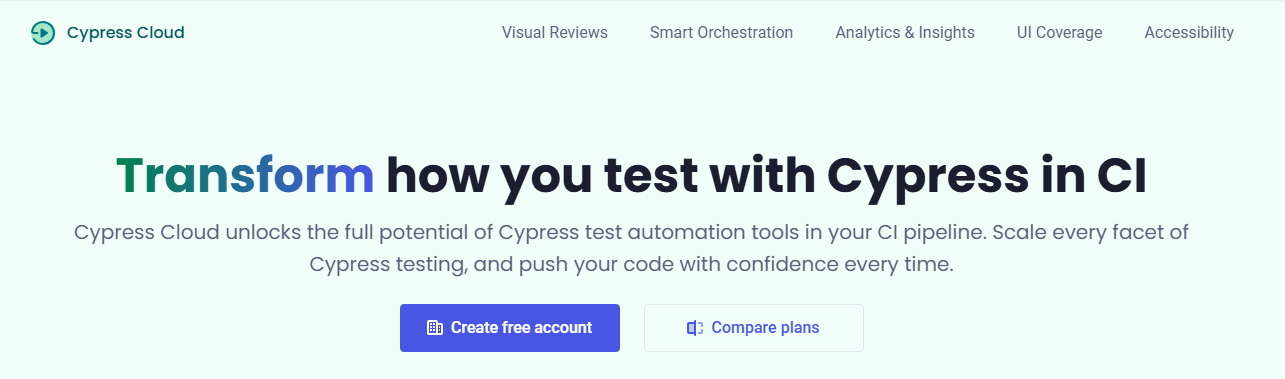
Cypress Cloud is the official companion service for the Cypress testing framework, and its Flaky Test Management dashboard is one of the more accessible entries on this list for teams already writing Cypress tests.
It automatically detects tests with inconsistent results across recorded runs and surfaces them in a dedicated view, without requiring any extra configuration in the test code itself.
Key Features
- Automatic flaky test detection across recorded Cypress runs
- Parallelization to speed up large suites and reduce timing-related failures
- Analytics on test duration and failure trends over time
- Slack and GitHub integration for flaky test alerts
- Debug replay showing exactly what happened during a failed run
How It Helps Reduce Flaky Test Rate In CI
Debug replay lets engineers see the actual browser state at the moment of failure, which turns a guessing game into a quick visual diagnosis for most timing-related flakiness.
Benefits
- Tight integration for teams already standardized on Cypress
- Visual debugging cuts investigation time significantly
- Parallelization reduces the timing pressure that often causes flaky results
Limitations
- Only useful for teams using the Cypress framework
- Not applicable to native mobile app testing
Price: Free tier available with limited recorded runs. Paid plans scale by monthly test results recorded.
9. mabl
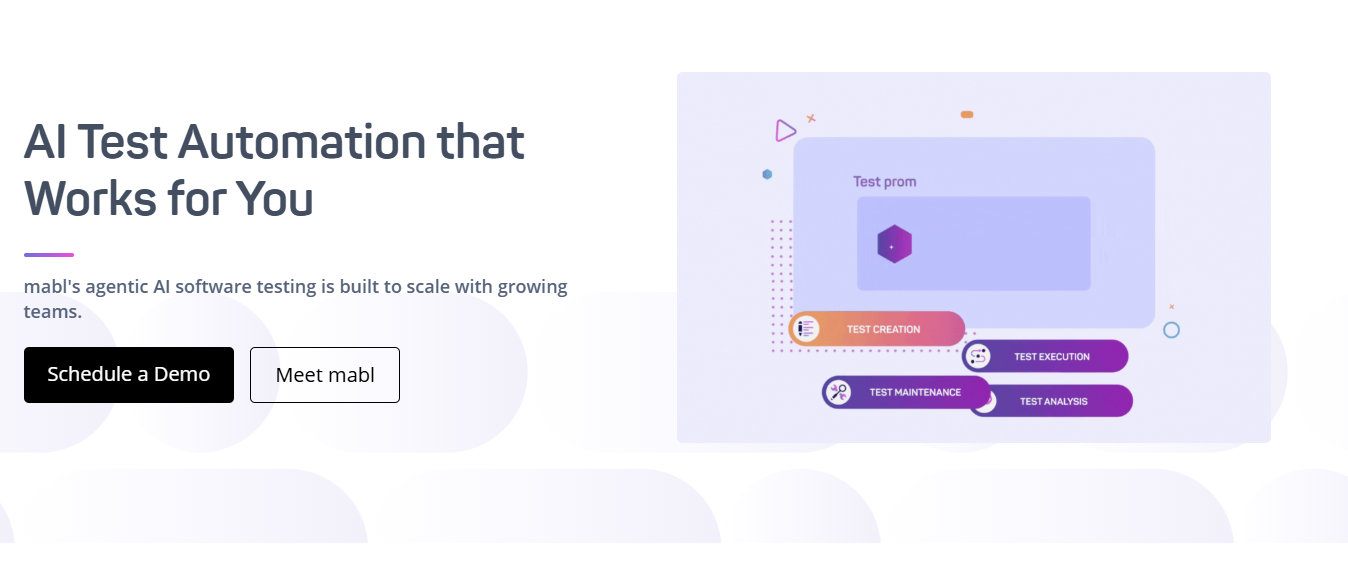
mabl is a low-code test automation platform built around the idea that most flakiness comes from tests that cannot keep up with a changing application.
Its auto-healing engine is designed to absorb UI changes automatically rather than flag them as failures.
The platform covers web, API, and mobile testing from a single suite, which appeals to teams that want flaky test reduction without maintaining separate tools per platform.
Key Features
- Auto-healing test steps that adapt to UI and locator changes
- Cross-browser, API, and mobile testing from one platform
- AI-powered anomaly detection to flag unusual failure patterns
- Built-in CI/CD integrations including GitHub Actions and Jenkins
- Visual test editor for non-engineering team members
How It Helps Reduce Flaky Test Rate In CI
Auto-healing directly targets the most common cause of flakiness in UI-driven tests, which is a locator or element reference breaking after a minor interface change.
Benefits
- Reduces maintenance overhead as the application evolves
- Single platform covers multiple test types instead of separate tools
- Accessible to QA team members without deep coding experience
Limitations
- Less configurable than code-first frameworks for complex custom logic
- Pricing scales quickly for teams running large volumes of tests
Price: Custom pricing based on test volume and platform coverage, available on request.
10. testRigor
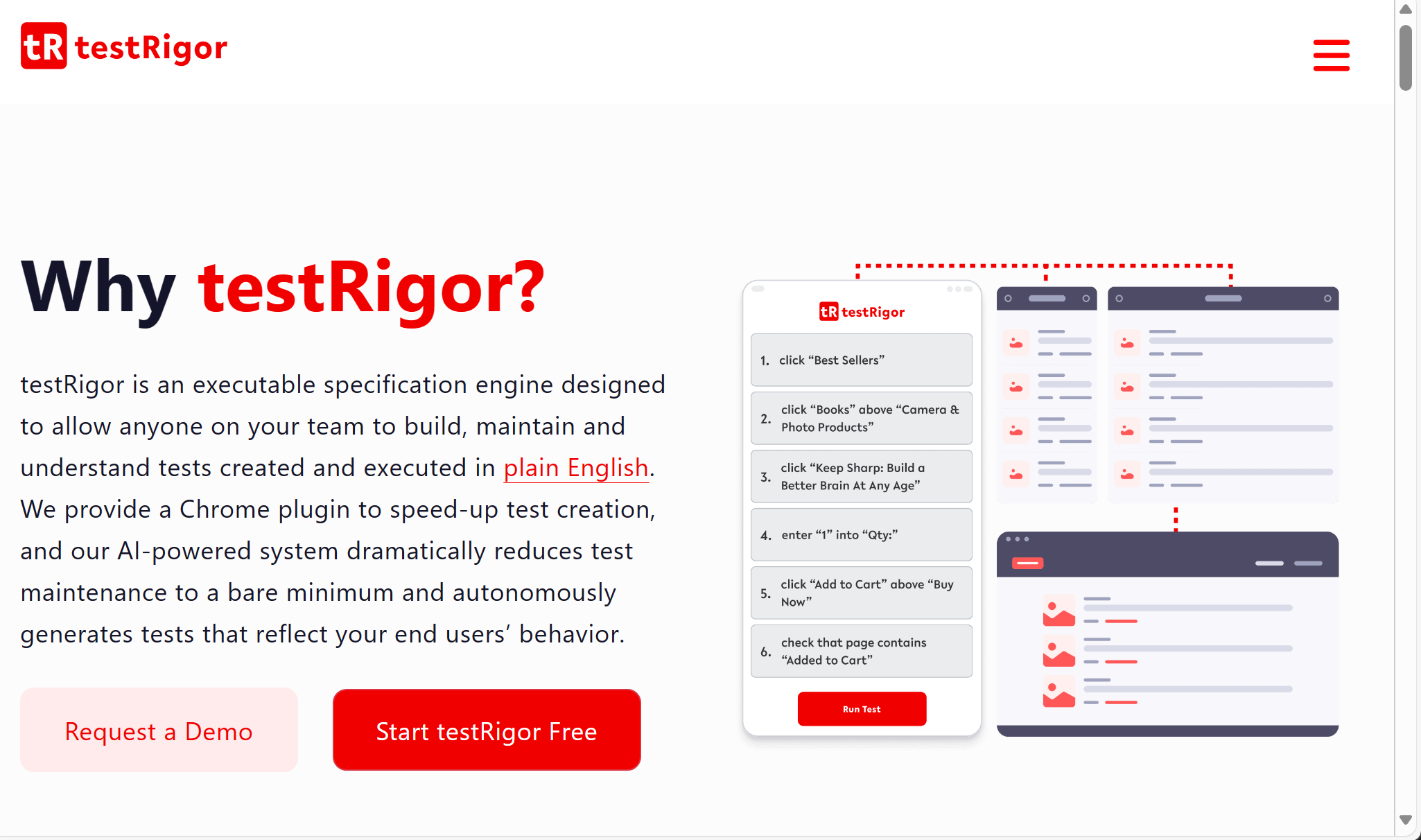
testRigor takes a generative approach to test creation, where tests are written in plain English rather than a specific programming language or locator syntax.
The idea is that flakiness caused by brittle selectors mostly disappears if the test never depended on rigid selectors in the first place.
It supports web, mobile, and API testing, with self-healing built in as a default behavior rather than an add-on feature.
Key Features
- Plain English test authoring with no coding required
- Self-healing execution that adapts to UI changes automatically
- Visual and API validation within the same test flow
- CI/CD integration with Jenkins, CircleCI, and GitHub Actions
- Built-in test data generation for reducing environment-related failures
How It Helps Reduce Flaky Test Rate In CI
Because tests are described by intent rather than tied to specific selectors, minor UI changes are far less likely to break a test outright, which cuts down on false failures.
Benefits
- Fast test authoring for teams without deep automation engineering resources
- Reduces selector-based flakiness by design, not as an afterthought
- Covers web, mobile, and API in a single tool
Limitations
- Plain English authoring can be less precise for highly complex, conditional test logic
- Smaller community and ecosystem compared to established coded frameworks
Price: Plans based on test executions per month, with a free trial available.
Comparison Table: Flaky Test Detection Tools
| Tool | Best For | Detection Method | Mobile Support | Pricing Model |
|---|---|---|---|---|
| Panto AI | Mobile-first AI QA with self-healing | Root cause AI + self-healing | Native, real devices | Free tier, usage-based |
| BrowserStack Test Observability | Teams already on BrowserStack | History-based, device correlation | Yes | Add-on, quote-based |
| Datadog CI Visibility | Infra-correlated flakiness | History + infrastructure metrics | Limited | Usage-based |
| Trunk Flaky Tests | Fast quarantine and ownership routing | History-based auto-quarantine | No | Free tier, per seat |
| BuildPulse | Quantifying flakiness cost | History-based detection | No | Per team, monthly |
| Gradle Develocity | Large Java/Android build systems | Build scan analytics | Limited | Enterprise, quote-based |
| Launchable | Predictive test selection | ML-based prediction | Limited | Custom, quote-based |
| Cypress Cloud | Cypress-based web teams | History-based, visual replay | No | Free tier, per run |
| mabl | Cross-platform auto-healing | Auto-healing + anomaly detection | Yes | Custom, quote-based |
| testRigor | Plain English, selector-free testing | Self-healing by design | Yes | Per execution, tiered |
How To Choose The Right Tool For Your Team
Start with where your flakiness actually lives, not with which tool has the most features. The right starting question is where failures are concentrated today.
- Device and OS fragmentation (mobile UI tests failing on specific hardware) points toward a platform built around real device execution, like Panto AI or BrowserStack.
- Timing and locator issues (tests breaking after minor UI changes) point toward self-healing platforms like mabl or testRigor.
- Infrastructure noise (failures tied to CI runner load or network conditions) point toward observability tools like Datadog CI Visibility.
- Large, slow suites where flaky results pile up simply from test volume point toward predictive selection tools like Launchable or Gradle Develocity.
- No process for handling flaky results at all points toward a dedicated quarantine tool like Trunk or BuildPulse before anything else.
How To Choose The Right Tool For Your Team
Start with where your flakiness actually lives, not with which tool has the most features. The right starting question is where failures are concentrated today.
- Device and OS fragmentation (mobile UI tests failing on specific hardware) points toward a platform built around real device execution, like Panto AI or BrowserStack.
- Timing and locator issues (tests breaking after minor UI changes) point toward self-healing platforms like mabl or testRigor.
- Infrastructure noise (failures tied to CI runner load or network conditions) point toward observability tools like Datadog CI Visibility.
- Large, slow suites where flaky results pile up simply from test volume point toward predictive selection tools like Launchable or Gradle Develocity.
- No process for handling flaky results at all points toward a dedicated quarantine tool like Trunk or BuildPulse before anything else.
A practical way to start is to audit your flaky test rate for two weeks before choosing anything. That alone usually narrows this list down to two or three realistic options.
Conclusion
Detection tools flag a flaky test after it has already cost you a delayed merge or a wasted investigation.
Prevention tools, mainly the self-healing and AI-native platforms on this list, cut down on how often flakiness gets introduced in the first place.
Most mature QA teams end up running one tool from each category rather than expecting a single platform to do both jobs well. Neither approach replaces the other.
Flaky tests will not fix themselves, and treating them as background noise slowly erodes trust in your pipeline.
The right combination of detection, quarantine, and prevention tooling turns CI back into a signal your team can actually rely on.
FAQs
Q: What is considered a flaky test rate?
A: There is no universal benchmark, but many engineering teams investigate flaky tests once they account for more than 1–2% of total test runs. Even a small percentage can generate significant CI noise, waste developer time, and reduce confidence in test results.
Q: Can flaky tests be fixed automatically?
A: Partially. AI-powered and self-healing testing tools can automatically recover from issues like broken UI locators or minor interface changes. However, problems caused by shared state, race conditions, unstable test data, or external services still require changes to the test or application code.
Q: Do flaky tests only happen in end-to-end tests?
A: No. Flaky tests can occur at any level of the testing pyramid. However, they are most common in UI and mobile end-to-end tests because they depend on rendering, timing, network conditions, device behavior, and external integrations.
Q: What causes flaky tests most often?
A: The most common causes include timing issues, asynchronous operations, unstable network calls, shared test state, unreliable test data, brittle locators, and dependencies on external services. Identifying and eliminating these sources is the most effective way to improve test stability.
Q: Should I rerun flaky tests instead of fixing them?
A: No. Rerunning tests may reduce short-term pipeline failures, but it also hides genuine quality issues and makes CI results less trustworthy. The better approach is to identify the root cause, fix the instability, and use retries only as a temporary safeguard.
Q: How do you identify flaky tests?
A: Run the same test repeatedly under identical conditions and compare the results. If it alternates between passing and failing without any code changes, it is likely flaky. Many modern CI platforms and AI-powered testing tools can automatically detect recurring flaky patterns and flag them for investigation.