

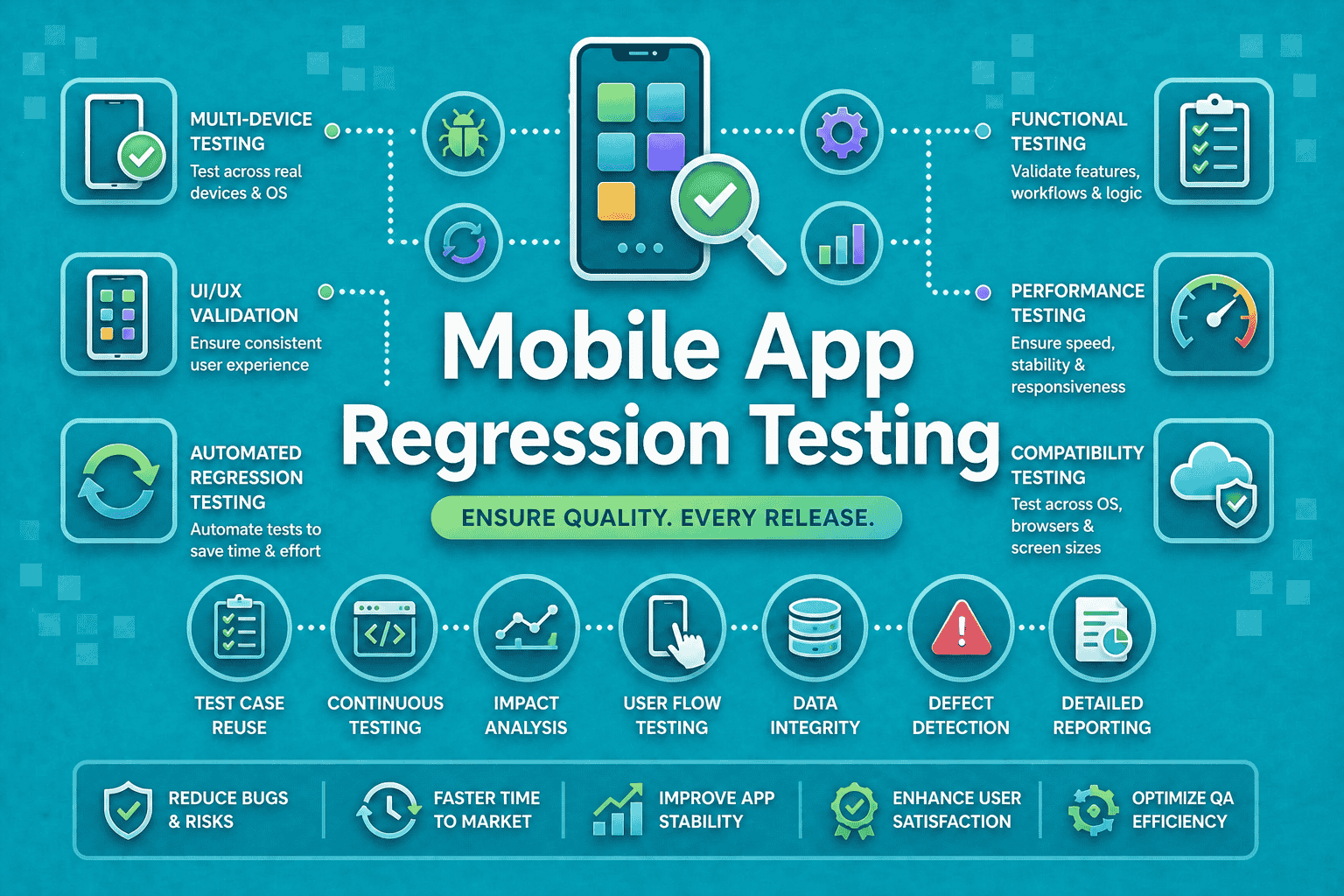

A release can pass every functional test and still ship with a broken screen, clipped button, or shifted layout. That is the regression problem on mobile: the app may still “work,” but the experience can quietly break after a code change.
Mobile is harder than web because teams must account for device fragmentation, OS updates, native behaviors, and faster release cycles across Android and iOS.
Android 15 and iOS 18 both introduced fresh behavior and SDK changes that can affect existing apps, which is exactly why regression coverage matters after every meaningful change.
This article delves into what mobile app regression testing actually means, why regressions are so common, which tools are best for different types of mobile apps and how to run regression in CI pipelines without slowing releases.
What is Mobile App Regression Testing?
Mobile app regression testing is the practice of re-checking existing features after code, dependency, device, or configuration changes to make sure nothing previously working has broken. It covers more than UI snapshots. It includes flows, integrations, performance, and layout behavior across real devices and OS versions.
Why mobile app testing is harder than web
Mobile testing must handle:
- Different screen sizes and pixel densities.
- OEM differences on Android.
- Native permissions, gestures, and back-button behavior.
- OS-level changes that affect rendering and behavior.
- App-store release pressure and shorter sprint cycles.
The two dimensions you cannot ignore
Mobile regression testing usually has two layers:
- Functional regression: does the login, checkout, search, or checkout flow still work?
- Visual regression: does the UI still look right, with correct spacing, typography, and alignment?
That is why “mobile app regression testing” is the broader umbrella, while “visual regression testing” is only one slice of it. Functional checks catch broken behavior. Visual checks catch broken presentation. Both matter.
Mobile vs. web regression testing
| Area | Mobile apps | Web apps |
| Device diversity | High across OEMs, screen sizes, OS versions | Lower, mostly browser/viewport based |
| UI behavior | Native gestures, permissions, system dialogs | Browser DOM and responsive CSS |
| Release volatility | Frequent OS updates and app-store releases | Browser updates, but less native fragmentation |
| Test instability | More flakiness from animation, network, and sensors | Usually easier to stabilize |
| Coverage need | Real devices matter more | Browser coverage is often enough |
Why regression testing fails on mobile apps
Most misses come from five places:
- Device fragmentation: your “same screen” is not the same screen on a Samsung phone, a Pixel, and an iPhone.
- OS updates: Android 15 introduced behavior changes that can affect apps on that OS, and Apple’s iOS 18 SDK also brings changes developers must test against.
- Third-party SDK changes: analytics, payments, auth, and push SDKs can alter app behavior without touching your UI code.
- Flaky automation: animation timing, async loading, and permissions can create false failures unless your framework handles synchronization well. Espresso explicitly recommends disabling system animations for more stable tests.
- Manual-only workflows: manual regression cannot keep up with modern sprint cadence and multi-device release demands. Cloud device farms exist because teams need wider coverage than a single lab can provide.
How to Build a Mobile Regression Testing Strategy
1. Start with critical paths
Do not begin with “everything.” Start with the flows that cost the most when broken:
- Sign up and login.
- Search and browse.
- Add to cart and checkout.
- Core content consumption.
- Settings, permissions, and payments.
Then expand into edge cases, error states, and device-specific variants.
2. Choose the right mix
A strong strategy usually blends three approaches:
- Manual testing for exploratory checks, new UX, and edge-case discovery.
- Automated testing for repeatable regression on critical paths.
- AI-assisted testing for faster test creation, maintenance, and failure triage. Panto AI, for example, positions itself around deterministic mobile QA, real-device-first execution, CI readiness, and self-healing test maintenance.
3. Build a device matrix
Your matrix should include:
- At least one low-end Android device.
- One popular Samsung or OEM-skinned device.
- One current Pixel or clean Android reference device.
- One current iPhone and one older supported iPhone.
- At least one tablet if your app supports tablets.
Firebase Test Lab provides access to physical and virtual devices in Google data centers, while browser-device clouds like BrowserStack and LambdaTest are built to extend this coverage at scale.
4. Put it in CI/CD early
Regression should not wait for release day. Run it:
- On every pull request.
- Nightly on the full suite.
- Before release on the final candidate build.
That gives you fast feedback for developers and a safety and quality gate for QA and product teams.
5. Manage baselines carefully
Visual and functional regression both need clean baselines:
- Freeze approved screenshots or golden flows.
- Update baselines only after review.
- Version them with the app branch or release train.
- Keep separate baselines for locales, themes, and form factors.
6. Handle flaky tests
The best way to stabilize mobile regression:
- Wait for app state, not just timeouts.
- Disable unnecessary system animations.
- Mock unstable network calls where appropriate.
- Isolate tests that depend on permissions, login, or push tokens.
- Treat dynamic content as a controlled variable, not a random one.
Best-practice box
Run regression on every PR, not just before release. That is how teams catch breakage when it is cheapest to fix.
Best Tools for Mobile App Regression Testing in 2026
Tool comparison
| Tool | Type | Android / iOS | CI/CD | AI? | Best for |
| Panto AI | AI-driven mobile QA | Yes / Yes | Yes | Yes | Fast, self-healing regression |
| Maestro | Flow automation + visual assertions | Yes / Yes | Yes | Limited | Lightweight mobile flows |
| Appium | Open-source automation framework | Yes / Yes | Yes | No | Cross-platform custom suites |
| Espresso | Native Android UI testing | Android only | Yes | No | Stable Android regression |
| XCTest / XCUIAutomation | Native iOS UI testing | iOS only | Yes | No | Stable iPhone/iPad regression |
| Visual Regression Tracker | Open-source visual tracking | Depends on framework | Yes | No | Self-hosted visual diffs |
| BrowserStack / LambdaTest | Cloud device farms | Yes / Yes | Yes | Some platform AI | Real-device scale |
1. Panto AI
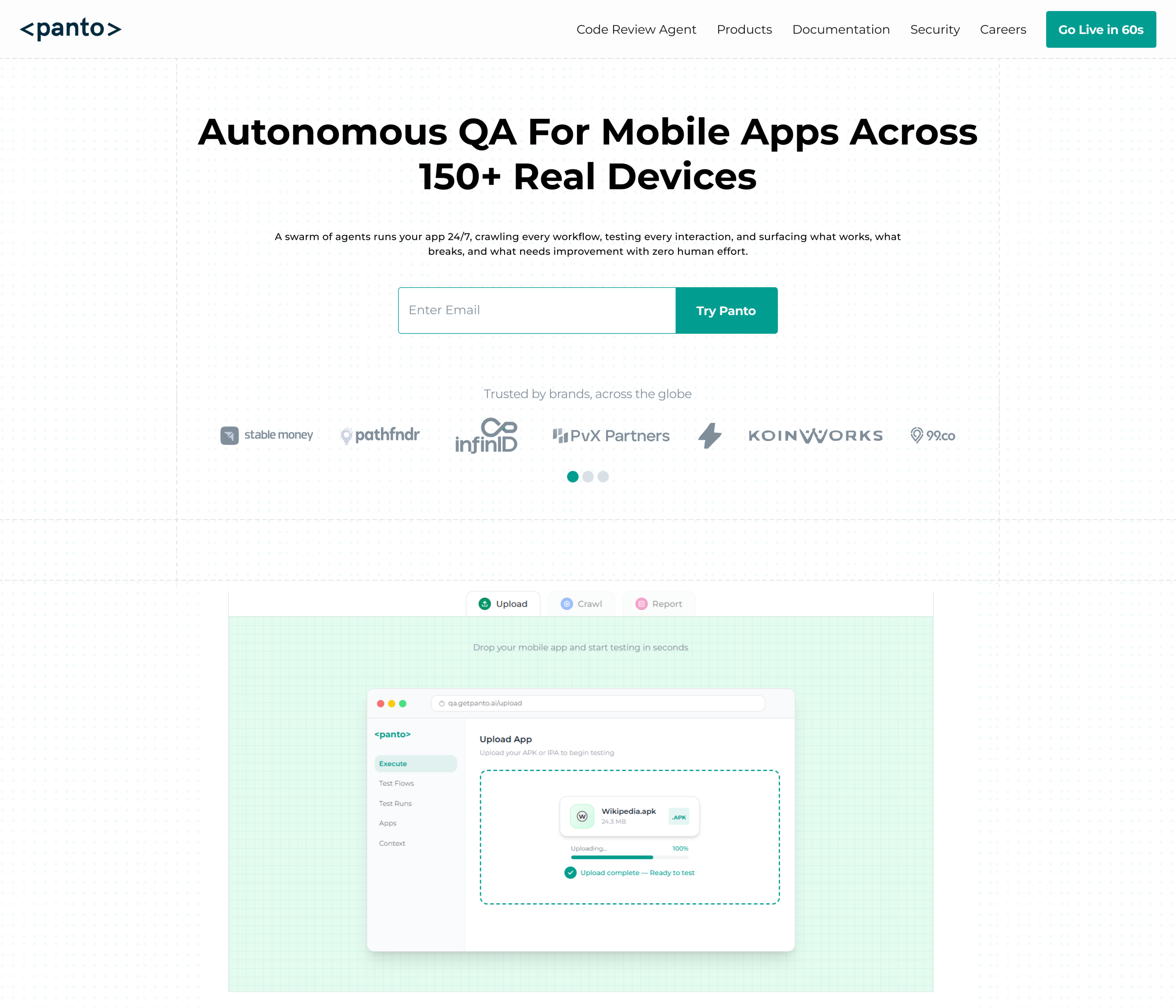
Panto AI is the hero option when you want mobile regression automation to be faster to build and easier to maintain.
It describes a real-device-first workflow, CI-native execution, support for Appium and Maestro, and self-healing behavior for brittle tests.
Panto also allows for natural-language flow creation, AI test case generation and human-readable failure triage.
Use it when:
- Your team wants rapid test authoring.
- You need lower maintenance than pure script-based stacks.
- You want functional and visual regression under one workflow.
Maestro
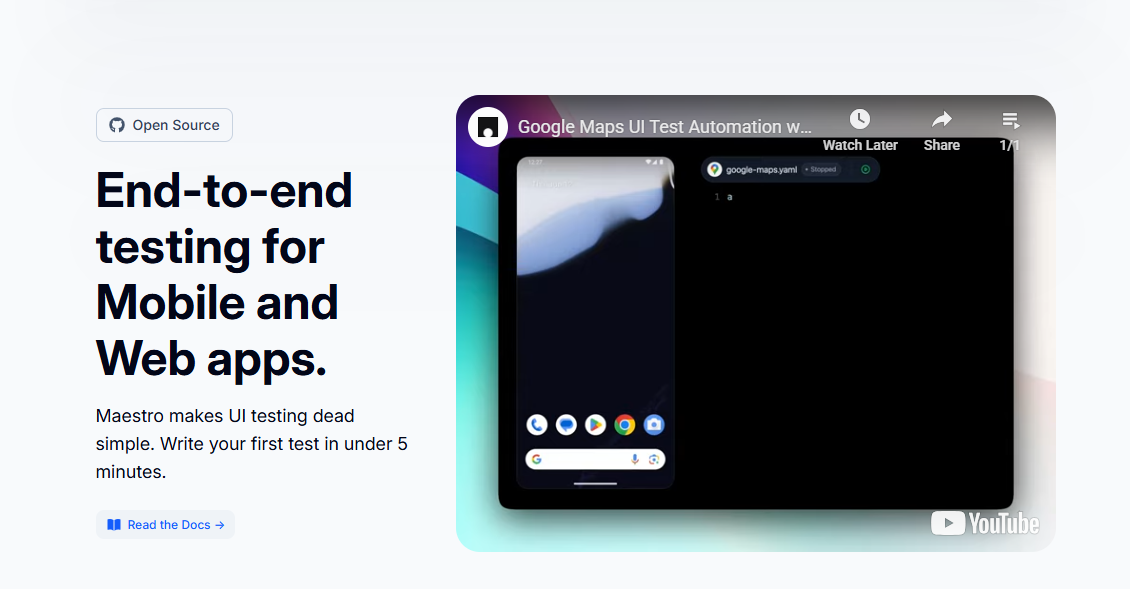
Maestro is great for simple, readable mobile flows. Its docs describe Maestro Studio as a visual interface for rapid test creation and real-time inspection.
Its assertScreenshot command performs visual regression testing against stored screenshots.
That makes Maestro a strong fit for mobile regression testing where flows and UI validation live together.
Use it when:
- You want concise, human-readable tests.
- You care about fast authoring.
- You need basic visual regression alongside flow checks.
Appium
Appium remains the standard cross-platform option for mobile UI automation.
The official docs describe it as an open-source ecosystem for UI automation across app platforms, built around a cross-platform API and accessible from many languages.
Use it when:
- You need language flexibility.
- You already have a large Appium suite.
- You want maximum ecosystem support.
Espresso and XCTest


Native frameworks are still essential for deep platform coverage:
- Espresso is Google’s Android UI testing framework, and Android’s docs emphasize its automatic synchronization and stability advantages.
- XCTest / XCUIAutomation is Apple’s UI testing path for iOS apps, integrated with Xcode’s testing workflow. Apple’s docs and developer materials show it as the native choice for UI testing on iPhone and iPad.
Use native frameworks when:
- You need the most reliable platform-specific tests.
- You want tight integration with Android Studio or Xcode.
- Your app relies heavily on native UI behavior.
Visual Regression Tracker
Visual Regression Tracker is an open-source, self-hosted solution for visual testing and managing image-comparison results.
That makes it useful for teams that want control and flexibility without a commercial visual platform.
Use it when:
- You want open-source control.
- You are comfortable maintaining your own visual pipeline.
- You need centralized review of diffs.
BrowserStack and LambdaTest
Cloud device farms help you validate regression on real devices at scale. BrowserStack’s App Automate supports Appium, Espresso, XCUITest, and Maestro on real devices. LambdaTest’s mobile testing pages emphasize real-device cloud coverage for Android and iOS.
Use them when:
- You need broad device coverage fast.
- You do not want to manage your own device lab.
- You need parallel test runs across many device types.
Mobile Web Visual Testing vs. Native App Regression Testing
Mobile web visual testing checks how a site renders in mobile browsers. Native app regression testing checks the app UI, flows, and OS-specific behavior inside Android or iOS apps.
Playwright supports screenshot comparison for web pages, while Percy positions itself as a visual review platform for web and mobile experiences. Those are helpful for mobile web, but they are not a substitute for native app testing.
You need both if your product is:
- A hybrid app with WebView screens.
- A responsive mobile website plus a native app.
- A product with shared design systems across web and mobile.
Android’s Espresso-Web docs specifically note WebView testing for hybrid apps, which is a good reminder that native and web layers often overlap.
Decision guide
- Mobile website only: use web visual testing tools.
- Native app only: use mobile regression tooling.
- Hybrid app: use both, with separate baselines and separate suites.
Regression Testing for Android: Special Considerations
Android fragmentation is real
Android regression must account for OEM skins, screen sizes, and version spread. Google’s docs for Android 15 explicitly call out behavior changes and provide emulator guidance plus compatibility tools for testing.
Focus Android coverage on:
- Your top device brands.
- The Android versions your users actually run.
- Navigation, permissions, back-button behavior, and app lifecycle events.
- Large-screen and foldable layouts if relevant.
Android 15 also includes improved large-screen multitasking and cover-screen support, which is another reason to test more than one form factor.
Best Android tools
For Android regression in 2026, the strongest core stack is:
- Espresso for native UI tests.
- Firebase Test Lab for device coverage.
- Panto AI for AI-assisted, real-device-first automation.
Android stability tips
- Disable animations on test devices.
- Explicitly handle permissions.
- Test back navigation and lifecycle transitions.
- Avoid assuming one device brand behaves like another.
Integrating Mobile Regression Testing into CI/CD
A strong CI/CD setup usually looks like this:
- PR level: smoke regression on critical paths.
- Nightly: broader regression on a device matrix.
- Pre-release: full suite on release candidate builds.
How to Keep Regression Testing Fast and Relevant
Use parallelization wherever possible. Split suites by:
- Flow type.
- Device type.
- Platform.
- Priority.
The goal is simple: get regression feedback fast enough that developers still care about the result.
What good reporting looks like
A useful report should show:
- What failed.
- On which device and OS.
- Whether the failure is visual, functional, or performance-related.
- Baseline vs. current screenshot or log output.
- A clear pass/fail summary for release decisions.
Where Panto AI fits
Panto AI’s product positioning emphasizes CI-native workflows, real-device execution, self-healing tests, and human-readable summaries, which makes it a natural fit for regression gates that need both speed and explainability.
Conclusion
Mobile regression testing is the safety net of every serious app release. It protects your flows, your UI, and your release confidence when code, SDKs, or OS updates change the ground under your app. The teams that win are the ones that test early, test on real devices, and treat regression as a release habit, not a last-minute chore.
Want to go deeper on the visual side? Read our guide to Visual Regression Testing in Mobile QA.
FAQ’s
Q: What is mobile app regression testing?
A: Mobile app regression testing is the process of re-validating existing functionality after code changes to ensure previously working features still behave correctly. It covers both functional logic and UI behavior across devices.
Q: How often should you run regression tests on a mobile app?
A: Run a small, critical regression suite on every pull request, a broader suite on nightly builds, and the full regression suite before release. This layered approach catches issues early and reduces release risk.
Q: What is the difference between regression testing and retesting?
A: Retesting verifies that a specific bug fix works as expected. Regression testing ensures that recent changes, including that fix, have not broken other parts of the application.
Q: What are the best free tools for mobile regression testing?
A: Popular free and open-source tools include Appium, Espresso, XCTest/XCUIAutomation, Maestro, and Visual Regression Tracker. These tools support different layers of mobile testing, from UI automation to visual validation.
Q: How do you perform regression testing for Android apps?
A: Use Espresso for native UI testing, Firebase Test Lab for real and virtual device coverage, and maintain a device matrix that includes multiple OEMs, screen sizes, and Android versions for reliable validation.
Q: Is visual regression testing the same as mobile regression testing?
A: No. Visual regression testing focuses only on UI changes. Mobile regression testing is broader and includes functional flows, integrations, performance, and platform-specific behavior.
Q: How long does mobile regression testing take?
A: Execution time depends on test suite size, device coverage, and level of parallelization. Small PR-level suites can complete in minutes, while full cross-device regression suites may take significantly longer unless parallelized efficiently.



