

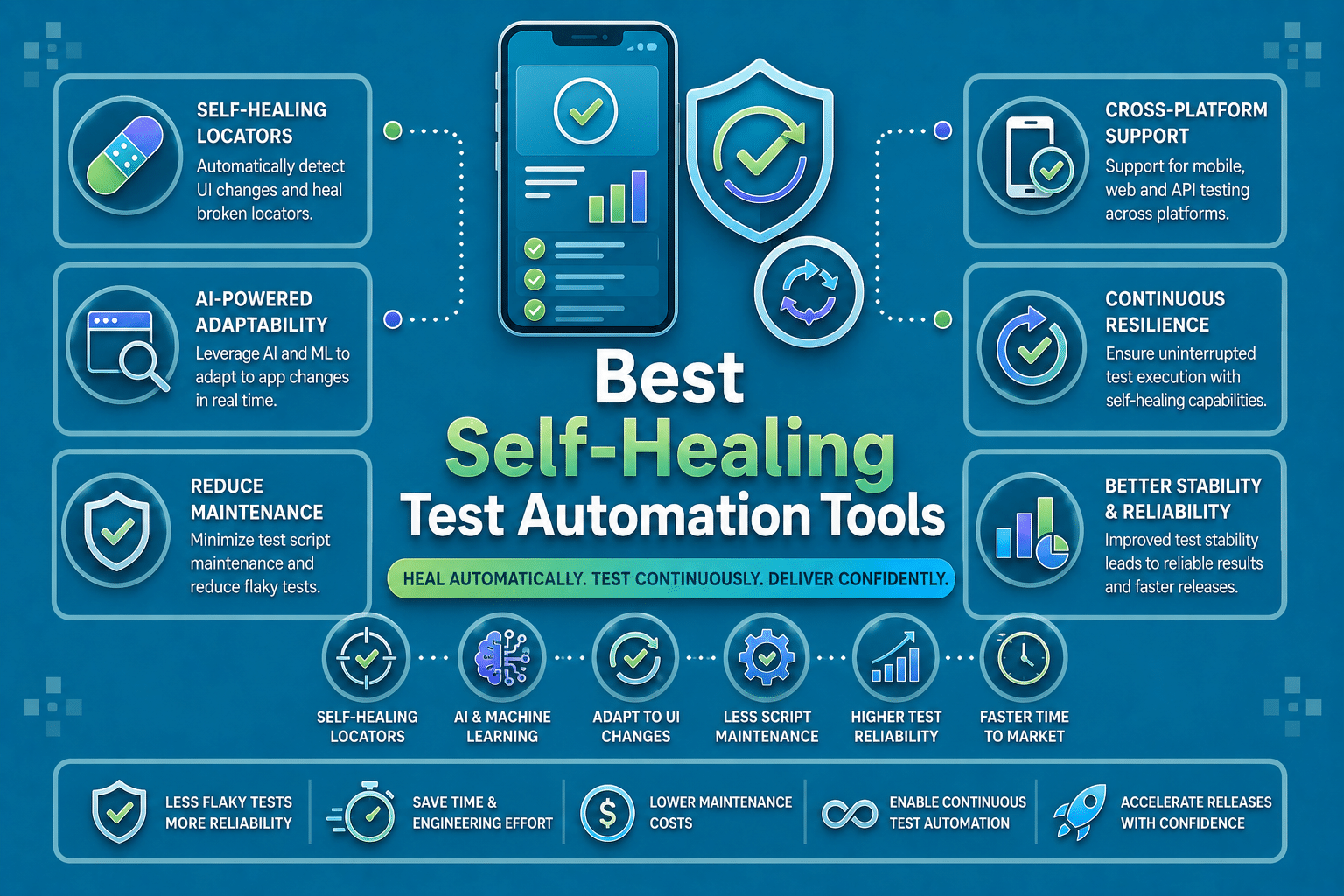

Mobile apps break tests faster than most web apps because locators shift, layouts change, and device behavior is less predictable across iOS and Android.
Self-healing test automation helps teams keep mobile suites stable by adapting when a selector, label, or screen structure changes instead of failing immediately.
This list compares the strongest self-healing test automation tools for mobile apps in 2026, with a special focus on real-device support, CI/CD fit, and how the healing actually works.
What Is Self-Healing Test Automation?
Self-healing test automation is the layer that keeps a test moving when a locator stops working. Instead of failing immediately, the tool compares the broken step against other signals such as historical context, metadata, visual cues, or ranked locator candidates, then retries with the best match.
Why Mobile Apps Break Tests Faster Than Web
Mobile UI churn is harsher because a single app can behave differently across iOS, Android, phone sizes, tablets, simulators, and real devices. A button that is stable in one build or device profile can move, relabel, or disappear in the next, which is exactly the kind of drift self-healing is designed to absorb.
What Self-Healing Actually Does Under The Hood
Most modern systems use some mix of fallback locators, AI-based scoring, visual recognition, and execution history. Some tools update the locator automatically, some suggest a repair for review, and some keep the run green while logging what changed so teams can audit the heal later.
What To Look For In A Self-Healing Tool For Mobile
A strong mobile self-healing stack should cover more than one locator strategy, work with your current framework or device cloud, fit cleanly into CI/CD, and leave an audit trail when a heal happens. It should also be honest about its limits, because healing is helpful for locator drift, but it does not fix broken product logic or weak assertions.
The 10 Best Self-Healing Test Automation Tools for Mobile Apps
1. Panto AI — Best AI-Native Self-Healing Platform For Mobile Apps
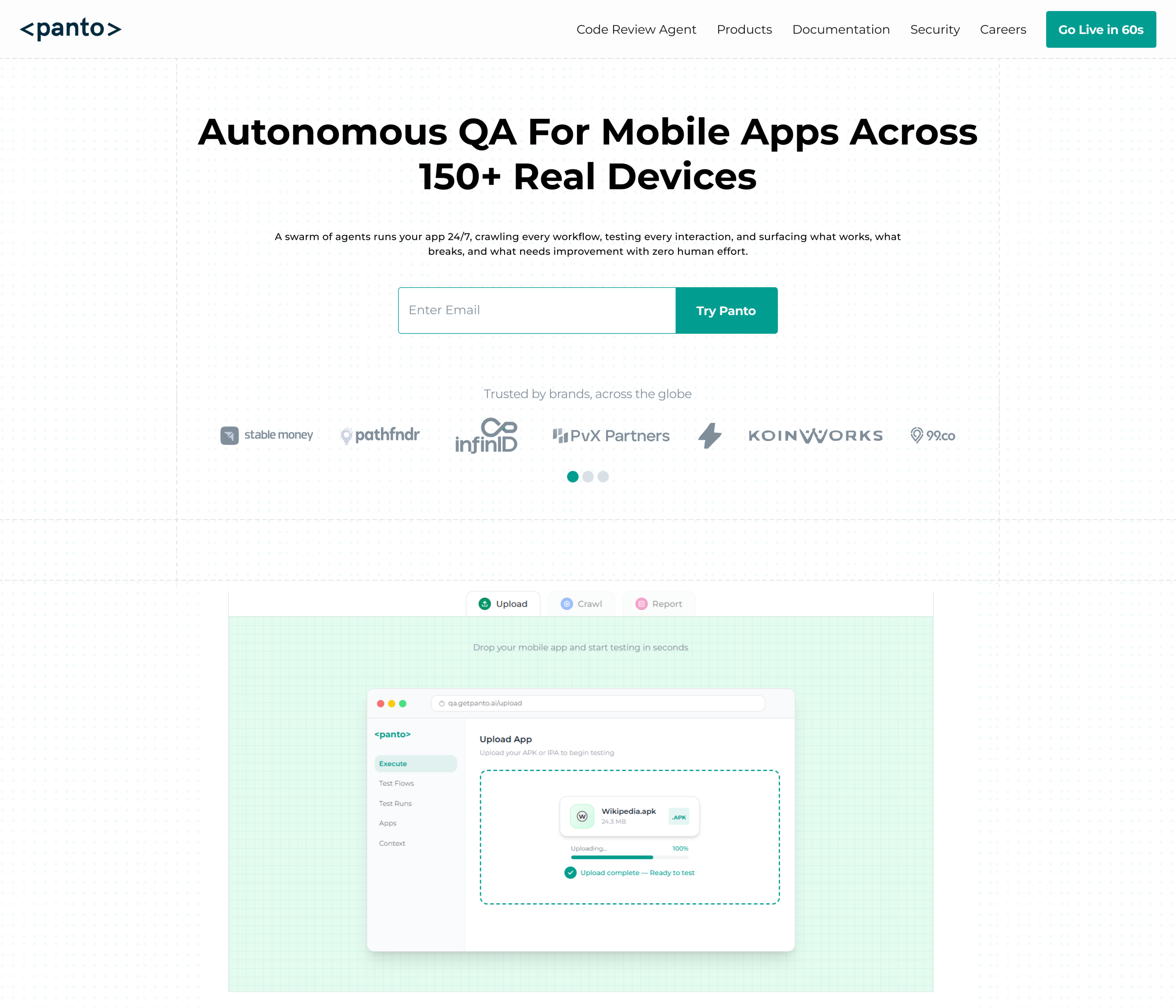
Panto AI is an AI-first mobile QA platform built for teams that want self-maintaining end-to-end tests without living inside brittle selectors. Its current product pages position it as an end-to-end testing solution for mobile apps, combining QA automation, self-healing execution, and a mobile-first workflow that supports real-device testing and CI environments.
On mobile, Panto AI is designed to adapt when selectors, element IDs, accessibility labels, or screen layouts change. The self-healing agent identifies new elements using context, structure, and visual cues, and it also provides a full audit trail so teams can see what healed and why instead of treating recovery as a black box.
Key Features
- AI-native self-healing for mobile app tests.
- Natural-language or no-code test creation.
- Real-device focused mobile QA workflows.
- Supports native iOS, Android, React Native, and Flutter.
How Self-Healing Works
Panto AI watches for UI changes during execution and then remaps the failed step using context, structure, and visual cues rather than depending on one brittle selector. That makes it useful for locator drift, renamed labels, moved buttons, and layout shifts that are common in mobile apps.
Supported Frameworks
- Native iOS
- Android
- React Native
- Flutter
Limitations
- Best suited to teams that want an AI-first workflow.
- Works best when test intent is written clearly and the UI still exposes meaningful signals. This is an inference from how the product describes context-based healing.
- Like any self-healing system, it helps with broken locators, not broken product behavior.
Best For
Mobile QA teams that want AI-native self-healing, real-device coverage, and less selector maintenance.
Pricing
Check the live Panto site for the current plan details.
2. BrowserStack App Automate Self-Healing Agent — Best For Real-Device CI Pipelines
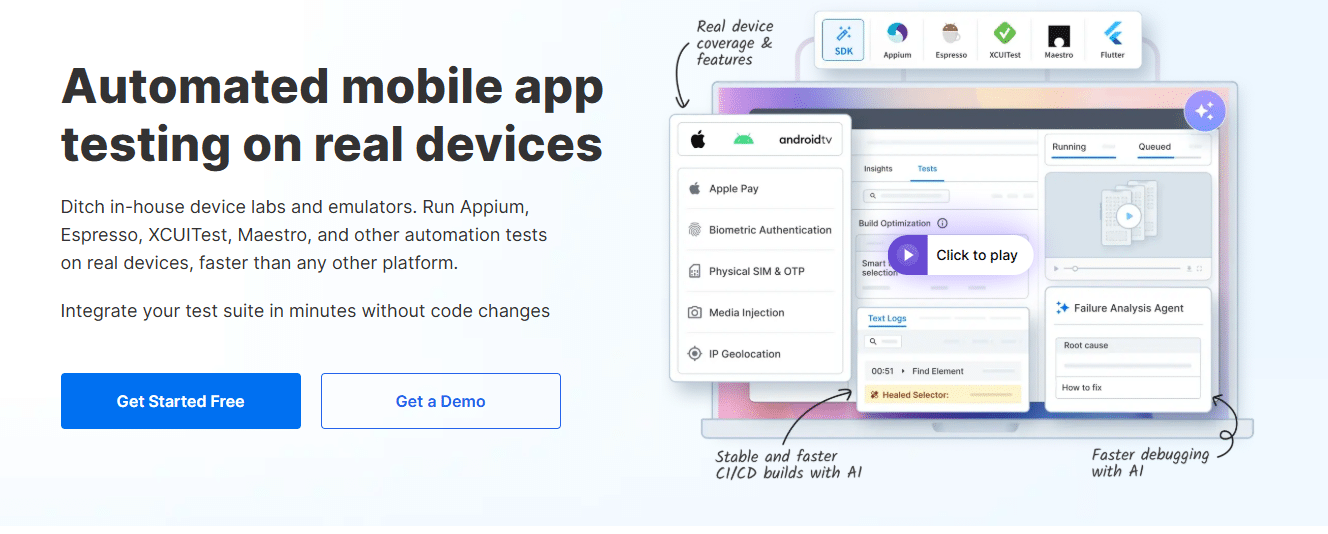
BrowserStack App Automate pairs real-device mobile testing with an AI self-healing layer, so teams can run Appium tests on Android and iOS without rewriting scripts every time the UI shifts.
Its self-heal feature uses historical context and AI signals to recover broken locators and record what changed, which makes it a strong fit for teams that want device-cloud scale and fast CI feedback.
Key Features
- Real-device automation for iOS and Android.
- Self-Healing Agent plus failure analysis and device-cloud support.
- CI/CD-friendly execution with no code changes for integration.
How Self-Healing Works
BrowserStack detects when a locator no longer works, then searches for the right element using historical context and AI signals. The healed step is logged, which helps teams review what changed instead of hunting blindly through a failed run.
Supported Frameworks
- Appium
- Espresso
- XCUITest
- Maestro
Limitations
- Best value appears when you already use BrowserStack for device access.
- Healing helps locator drift, not broken app behavior.
- Enterprise usage can move beyond the free entry point.
Best For
Teams that need real-device mobile automation with AI recovery inside the same pipeline.
Pricing
Free entry tier is available, with paid plans for broader usage and enterprise features.
3. Kobiton Appium Self-Healing — Best For Appium Teams That Want Device Cloud Coverage
Kobiton is a mobile testing platform built around real devices, and its Appium self-healing capability is aimed at teams fighting “element not found” failures on iOS and Android. The platform positions itself for continuous mobile delivery, so self-healing fits naturally into its device-cloud workflow.
Key Features
- Real-device mobile testing platform.
- Appium self-healing for locators.
- Cloud device access for faster mobile delivery.
How Self-Healing Works
Kobiton says the feature recognizes when a script cannot locate a technical identifier and then switches to the next most suitable identifier. That makes it a practical locator-repair layer for Appium suites that fail on minor UI changes.
Supported Frameworks
- Appium
- Native mobile app flows through the platform’s device cloud
Limitations
- The healing layer still depends on the target element existing.
- It is strongest for locator drift, not redesigns that completely change intent.
- Real-device minutes and plan selection matter more as usage scales.
Best For
Appium-heavy mobile QA teams that want cloud devices and a built-in recovery layer.
Pricing
Paid plans start at $83/month, and a free trial is available.
4. pCloudy AutoHeal — Best For High-Volume Real-Device Healing

pCloudy’s AutoHeal is built to detect and repair broken Appium locators at runtime on real Android and iOS devices. The company frames it as a way to keep builds green while the UI changes, which makes it attractive for teams running large mobile regression suites.
Key Features
- AI self-healing on 5,000+ real devices.
- Runtime locator repair.
- Support for common locator types and a heal log.
How Self-Healing Works
AutoHeal repairs locators when their attributes change and supports common locator types like ID, XPath, CSS selector, accessibility ID, class name, name, and text. pCloudy also says the system reviews repairs from a heal log, which helps with traceability.
Supported Frameworks
- Appium
- Android
- iOS
Limitations
- Healing depends on the target element still being present.
- The tool is strongest when locator changes are incremental, not when the flow itself changes.
- Device-cloud usage can become the main cost driver.
Best For
Teams that want self-healing plus heavy real-device execution at scale.
Pricing
Free trial and demo options are available.
5. Katalon Studio — Best For Low-Code Teams That Need Mobile Self-Healing
Katalon Studio now includes AI Mobile Self-healing for mobile tests, and its docs say the feature suggests alternative locators when current mobile locators fail. Katalon also supports mobile testing for Android and iOS, which makes it relevant for teams that want a single low-code platform across web, mobile, API, and desktop.
Key Features
- AI Mobile Self-healing.
- Mobile testing for Android and iOS.
- Low-code and full-code authoring in the same platform.
How Self-Healing Works
Katalon’s mobile self-healing uses current locator values and metadata to suggest alternatives when an object breaks. The release notes also say the feature was introduced to improve resilience for mobile testing scripts.
Supported Frameworks
- Appium 3.0.0+ for mobile testing
- Android
- iOS
Limitations
- iOS mobile testing on Katalon is macOS-dependent.
- The platform’s richness can be more than a tiny team needs.
- Healing still needs strong test structure underneath it.
Best For
Small to mid-sized QA teams that want low-code mobile automation with built-in healing.
Pricing
Katalon’s pricing page lists team pricing starting at $67/seat/month, and the platform also offers a free trial.
6. ACCELQ — Best For Codeless Mobile Automation With Self-Healing
ACCELQ is a codeless, enterprise automation platform that covers web, mobile, API, and more. Its self-healing model uses AI-driven matching, multiple element signals, and contextual tuning, which makes it a strong candidate for teams that want mobile automation without heavy script maintenance.
Key Features
- Codeless mobile automation.
- CI/CD integration.
- Multi-technology coverage across the enterprise stack.
How Self-Healing Works
ACCELQ’s guide says the engine looks at signals such as element ID, XPath, CSS selectors, text labels, and relative position, then suggests the best match. Its release notes also mention contextual intelligence, where self-healing parameters change based on the type of operation.
Supported Frameworks
- Appium-backed mobile execution
- Android
- iOS
- Flutter support for mobile apps
Limitations
- Best fit is enterprise or platform-minded teams.
- The codeless model may feel opinionated if you prefer raw code.
- Healing quality still depends on how stable your app’s element metadata is.
Best For
Enterprise teams that want codeless mobile automation and built-in locator recovery.
Pricing
Sales-led pricing with a free trial entry point on the main site.
7. Autify — Best For Visual, No-Code Mobile Healing
Autify’s current platform is built around Aximo, an AI testing agent that uses natural language and visual recognition across web, mobile, and desktop. For mobile specifically, Autify says Aximo runs on real iOS and Android devices and reduces maintenance overhead by avoiding fragile selectors.
Key Features
- No-code mobile test creation.
- Real iOS and Android device execution.
- Visual recognition and visual regression support.
How Self-Healing Works
Autify’s mobile ML stack uses visual information to recognize elements and suggests corrections when the target changes. Earlier ML docs describe visual self-healing that relies on what is visible, not on brittle structure alone.
Supported Frameworks
- No framework required for Aximo
- Real-device iOS and Android testing
- Mobile device action capture in the Autify ecosystem
Limitations
- The visual approach is powerful, but it can struggle when appearance changes too much.
- Best for teams that are comfortable with no-code workflows.
- Mobile and web capabilities are productized separately in parts of the stack.
Best For
Teams that want visual self-healing and no-code mobile automation on real devices.
Pricing
Autify offers trial access and demo-led sales for its platform.
8. testRigor — Best For Plain-English Mobile Tests Without Locators
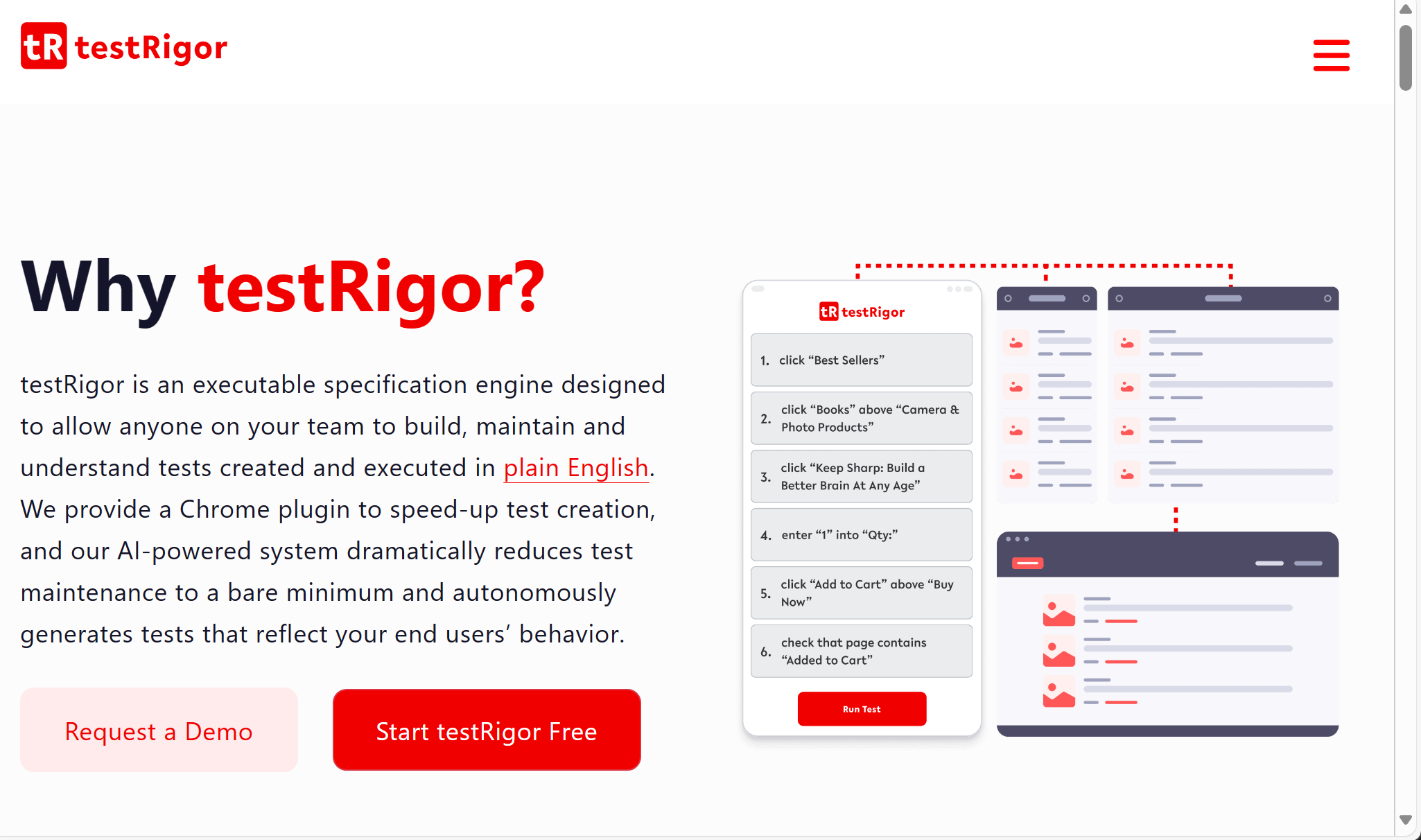
testRigor is a strong fit for teams that want mobile tests written in plain English instead of brittle technical selectors. Its mobile docs say it supports native, hybrid, and mobile web apps, and its self-healing guidance says AI-driven tests can adapt when UI elements change without constantly updating locators.
Key Features
- Plain-English authoring.
- Hybrid, mobile, web and native app support.
- Self-healing without locator maintenance.
How Self-Healing Works
testRigor’s model is intent-based: the test describes what a user should do, and the platform adapts when element attributes or UI structure change. That reduces the need to hand-maintain locator trees in fast-moving mobile apps.
Supported Frameworks
- Native mobile
- Hybrid mobile
- Mobile web
- BrowserStack or LambdaTest device providers for broader coverage
Limitations
- Teams that want full code-level control may find it opinionated.
- Intent-based healing is best when test steps are written clearly.
- Some advanced mobile setups still depend on the connected device provider.
Best For
Small teams and cross-functional QA groups that want to author mobile tests in plain English.
Pricing
testRigor offers a free version and a 14-day trial, plus demo-led plans.
9. Functionize — Best For AI-Driven Mobile Suites That Need Auditability

Functionize says its agentic AI builds, runs, diagnoses, and self-heals tests end to end, and its mobile page says the platform scales Android and iOS testing in the cloud. That makes it a credible option for teams that need AI healing plus a broader quality system around execution and reporting.
Key Features
- AI-driven self-healing.
- Mobile testing on Android and iOS.
- Cloud scaling with strong reporting.
How Self-Healing Works
Functionize says it uses a machine-learning engine to recognize elements across mobile devices and adapt tests as the UI evolves. Its self-healing pages also frame logs and execution history as part of the product, which is useful when teams need traceability.
Supported Frameworks
- Android
- iOS
- Mobile web and cross-platform apps
Limitations
- Enterprise AI platforms can be more than a small team needs.
- The value rises when you can use its broader execution and analytics stack.
- It is strongest when mobile tests are part of a wider QA program.
Best For
Teams that want AI self-healing plus mobile coverage, analytics, and governance.
Pricing
Pricing is demo-led rather than fully self-serve on the main product pages.
10. Leapwork — Best For Visual Enterprise Teams With Mobile Support
Leapwork is a visual automation platform with self-healing, audit-ready execution, and mobile support through Appium Server and cloud device connections. It is especially relevant for enterprise teams that want mobile automation inside a broader continuous validation stack.
Key Features
- Visual automation with self-healing.
- Appium Server and cloud device connections.
- Auditable, deterministic execution.
How Self-Healing Works
Leapwork says self-healing adapts workflows as applications evolve, while its mobile docs show support for iOS and Android through Appium Server, BrowserStack, Sauce Labs, LambdaTest, and HeadSpin connections. That makes its healing model especially useful when mobile tests sit inside a larger enterprise workflow.
Supported Frameworks
- Appium Server
- BrowserStack
- Sauce Labs
- LambdaTest
- HeadSpin
Limitations
- Visual platforms can feel heavyweight for a tiny team.
- Mobile setup still requires connection and device planning.
- The best results come when your process values governance and auditability.
Best For
Enterprise QA teams that want visual automation, mobile support, and audit trails in one place.
Pricing
Demo-led enterprise pricing; the platform also highlights free preview access for some new AI capabilities.
Quick Comparison Table of Self-Healing Tools
| Tool | Healing Mechanism | Mobile Native | CI/CD | Frameworks | Free Tier |
| Panto AI | Context + structure + visual cues; full audit trail | Yes | Yes | Native iOS, Android, React Native, Flutter | Check current plans |
| Kobiton | Next best technical identifier | Yes | Yes | Appium | Free trial |
| pCloudy | Runtime locator repair | Yes | Yes | Appium | Free trial |
| Katalon | Metadata-based locator suggestions | Yes | Yes | Appium 3+, Android, iOS | Trial / free entry |
| ACCELQ | AI-driven matching and contextual tuning | Yes | Yes | Appium-backed mobile, Flutter | Trial / demo |
| Autify | Visual self-healing | Yes | Yes | No-code, real-device iOS/Android | Trial / demo |
| testRigor | Intent-based healing without locators | Yes | Yes | Native, hybrid, mobile web | Free version + trial |
| Functionize | ML engine + self-healing execution | Yes | Yes | Android, iOS, cross-platform | Demo-led |
| Leapwork | Workflow self-healing | Yes | Yes | Appium Server, BrowserStack, Sauce Labs, LambdaTest, HeadSpin | Demo / preview |
How To Choose A Self-Healing Tool For Your Mobile QA Stack
If You’re On Appium
Prioritize tools that preserve your existing Appium investment instead of forcing a migration. Panto AI, BrowserStack, Kobiton, pCloudy, Katalon, and ACCELQ work well for teams that already rely on Appium scripts, real-device clouds, or CI pipelines and mainly want to reduce locator maintenance and flaky failures.
If You’re On A No-Code Or Low-Code Stack
Choose QA tools like Panto AI, Autify, testRigor, Katalon, ACCELQ, or Leapwork if your goal is faster test creation with less scripting overhead. These platforms are strongest when QA engineers, product teams, and manual testers need to collaborate without constantly editing selectors or framework code.
If You Need CI/CD-Native Healing
Look for platforms that do more than silently repair selectors. The best tools expose healing logs, confidence scoring, failure analysis, and audit trails directly inside the pipeline. Panto AI, BrowserStack, ACCELQ, Katalon, and Leapwork stand out because they combine self-healing with reviewable execution data and CI/CD integrations.
If You’re A Small Team Without A Dedicated QA Engineer
Focus on tools that reduce maintenance work rather than adding another layer of infrastructure. Panto AI, testRigor, and Autify are especially useful for smaller teams because they minimize selector management and reduce the amount of manual QA upkeep required to keep mobile suites stable.
Conclusion
Self-healing has evolved from a nice-to-have feature into a core part of modern mobile QA. As Android and iOS apps ship faster and UI changes become more frequent, teams need automation that can adapt without constant script maintenance.
The tools in this list help reduce flaky failures, recover from locator drift, and keep mobile CI/CD pipelines stable across real devices and frameworks.
Whether you’re running Appium at scale, adopting low-code mobile testing, or building an AI-native QA workflow with platforms like Panto AI, the right self-healing strategy can dramatically reduce maintenance overhead while improving release confidence.
FAQ’s
What Is The Difference Between Self-Healing And Flaky Test Detection?
Flaky test detection tells you a test is unreliable, while self-healing tries to recover the step and keep the run moving. In practice, the best platforms do both: they heal the step and still show you what changed.
Does Self-Healing Work On Real Devices Or Only Emulators?
It works on both in some tools, but the strongest mobile platforms emphasize real devices because that is where screen size, OS behavior, and device quirks show up. BrowserStack, Kobiton, pCloudy, Autify, and several others explicitly position healing around real-device execution.
Can Self-Healing Replace Manual Test Maintenance Entirely?
No. It reduces maintenance dramatically, but it does not replace good assertions, clean test design, or human review for meaningful app changes. Even the vendors that push self-healing the hardest frame it as a reduction in maintenance, not a magic erase button.
How Does AI-Based Self-Healing Differ From Rule-Based Healing?
AI-based healing scores multiple signals and chooses the best candidate, while rule-based healing usually follows a smaller set of fallback locator rules. Digital.ai, BrowserStack, Autify, and Functionize all describe AI or ML-driven matching rather than simple retries.
Which Frameworks Support Self-Healing For Mobile Apps?
The most common answer is Appium, especially for teams that want to add healing without rewriting their stack. Some platforms also support native mobile flows, no-code mobile execution, or device-cloud connections such as Espresso, XCUITest, Maestro, BrowserStack, LambdaTest, Sauce Labs, and HeadSpin.