

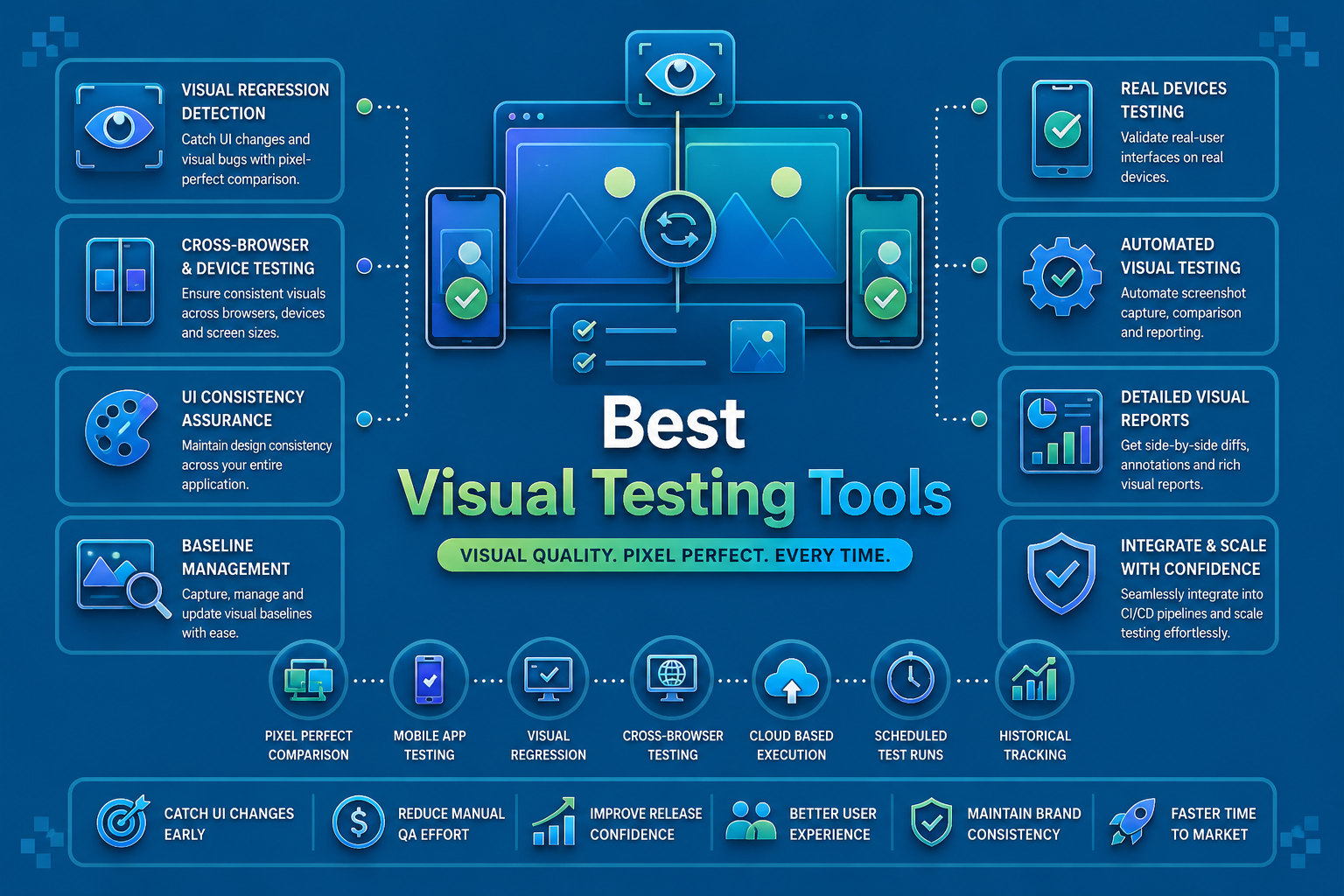

A mobile app can pass every functional test and still feel broken to users. A button that overlaps with text, a dark mode screen with unreadable contrast, or a layout that breaks on a foldable device will not fail an assertion, but it will fail the user.
This is the gap that visual testing tools for mobile apps close. They compare screenshots across devices, OS versions, and screen sizes to catch the visual bugs that functional automation was never designed to see.
This guide covers the 10 best visual testing tools for mobile apps in 2026, how each one approaches visual regression, and how to choose the right one for your team.
Check out our complete guide on visual regression testing here →
Key Tools:
- Panto AI: AI-native mobile QA platform with semantic visual comparison built into real device test execution. Free plan available; Scale plan starts at $999/month.
- Applitools: Visual AI engine for perceptual UI comparison across web, mobile, and PDFs. Starter plan with custom enterprise pricing.
- Percy: Visual testing platform with a 50,000+ device cloud for screenshot comparison. Free tier; Desktop and Mobile plan starts at $599/month.
- TestMu AI: AI visual agent combined with a large real device cloud for Android and iOS. Free plan; real device plans start at $39/month.
- Katalon: Visual checks built into a unified mobile, web, and API automation platform. Free community plan; premium starts at $208/month.
- BrowserStack: Real device cloud with Percy integration for visual regression at scale. App Automate starts at $199/month.
- Kobiton: Scriptless visual validation built into mobile-focused real device testing. Plans start at $83/month.
- Testim: AI-powered visual comparison paired with smart locator stabilization. Contact for pricing.
- Chromatic: Component-level visual regression for Storybook-based design systems. Free tier; usage-based pricing.
- Visual Regression Tracker: Open source, self-hosted pixel-based visual regression tool. Free.
The 10 Best Visual Testing Tools for Mobile Apps in 2026
1. Panto AI
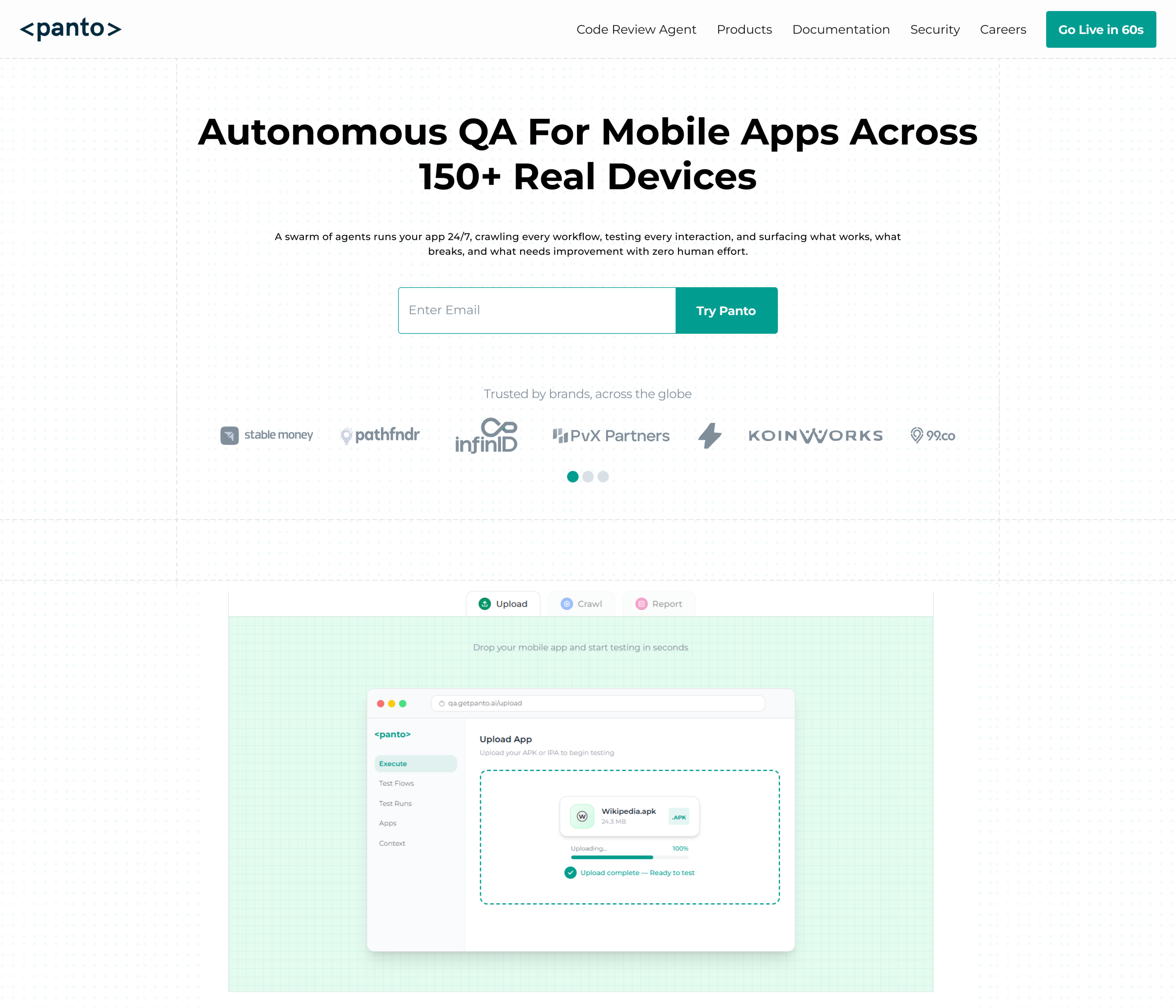
Panto AI is an AI-native mobile QA platform that brings visual testing into the same workflow as functional and end-to-end test automation. Rather than treating visual regression as a separate tool and pipeline, Panto integrates AI-powered visual checks directly into its real device test execution for Android and iOS.
Because Panto’s AI understands the app’s UI semantically, it can distinguish between an intentional design change and a genuine visual regression. This is particularly valuable for mobile apps where pixel-level differences across devices are common but rarely meaningful.
Key Features:
- AI-powered visual comparison integrated into real device test execution
- Semantic UI understanding that reduces false positives from minor rendering differences
- Real device execution across 150+ Android and iOS physical devices
- Self-healing automation that adapts both functional and visual checks to UI changes
- Vibe Debugging platform connecting visual failures to the pull request that caused them
- Automatic dynamic content handling for timestamps, animations, and live data
- NLP-based test generation that includes visual checkpoints from plain English flows
- CI/CD integration with automatic visual regression checks on pull requests
- Appium, Detox, and Maestro script export for version-controlled visual test suites
- Free for open source projects with unlimited PR reviews
How It Helps With Visual Testing:
Panto’s biggest advantage in mobile visual testing is that visual checks are not bolted on as an afterthought. They run as part of the same AI-driven test execution that handles functional and end-to-end coverage, on the same real devices. The semantic comparison engine means a designer changing a button color does not trigger a false alarm, while a button shifting off-screen on a specific device does.
Limitations:
- Visual testing capabilities are part of a broader platform rather than a standalone visual tool
- Teams seeking only visual regression without functional automation may find the platform broader than needed
- Advanced custom visual diff configurations may require technical input
Best For: Mobile-first teams that want visual regression testing integrated into the same AI-driven workflow as functional and end-to-end testing on real devices.
Pricing: Free plan at $0 with 15 test flows and 50 minutes of real device execution. Scale plan starts at $999 per month. Enterprise pricing available on request.
2. Applitools
Applitools is one of the most established names in visual testing, built around its Visual AI engine that powers Applitools Eyes. It pioneered Visual AI with capabilities across web, mobile, and PDFs, and has become the reference point most other tools compare themselves against.
The platform’s AI-driven visual matching is designed specifically to filter out rendering noise while flagging genuine UI regressions. Its AI-driven visual matching uses perceptual AI to filter noise and highlight true visual regressions, which is particularly valuable across mobile’s wide range of device renderers.
Key Features:
- Visual AI engine for perceptual, semantic UI comparison
- AI-driven visual matching that filters noise while highlighting true visual regressions
- Cross-platform coverage working with Selenium, Cypress, WebdriverIO, and mobile frameworks
- Root cause analysis for visual differences across test runs
- Dynamic content masking for timestamps and live data
- Integration with major CI/CD pipelines and test frameworks
- Cross-browser and cross-device visual baseline management
How It Helps With Visual Testing:
Applitools’ Visual AI is built to handle the exact problem mobile teams face most: the same screen rendering with minor pixel differences across hundreds of device and OS combinations. By understanding what a UI element is meant to look like rather than just its raw pixels, it filters out rendering noise that would otherwise overwhelm a visual regression suite with false positives.
Limitations:
- Works best when paired with existing test automation rather than as a standalone tool
- Pricing is usage-based and can become significant at scale
- Initial setup and baseline management require a learning investment
Best For: Teams that need a mature, AI-driven visual testing layer to integrate with existing Selenium, Appium, or other automation frameworks across mobile and web.
Pricing: Starter plan with limited test units available. Custom enterprise pricing for larger teams.
3. Percy
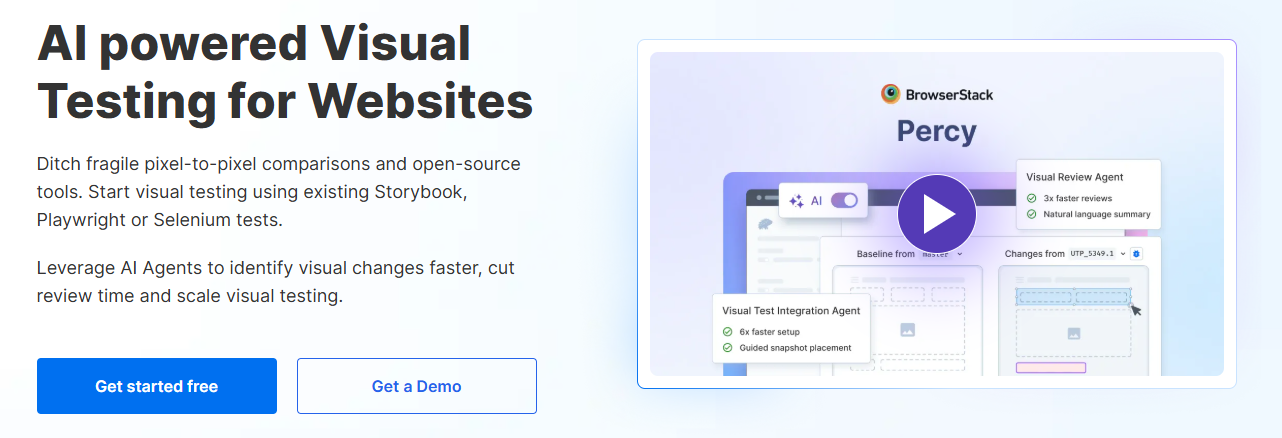
Percy, part of BrowserStack, is a widely used visual testing platform focused on automated screenshot comparison across web and mobile. One of its biggest advantages is its expansive real device cloud of over 50,000 devices for visual UI testing, giving teams broad coverage for mobile visual regression.
Percy integrates closely with popular automation frameworks and is designed to surface visual diffs directly inside the development workflow. It looks for intelligent visual diffing using perceptual or AI-based comparison that understands human vision, helping ignore insignificant pixel changes while flagging real UI regressions.
Key Features:
- Responsive visual testing with build history and CI integration
- Real device cloud with over 50,000 devices and browsers for visual UI testing
- Noise reduction and stabilization controls for animations, timestamps, and live data
- Mobile web and hybrid app visual testing support
- Integration with Selenium, Cypress, Playwright, and other frameworks
- Pull request integration for surfacing visual diffs in code review
- Free plan with up to 5,000 screenshots per month for smaller teams
How It Helps With Visual Testing:
Percy’s combination of device cloud breadth and noise reduction makes it practical for mobile teams running visual checks across many configurations without drowning in false positives. Teams requiring mobile web visual testing coverage can extend to real mobile browsers through its Desktop and Mobile plan, making it a natural fit for hybrid app teams already on BrowserStack.
Limitations:
- Native mobile app visual testing requires pairing with frameworks like Appium
- Free tier screenshot limits are restrictive for larger mobile test suites
- Higher-tier mobile plans add meaningful cost for growing teams
Best For: Teams already using BrowserStack or testing mobile web and hybrid apps that want broad device coverage for visual regression with strong CI integration.
Pricing: Free plan with 5,000 screenshots per month. Desktop and Mobile plan starts at $599 per month billed annually. Enterprise pricing on request.
4. TestMu AI (Formerly LambdaTest)
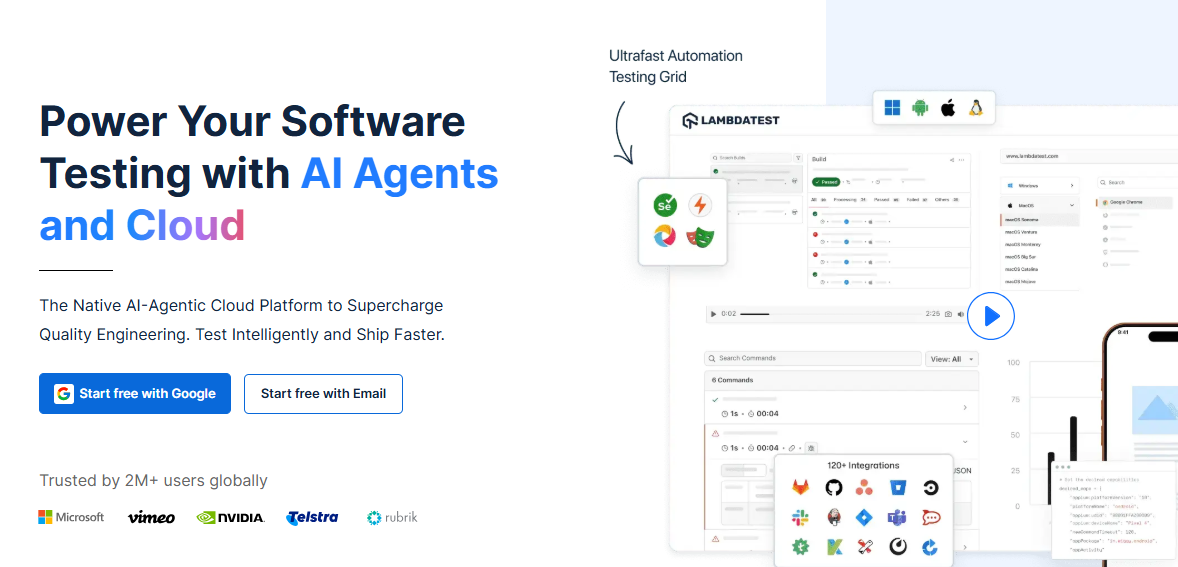
TestMu AI brings visual testing into its broader AI-native platform, combining a large real device cloud with visual regression capabilities powered by its AI agents. Visual testing tools in this category compare baseline screenshots with new builds to detect layout shifts, color mismatches, and styling issues, and TestMu AI applies this directly across its mobile device inventory.
The platform’s most advanced implementation applies machine learning to distinguish meaningful UI changes from rendering noise, which reduces the manual review burden for mobile teams running visual checks across thousands of device combinations.
Key Features:
- AI-powered visual testing agent that distinguishes meaningful UI changes from rendering noise
- Real device cloud with thousands of Android and iOS devices for visual checks
- AI-powered visual regression testing that allows automated checks across real desktop and mobile environments in a single click
- Integration with Appium, Espresso, and XCUITest for native mobile visual testing
- Baseline management and visual diff reporting
- CI/CD integration for automated visual regression on every build
- Cross-browser and cross-device visual comparison at scale
How It Helps With Visual Testing:
TestMu AI’s strength is combining its very large real device cloud with an AI layer that reduces false positives across that scale. For mobile teams that need to validate visual consistency across a huge range of Android OEM devices specifically, running visual checks on the actual device cloud rather than emulators catches rendering issues that would otherwise go unnoticed until users report them.
Limitations:
- Visual testing is one component of a much larger platform, which can mean a steeper learning curve if that is the only feature needed
- AI noise reduction is strong but still requires initial threshold tuning
- Brand transition from LambdaTest may create procurement questions for some buyers
Best For: Teams that need visual regression testing combined with massive real device cloud access for Android fragmentation testing specifically.
Pricing: Free plan available. Real device plans start at $39 per month billed annually.
5. Katalon
Katalon includes visual testing as part of its unified mobile, web, and API automation platform. It is one of the platforms commonly listed among the top visual regression testing tools, particularly for teams that want visual checks alongside functional automation in the same tool.
Its visual testing capabilities are built on top of its broader Appium-based mobile automation, meaning visual baselines can be captured and compared as part of the same test flows used for functional regression.
Key Features:
- Visual testing integrated into mobile, web, and API test flows
- AI self-healing object repository that also supports visual element tracking
- Built on Appium for broad mobile device and framework compatibility
- Codeless and scripted visual test configuration
- Visual diff reporting within Katalon’s unified test management dashboard
- Katalon TestCloud for cloud-based real device visual execution
- Integration with Jira, Jenkins, and other CI/CD tools
How It Helps With Visual Testing:
Katalon’s value for mobile visual testing comes from not needing a separate tool and pipeline for visual checks. Teams that already run functional E2E tests through Katalon can add visual assertions to the same flows, capturing screenshots at key steps and comparing them against baselines without maintaining a parallel visual testing setup.
Limitations:
- Visual capabilities are less specialized than dedicated visual AI platforms like Applitools
- Performance can degrade with large combined functional and visual test suites
- Advanced visual diff configuration is behind higher-tier plans
Best For: QA teams that want visual regression testing embedded directly into their existing mobile functional and E2E automation without adding a separate platform.
Pricing: Free community plan available. Premium plans start at $208 per month. Enterprise pricing on request.
6. BrowserStack
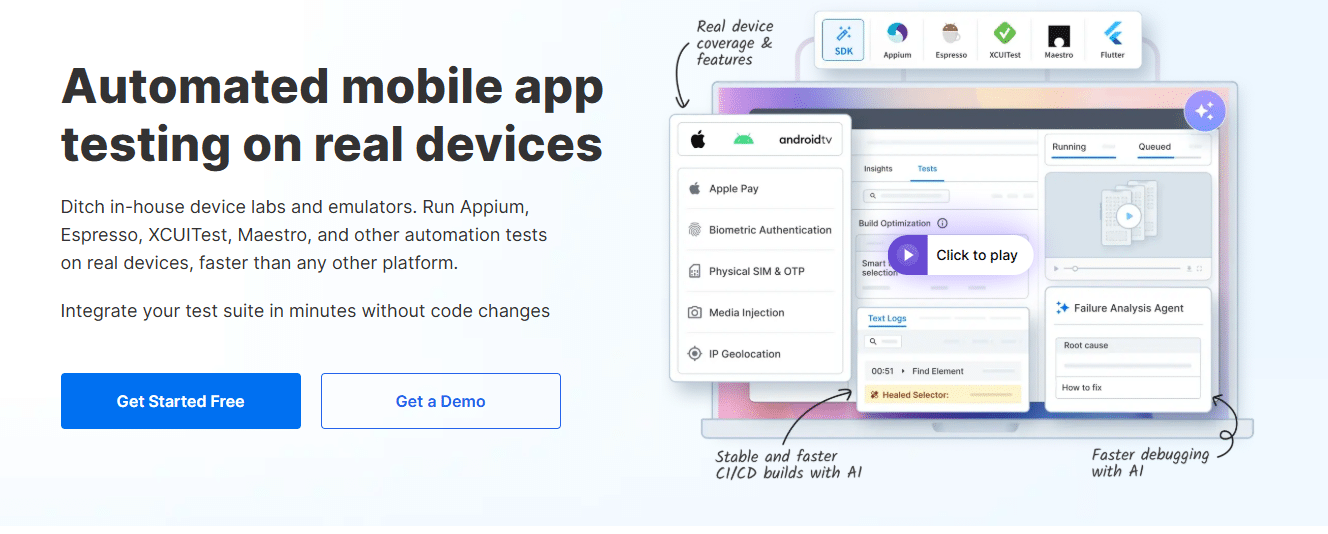
BrowserStack’s visual testing capabilities, delivered largely through its Percy integration and App Automate platform, give teams access to real device visual validation at significant scale. With over 3,500 real Android and iOS devices, it provides the device breadth needed to catch visual regressions across the full range of screen sizes and OS versions in active use.
Beyond raw device access, BrowserStack’s AI-assisted features extend into visual testing through self-healing capabilities that help maintain visual test stability as apps evolve.
Key Features:
- 3,500+ real Android and iOS devices for visual regression validation
- Percy integration for AI-powered visual diffing across the device cloud
- App Automate support for capturing and comparing screenshots during E2E runs
- Visual testing alongside functional Appium, Espresso, and XCUITest suites
- Video recordings and device logs alongside visual diff results
- Parallel execution across multiple real devices for faster visual test runs
- Integration with all major CI/CD platforms
How It Helps With Visual Testing:
BrowserStack’s contribution to mobile visual testing is primarily device coverage. Running visual comparisons across dozens of real Android OEM devices and multiple iOS versions surfaces rendering differences that would never appear on a single emulator.
Combined with Percy’s diffing engine, teams get both the comparison intelligence and the device breadth needed for comprehensive mobile visual regression.
Limitations:
- Visual testing requires the Percy integration rather than being fully native to App Automate
- Pricing scales significantly at higher device and parallelization tiers
- Teams need to configure visual checkpoints within their existing automation scripts
Best For: Teams with existing BrowserStack infrastructure that want to extend their real device cloud into visual regression testing without adding a separate device platform.
Pricing: App Automate starts at $199 per month billed annually. Percy integration pricing varies by plan.
7. Kobiton
Kobiton positions its visual testing capabilities specifically around mobile, with what it describes as a comprehensive approach to visual validation and visual UX testing. Kobiton’s scriptless automated visual testing solution offers what it positions as the most comprehensive mobile visual validation and visual UX testing solution for mobile testing and development teams.
The platform combines its real device cloud with AI-augmented visual checks, allowing teams to validate UI appearance as part of the same sessions used for functional and exploratory mobile testing.
Key Features:
- Scriptless automated visual testing solution built for mobile testing teams
- Real device cloud with Android and iOS coverage for visual validation
- AI-augmented visual UX testing alongside functional checks
- No-code visual validations integrated into broader test sessions
- Record-to-automate workflow that includes visual checkpoints
- Network condition simulation alongside visual regression checks
- On-premises device lab option for visual testing in regulated environments
How It Helps With Visual Testing:
Kobiton’s scriptless approach lowers the barrier to adding visual checks into a mobile test suite. Because visual validation is built into the same session-based workflow as functional testing, QA engineers without deep automation experience can capture visual baselines and flag regressions without setting up a separate visual testing pipeline.
Limitations:
- Device inventory is smaller than the largest cloud providers
- Visual AI capabilities are less mature than dedicated visual-first platforms like Applitools
- On-premises configuration requires more internal infrastructure management
Best For: Mobile testing teams that want scriptless visual validation built into the same platform as functional and exploratory real device testing.
Pricing: Startup plan starts at $83 per month. Enterprise pricing on request.
8. Testim

Testim brings AI-powered visual testing into its broader smart test automation platform, applying the same machine learning approach it uses for locator stability to visual comparisons. This means visual checks benefit from the same noise reduction that keeps Testim’s functional tests stable through routine UI updates.
For mobile teams with frequent design iteration, Testim’s visual testing is positioned as part of a broader stability strategy rather than a standalone visual regression tool.
Key Features:
- AI-powered visual comparison integrated with smart locator stabilization
- Record-and-replay test authoring that includes visual checkpoints
- Supports web and mobile visual testing from a single platform
- Visual test editor for non-technical QA contributors
- Dynamic content handling to reduce false positives from live data
- Integration with GitHub, Jenkins, and CircleCI for CI-based visual checks
- Detailed visual diff reports alongside functional test results
How It Helps With Visual Testing:
Testim’s visual testing benefits from the same AI model that stabilizes its functional test locators. When a mobile UI update changes an element’s position or appearance, the AI distinguishes between expected variation and genuine regression using the same multi-signal approach applied to functional checks, reducing the noise that typically makes visual test suites unreliable.
Limitations:
- Visual testing is an extension of the broader platform rather than a dedicated visual-first tool
- Real device coverage for visual checks is more limited than dedicated device cloud platforms
- Can become expensive at higher test execution volumes
Best For: Teams with frequent mobile UI updates that want visual regression checks integrated with the same AI stability layer used for functional test automation.
Pricing: Contact Testim for current pricing. Free trial available.
9. Chromatic
Chromatic takes a fundamentally different approach to visual testing, focused on component-level validation for design systems built with Storybook. It allows users to identify and fix visual regressions in their applications quickly at the component level rather than full-screen comparisons.
Chromatic performs automated snapshot comparisons and integrates with pull requests, making it particularly useful for mobile teams that maintain a shared component library across platforms and want to catch visual regressions before they reach full app builds.
Key Features:
- Component-level visual regression testing for Storybook-based design systems
- Automated snapshot comparisons on every pull request
- Visual diff review surfaced directly in code review workflows
- Integration with React Native and cross-platform component libraries
- Baseline management tied to git branches
- Fast feedback loop for catching component-level issues before integration
- Collaboration features for design and engineering review
How It Helps With Visual Testing:
Chromatic catches visual regressions earlier than full-app visual testing by validating individual components in isolation. For mobile teams using a shared design system across Android and iOS, this means a button or card component that breaks visually gets flagged before it ever reaches a full screen, reducing the number of full-app visual regressions that need investigation later.
Limitations:
- Focused on component-level testing rather than full native mobile app screens
- Requires a Storybook-based design system to be effective
- Does not replace full-device visual regression testing for native apps
Best For: Mobile teams with a shared component library and design system who want to catch visual regressions at the component level before full app integration.
Pricing: Free tier available for smaller projects. Paid plans scale based on snapshot volume.
10. Visual Regression Tracker

Visual Regression Tracker is an open source platform for managing visual testing baselines and image comparisons. It allows users to compare the layout of two images and detect visual regressions by comparing screenshots taken at different times, and is framework-agnostic by design.
The system supports region masking, diff visualization, and history tracking, and is commonly self-hosted via Docker for teams that want full control over their visual testing data.
Key Features:
- Open source platform supporting region masking, diff visualization, and history tracking
- Framework-agnostic integration with any test runner that produces screenshots
- Self-hosted deployment via Docker for data sovereignty
- Baseline management with branch-based versioning
- Works alongside Appium, Espresso, XCUITest, and Maestro for mobile screenshots
- Diff approval workflows for reviewing visual changes
- No licensing costs for unlimited usage
How It Helps With Visual Testing:
Visual Regression Tracker gives mobile teams a way to add visual regression capabilities to existing Appium or Maestro test suites without adopting a commercial platform. Screenshots captured during mobile test runs get sent to the tracker, compared against baselines, and flagged for review, all while keeping visual testing data within the team’s own infrastructure.
Limitations:
- Lacks AI-based semantic comparison, relying on pixel-level diffing
- Self-hosting requires infrastructure setup and maintenance
- No built-in real device cloud; relies on screenshots from existing mobile test runs
Best For: Teams that want open source, self-hosted visual regression testing integrated with existing mobile automation and prioritize data control over AI features.
Pricing: Free and open source.
Comparison Table: Best Visual Testing Tools for Mobile Apps in 2026
| Tool | Comparison Type | Mobile Real Devices | AI Features | Best For | Pricing |
|---|---|---|---|---|---|
| Panto AI | AI semantic | 150+ | Semantic visual AI, self-healing, RCA | Integrated AI-driven mobile QA | Free; Scale $999/mo |
| Applitools | AI semantic | Via integrations | Visual AI noise filtering | Adding AI visual layer to existing automation | Custom pricing |
| Percy | AI + pixel | 50,000+ | Perceptual visual diffing | BrowserStack users, mobile web/hybrid | Free; from $599/mo |
| TestMu AI | AI semantic | Thousands | AI visual agent | Android fragmentation testing | Free; from $39/mo |
| Katalon | Pixel + AI | Via TestCloud | Self-healing object repo | Unified functional + visual testing | Free; from $208/mo |
| BrowserStack | AI (via Percy) | 3,500+ | Self-healing | Extending existing device cloud to visual | From $199/mo |
| Kobiton | AI-augmented | Real device cloud | Visual UX AI | Scriptless mobile visual validation | From $83/mo |
| Testim | AI semantic | Limited | Smart locator + visual AI | High UI churn teams | Contact for pricing |
| Chromatic | Component snapshot | N/A | None | Component-level design systems | Free tier; usage-based |
| Visual Regression Tracker | Pixel-based | None | None | Open source, self-hosted teams | Free |
How to Choose the Right Visual Testing Tool for Mobile
The right visual testing tool depends less on feature lists and more on where visual regression needs to fit into your existing mobile workflow.
Start by asking whether you are adding visual checks to automation you already have, or building visual testing into your stack for the first time. The answer changes which tools make sense.
If You Want Visual Testing Built Into Your Existing Mobile QA Platform
Some teams do not want a separate visual testing tool, pipeline, and dashboard to maintain alongside their functional automation. For this group, Panto AI and Katalon both run visual checks as part of the same flows used for functional and end-to-end testing on real devices.
This matters most for smaller QA teams, where every additional tool adds setup time, another login, and another report to check after every release.
If You Already Have Strong Functional Automation
Teams with mature Appium, Espresso, or XCUITest suites often just need a visual layer added on top, without changing how their existing tests are written.
Applitools is the most established option here, with broad framework support and a Visual AI engine built to reduce false positives across device variation.
If You Are Already Using BrowserStack
Percy is the natural extension for teams testing mobile web or hybrid apps on BrowserStack, since it shares the same device cloud and integrates directly into existing App Automate runs without a separate setup process.
If Android Fragmentation Is Your Biggest Risk
TestMu AI’s combination of a very large real device cloud and AI-based noise reduction is built for exactly this scenario, where the same screen needs to render correctly across dozens of Android OEM devices.
If You Maintain a Shared Design System
Regardless of which full-app visual tool you choose, Chromatic is worth adding if your team maintains a shared component library across Android and iOS. Catching a broken button or card at the component level means fewer full-screen regressions to investigate later.
If Budget and Data Control Are the Priority
Visual Regression Tracker is the right starting point for teams that want visual regression testing without licensing costs, and are comfortable self-hosting and working with pixel-based comparison rather than AI-driven testing and matching.
Conclusion
Visual bugs do not show up in test logs, but they show up in app store reviews, support tickets, and uninstalls. As mobile apps ship UI changes faster and across more device types than ever, visual testing has moved from a nice-to-have to a core part of mobile QA.
The 10 tools in this guide cover the full range of how teams approach that problem, from AI-native platforms that fold visual checks into broader test automation, to dedicated visual AI engines, to open source tools built for teams that want full control over their setup.
There is no single best visual testing tool for every mobile team. The right starting point is the one that fits into your existing workflow without adding friction, since a visual testing tool that gets skipped under deadline pressure provides no protection at all.



