

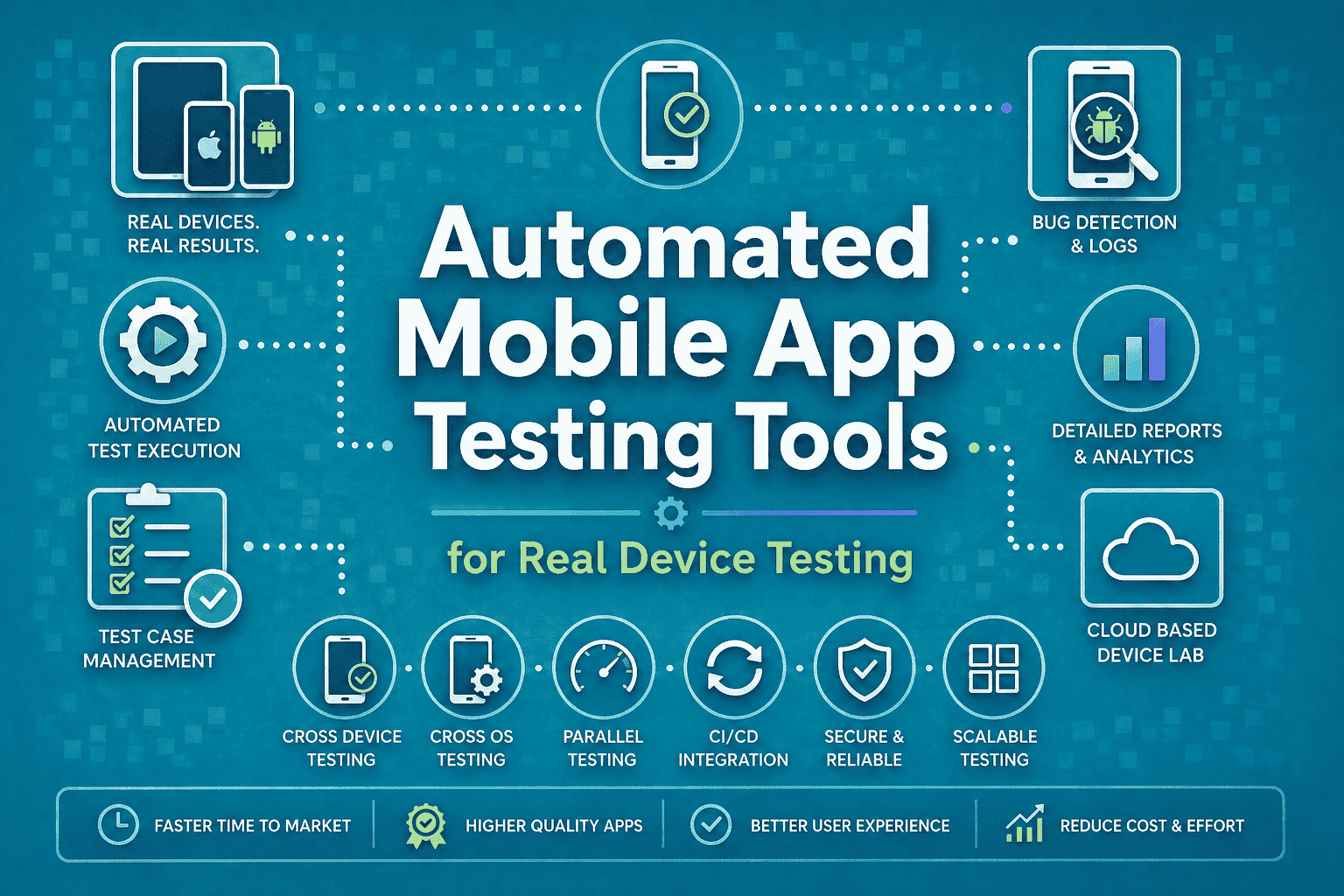

A test suite can look flawless in an emulator and still fall apart on a real Samsung Galaxy or iPhone 15 when the keyboard pushes a CTA off-screen, a biometric prompt behaves differently, or the network gets ugly.
That is exactly why the best automated mobile app testing tools real device testing teams rely on are the ones that run on actual hardware, not just virtual devices.
In 2026, device fragmentation, foldables, OS churn, and CI/CD speed make real device coverage the difference between “green build” and production pain.
Key Tools
- Panto AI: AI-native mobile app testing for lean QA teams seeking autonomous real-device testing.
- BrowserStack App Automate: Automated mobile app testing for enterprises needing extensive real-device and OS coverage.
- TestMu AI: AI-powered mobile test automation for teams combining real-device testing with agentic workflows.
- Sauce Labs Real Device Cloud: Enterprise mobile testing for organizations needing scalable real-device infrastructure and AI-assisted quality workflows.
- Kobiton: Real-device mobile app testing for QA teams seeking no-code automation and Appium self-healing.
- HeadSpin CloudTest: Mobile testing for performance-focused teams combining real-device coverage with experience and issue insights.
- BitBar: Straightforward real-device testing for teams seeking reliable mobile execution across automation frameworks.
- AWS Device Farm: Pay-as-you-go mobile app testing for AWS-native teams running tests on physical devices.
- TestGrid: AI-powered mobile testing for mixed QA teams needing real-device coverage and flexible automation.
- pCloudy: Real-device mobile app testing for enterprises requiring broad device coverage, AI agents, and flexible deployment.
10 Best Automated Mobile App Testing Tools for Real Device Testing
1. Panto AI — Autonomous mobile QA without enterprise overhead
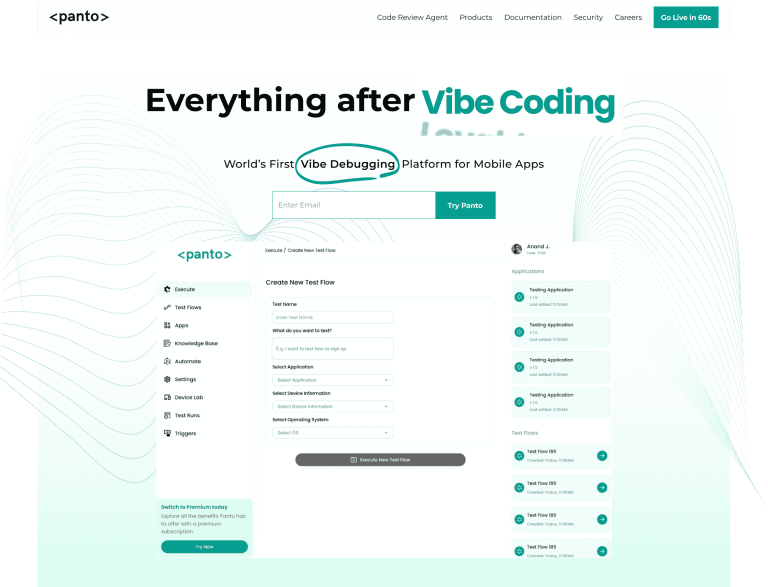
Panto AI is built for teams that want mobile testing to feel autonomous, not tedious. It runs on 150+ real devices, turns natural-language flows into deterministic tests, and pushes self-healing into the core workflow instead of bolting it on later.
That makes it a strong fit for lean QA teams and AI-native orgs that need real-device execution, root-cause analysis, and low-code authoring without a heavy platform tax. It supports Appium and Maestro workflows, CI triggers, Slack alerts, and real-device-first execution.
Best for: Startups, lean QA teams, and AI-native teams.
Key features:
- Natural-language test creation
- Self-healing flows when UI changes
- Real-device-first execution
- CI/CD and Slack integration
- Logs, videos, traces, and RCA
AI capabilities: Autonomous agents handle generation, execution, and failure analysis.
Pricing: Free plan at $0; Scale starts at $999/month.
Pros
- Very strong AI-native positioning
- Real-device execution built in
- Low-code, low-friction onboarding
Cons
- Smaller public ecosystem than the oldest vendors
- Best value shows up when you adopt the full workflow
2. BrowserStack App Automate — Massive device coverage with polished AI support
BrowserStack remains one of the safest choices when device breadth matters more than anything else. App Automate runs mobile tests on 30,000+ real iOS and Android devices and supports Appium, Espresso, XCUITest, and Maestro.
Its real advantage in 2026 is the mix of scale and operational maturity: AI-powered insights, self-healing locators, test selection, and fast CI/CD integration. For teams testing across many OS versions, OEMs, and orientations, it is still a benchmark platform.
Best for: Mid-size to enterprise QA teams.
Key features:
- 30,000+ real devices
- Appium, Espresso, XCUITest, Maestro
- Self-Healing Agent
- Test Selection Agent
- Real device features like Apple Pay and biometrics
AI capabilities: Self-healing, impacted-test selection, and AI reporting.
Pricing: Device Cloud starts at $199/month billed annually; free access is available on select plans.
Pros
- Huge device inventory
- Mature integrations and reporting
- Great for cross-functional QA at scale
Cons
- Costs climb quickly with team size
- Can feel heavy for tiny teams
3. TestMu AI — AI-native mobile automation on a real-device cloud
TestMu AI combines a real device cloud with an AI-first automation stack. It offers 10,000+ real iOS and Android devices, supports Appium, Espresso, Detox, and XCUITest, and bakes in AI self-healing for mobile automation.
It is a strong option for teams that want real-device testing plus agentic workflows without stitching together multiple products. The pricing page also makes the entry point clear: a free plan plus paid tiers for real devices.
Best for: Teams modernizing into AI-native testing.
Key features:
- 10,000+ real devices
- AI-native app automation
- Native app automation cloud
- Parallel execution
- CI/CD support and geolocation testing
AI capabilities: AI-generated tests, self-healing selectors, and AI-native quality workflows.
Pricing: Free plan at $0; Real Device Plus Live starts at $39/month billed annually.
Pros
- Strong AI-first story
- Wide real-device coverage
- Good balance of price and capability
Cons
- Brand transition from LambdaTest may confuse some buyers
- Advanced enterprise procurement may need extra validation
4. Sauce Labs Real Device Cloud — Enterprise-grade mobile testing with AI-ready infrastructure
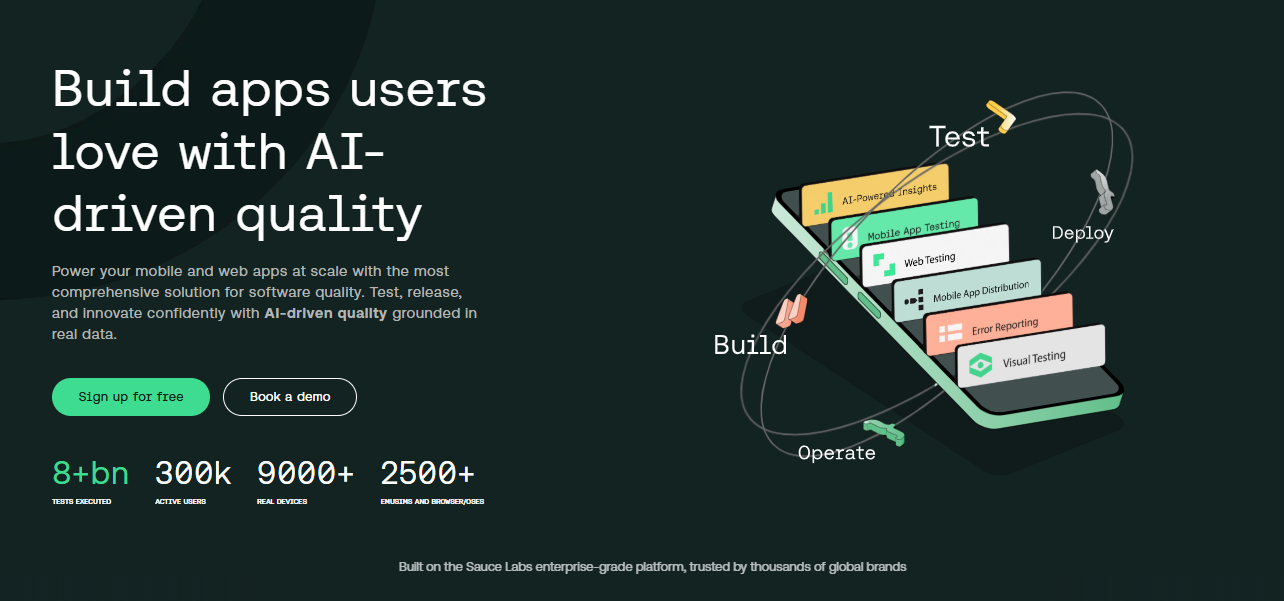
Sauce Labs is still a serious enterprise pick because it blends real devices with a platform built for scale. Its Real Device Cloud gives instant access to thousands of real iOS and Android devices, and the company positions the stack as programmable and AI-ready.
The pricing is easy to understand, which is rare in the enterprise testing world. More importantly, Sauce AI for Test Authoring and agentic workflows make it a credible choice for teams that want AI-assisted quality engineering instead of just raw device access.
Best for: Enterprise teams with mature QA and DevOps pipelines.
Key features:
- Thousands of real devices
- Manual and automated testing
- Wide iOS/Android coverage
- AI-ready infrastructure
- Strong enterprise security posture
AI capabilities: Sauce AI for test authoring and agentic device workflows.
Pricing: Live Testing starts at $39/month; Real Device Cloud starts at $199/month billed annually.
Pros
- Strong enterprise credibility
- Good balance of manual and automated testing
- Clear pricing tiers
Cons
- Can be more than smaller teams need
- Best value appears at scale
5. Kobiton — Real devices plus no-code and Appium self-healing
Kobiton is built for teams that want real-device testing with a stronger no-code layer than most cloud providers. Its platform includes AI-Augmented Testing, no-code validations, Appium self-healing, and script generation.
The big appeal is speed. Kobiton’s own messaging emphasizes faster script execution and a device-in-hand experience on a real mobile device cloud, which makes it practical for teams trying to reduce regression cycle time without rebuilding their stack.
Best for: QA teams that want real devices with low-code acceleration.
Key features:
- Real-device cloud
- Appium self-healing
- Script generation
- No-code validations
- Mobile device cloud with collaboration
AI capabilities: AI-augmented testing and self-healing execution.
Pricing: Startup starts at $83/month.
Pros
- Good low-code balance
- Strong self-healing story
- Real-device focus is clear
Cons
- Smaller public device scale than the biggest clouds
- Enterprise pricing escalates fast
6. HeadSpin CloudTest — Best when device testing and experience data both matter
HeadSpin is a good fit when you care about more than pass/fail. Its CloudTest plans support real-device testing, Appium and Selenium automation, and AI-driven issue detection across a global device footprint.
The platform is especially interesting for performance-heavy mobile apps because it combines testing with broader experience insight. For distributed teams, the global testing footprint and add-on model make it flexible without forcing every buyer into the same package.
Best for: Performance-minded teams and larger organizations.
Key features:
- Global device coverage
- Appium and Selenium support
- Performance and experience add-ons
- 17-location testing footprint
- Real-device cloud access
AI capabilities: AI-driven testing and automated issue detection.
Pricing: Cloud Test Lite starts at $39/month; Cloud Test Go starts at $125/month.
Pros
- Good for experience-driven QA
- Flexible package structure
- Strong global testing angle
Cons
- Less beginner-friendly than simpler tools
- No obvious free entry plan
7. BitBar — Straightforward real-device testing with clean pricing

BitBar stays focused on the basics: real devices, mobile debugging, and automation across frameworks. The pricing page shows real mobile devices, unlimited minutes, and both live and automated test paths.
This is a sensible choice for teams that want a clear device-testing cloud without a long ramp-up. It is not the most AI-heavy platform here, but it is dependable for framework-agnostic mobile execution.
Best for: Teams that want simple real-device execution.
Key features:
- Real physical iOS and Android devices
- Unlimited testing minutes
- Live and automated testing
- Framework-agnostic support
- 14-day free trial
AI capabilities: Minimal AI emphasis; stronger on reliable execution and debugging.
Pricing: Live Testing starts at €47 per parallel/month billed annually.
Pros
- Clear device-cloud model
- Unlimited minutes reduce planning friction
- Good for straightforward QA workflows
Cons
- Less AI-forward than newer platforms
- Fewer flashy workflow features
8. AWS Device Farm — Pay-as-you-go real device testing on AWS
AWS Device Farm is the pragmatic choice for teams already living in AWS. It tests iOS, Android, and web apps on real physical phones and tablets hosted by Amazon Web Services, with automated runs through Appium or remote access sessions.
The pricing model is simple and usage-based, which is attractive when device testing is occasional rather than constant. It is not the most AI-rich tool, but it is reliable and easy to slot into an existing AWS-centric pipeline.
Best for: AWS-native teams and pay-as-you-go users.
Key features:
- Real physical phones and tablets
- iOS, Android, and web support
- Appium-based automation
- Remote access sessions
- Usage-based billing
AI capabilities: No native AI layer; pair with your own test logic and pipelines.
Pricing: $0.17 per device minute after a one-time 1,000-minute free trial.
Pros
- Easy to budget for variable usage
- Good AWS ecosystem fit
- Real devices, not emulators
Cons
- Less polished than newer AI-native tools
- Device-minute pricing can add up in heavy suites
9. TestGrid — AI agent + real device cloud for mixed teams
TestGrid is one of the more practical “one platform for everyone” options. Its Real Device Cloud offers 500+ real Android and iOS devices, deep debugging tools, CI/CD integrations, and real-time device metrics.
The differentiator is CoTester, its AI testing agent. CoTester learns product context, writes test code, and supports no-code, low-code, and pro-code usage, which makes it especially useful for mixed QA teams.
Best for: Teams that want AI agents without giving up control.
Key features:
- 500+ real devices
- GPS, biometrics, camera, and orientation scenarios
- Appium Inspector and device logs
- CI/CD compatibility
- Private cloud and on-prem options
AI capabilities: CoTester creates and adapts tests as an AI agent.
Pricing: Freemium at $0; Manual Testing at $25/month; End-to-End Automation at $99/month; Private Dedicated starts at $30/month.
Pros
- Very broad feature set
- Strong AI-agent story
- Good entry pricing
Cons
- Product surface area can feel busy
- Teams may need time to sort the modules
10. pCloudy — Large device cloud with strong AI agent coverage
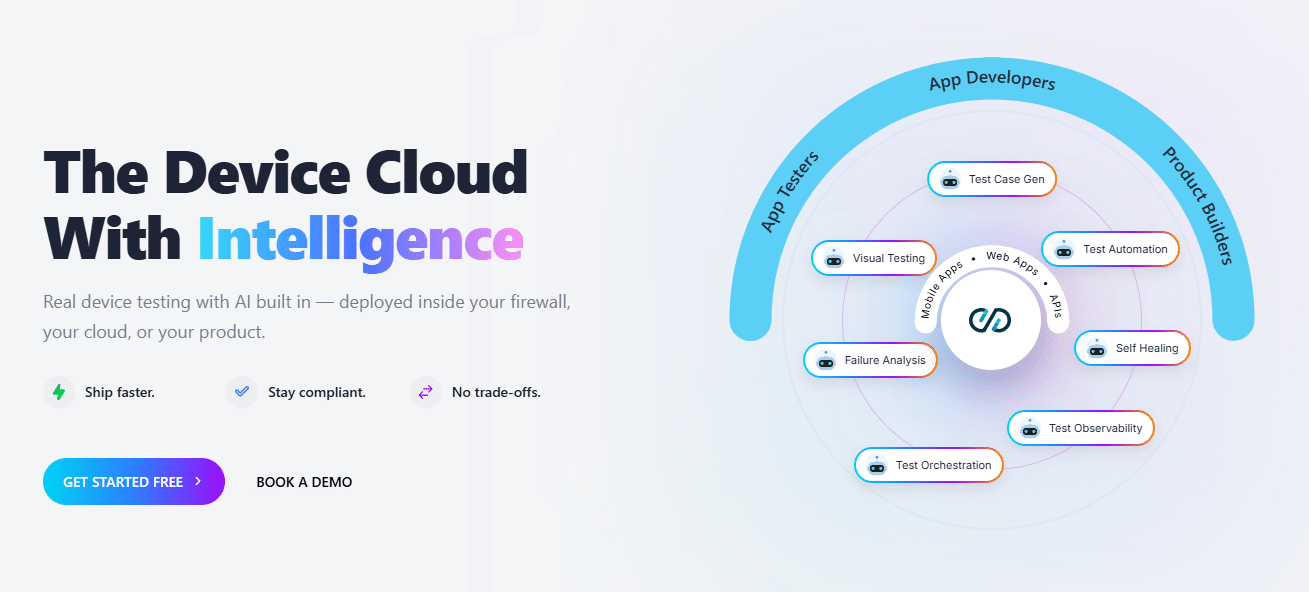
pCloudy is one of the most complete device clouds on this list. It offers 5,000+ real Android and iOS devices, CI/CD integration, automation support across Appium, Espresso, XCUITest, and Playwright, plus QPilot AI.
The platform’s own positioning is clear: manual, automated, and AI-powered mobile testing on real devices with optional private cloud and on-prem deployment. That makes it a serious option for regulated teams that still want modern automation.
Best for: Mid-size and enterprise teams that need broad device coverage.
Key features:
- 5,000+ real devices
- Appium, Espresso, XCUITest, Playwright support
- AI-powered failure analysis
- Private cloud and on-prem options
- 60+ performance metrics
AI capabilities: QPilot AI and agentic test automation across the lifecycle.
Pricing: Plans start at $19/month with a free trial; enterprise pricing is custom.
Pros
- Big device inventory
- Strong AI and metrics story
- Flexible deployment options
Cons
- Broad platform can take time to learn
- Enterprise conversations may still need sales involvement
Quick Comparison Table of Automated Mobile App Testing Tools
| Tool | Best For | Real Devices | AI Features | iOS Support | Android Support | Free Plan | Starting Price |
| Panto AI | AI-native teams that want autonomous mobile QA | 150+ | Natural-language flows, self-healing, RCA | Yes | Yes | Yes | $0 |
| BrowserStack App Automate | Large teams needing huge device breadth | 30,000+ | Self-Healing Agent, Test Selection Agent, AI reports | Yes | Yes | Yes | $199/mo |
| TestMu AI | AI-native mobile automation on a big cloud | 10,000+ | AI self-healing, AI-native app automation | Yes | Yes | Yes | $0 / $39/mo |
| Sauce Labs Real Device Cloud | Enterprise mobile quality and agentic workflows | Thousands | Sauce AI, AI-ready infrastructure | Yes | Yes | Yes | $39/mo |
| Kobiton | QA teams that want real devices plus no-code speed | Broad device cloud | AI-augmented testing, self-healing, script generation | Yes | Yes | Trial | $83/mo |
| HeadSpin CloudTest | Performance-minded teams and global testing | Public device cloud | AI-driven testing and issue detection | Yes | Yes | No public free plan | $39/mo |
| BitBar | Teams that want straightforward real-device execution | Real physical devices | AI-light; stronger on execution and debugging | Yes | Yes | 14-day trial | €47/parallel/mo |
| AWS Device Farm | AWS-native teams and pay-as-you-go usage | Real phones and tablets | No native AI focus | Yes | Yes | Yes | $0.17/device minute |
| TestGrid | Teams that want codeless AI plus real devices | 500+ | CoTester AI agent, codeless automation | Yes | Yes | Yes | $0 / $25/mo |
| pCloudy | Device-cloud coverage with strong AI agents | 5,000+ | 9 AI agents, auto-heal, orchestration | Yes | Yes | Yes | $19/mo |
How to Choose the Right Tool for Your Team
Startups & solo devs
Pick a tool that removes setup drag first. Automated test script generation with Panto AI, TestMu AI, and AWS Device Farm are strong fits when you need fast real-device coverage without buying into a heavy enterprise rollout.
Mid-size QA teams
Look for a balance of device breadth, CI/CD hooks, and sane pricing. BrowserStack, TestGrid, and pCloudy usually land well here because they cover native mobile testing, automation, and enough device variety to handle fragmentation testing.
Enterprise teams
Enterprise buyers should care about access control, private cloud options, reporting depth, and global device coverage. Sauce Labs, Kobiton, HeadSpin, and pCloudy are the strongest fits when procurement, compliance, and scale matter as much as raw testing speed.
AI-native teams
If your team already thinks in agents, natural language, or low-code workflows, choose a platform that treats AI as the operating model, not a side feature. Panto AI, TestMu AI, TestGrid, and pCloudy are the most aligned with that direction in 2026.
Mobile App Testing Trends in 2026
- AI self-healing is moving from nice-to-have to default. Teams are tired of brittle selectors and flaky mobile suites. The strongest platforms now repair locators, regenerate flows, and surface root causes instead of making QA babysit failures.
- Real device cloud testing keeps replacing local emulator-only strategy. Emulators are still useful early, but they cannot fully model battery behavior, sensors, gestures, network quality, or device-specific quirks. Real-device clouds are the safer bet for production confidence.
- Foldables and device fragmentation are forcing smarter matrix design. Android version spread, OEM customizations, and different screen classes make “one size fits all” testing unrealistic. Device matrix planning is now a quality strategy, not a spreadsheet exercise.
- CI/CD-first mobile pipelines are becoming the norm. The best tools now plug into build systems, trigger on pull requests, and stop flaky builds before release. That is the only sustainable way to keep mobile QA moving at release cadence.
Conclusion
Real device testing is no longer the premium option reserved for late-stage QA. In 2026, it is the practical baseline for shipping stable mobile apps across iOS and Android. The tools that stand out are the ones that reduce maintenance, improve device coverage, and fit naturally into CI/CD.
That is why AI-native platforms like Panto AI, TestMu AI, TestGrid, and pCloudy are gaining attention, while established clouds like BrowserStack, Sauce Labs, Kobiton, and AWS Device Farm still matter for teams that want scale, trust, or specific procurement paths.
The right choice comes down to one question: do you need more device coverage, more automation speed, or less test maintenance? Pick the tool that solves the bottleneck you actually have, not the one with the loudest demo.
FAQ
1. What is automated mobile app testing on real devices?
It is the practice of running scripted or AI-driven test flows on physical iOS and Android hardware instead of virtual simulators. That gives you more accurate results for gestures, sensors, battery behavior, network shifts, and device-specific UI quirks.
2. Is real device testing really better than emulators in 2026?
Yes, for anything customer-facing or release-critical. Emulators are useful for early development, but real devices catch the edge cases that usually become production bugs.
3. How many devices should I test my app on?
Start with the devices your users actually own, then expand by OS version, screen size, and high-risk OEMs. A smart matrix usually beats a huge but unfocused device list.
4. Does AI-powered testing work for mobile apps?
Yes, especially for test generation, selector healing, and failure triage. Panto AI, TestMu AI, BrowserStack, TestGrid, Kobiton, and pCloudy all show that AI can reduce maintenance instead of adding more work.
5. What is the difference between native, hybrid, and web app testing?
Native apps need framework support like XCUITest or Espresso, hybrid apps need coverage for webviews plus device behavior, and mobile web apps need browser and responsive checks across real devices. The best real-device cloud should support all three.
6. What is a real device cloud?
It is a cloud-hosted fleet of physical phones and tablets that you can access remotely for testing. It gives you the realism of a physical lab without the maintenance burden.
7. Do I still need a physical device lab?
Only if your compliance rules, offline workflows, or specialized hardware needs make cloud access impractical. For most teams, a real device cloud is faster to scale and cheaper to maintain.
8. Which frameworks matter most for mobile automation?
Appium is still the broad cross-platform baseline, while Espresso and XCUITest remain important for deeper native coverage. Many modern platforms also add Maestro, Detox, or low-code layers to reduce maintenance.



