

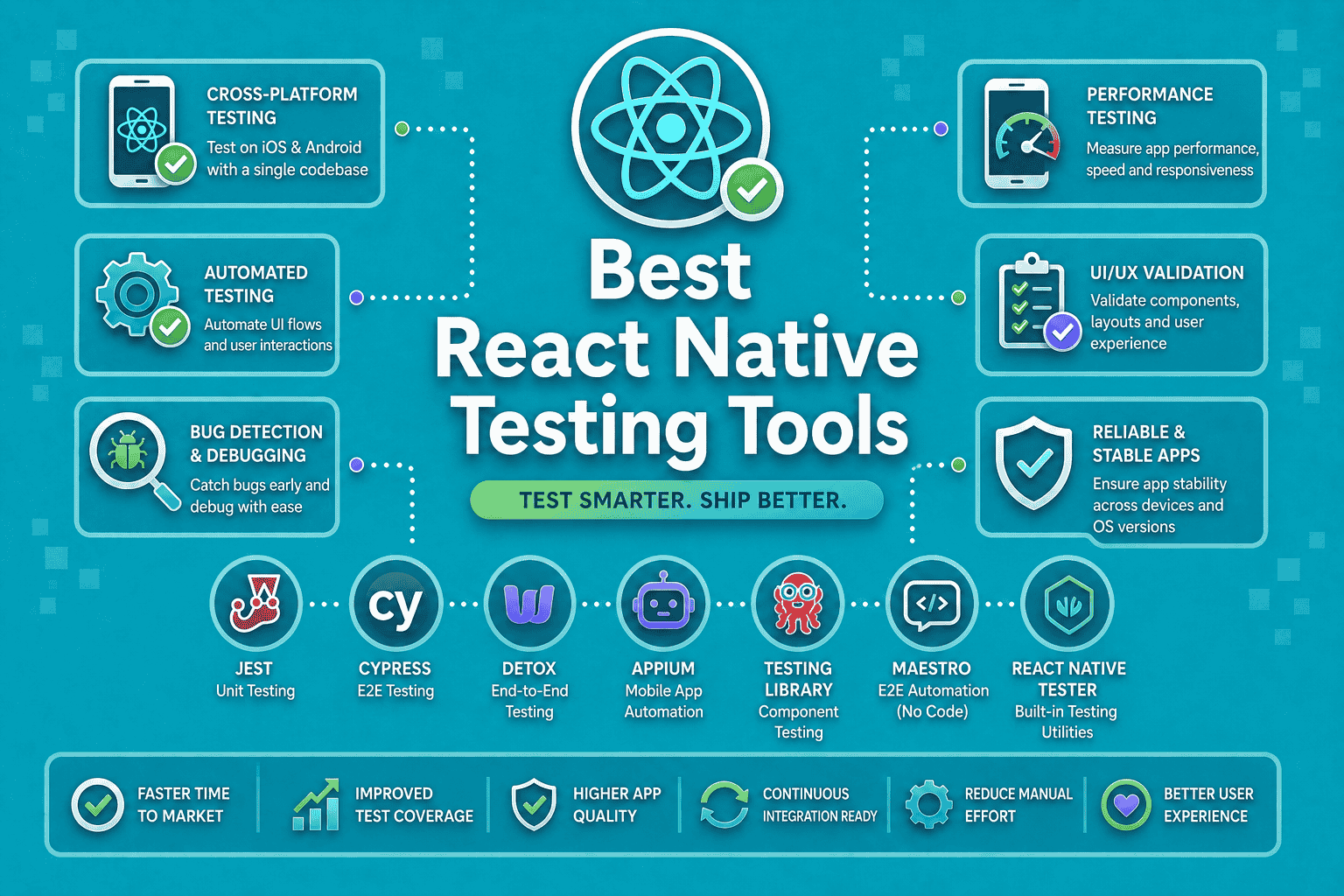

Testing is the backbone of any production-grade React Native app. With cross-platform complexity, native module integrations, and fast release cycles, choosing the right testing tool can make or break your QA process.
This guide covers the 10 best React Native testing tools in 2026: what they do, what they cost, and when to use them.
Quick Comparison: All 10 Tools at a Glance
| Tool | Best For | Platform Support | Free Plan | Starting Price |
| Panto AI | AI-powered E2E testing | iOS, Android | Yes | Custom |
| Detox | Gray-box E2E testing | iOS, Android | Yes (OSS) | Free |
| Appium | Cross-platform automation | iOS, Android, Web | Yes (OSS) | Free |
| Jest | Unit & snapshot testing | Cross-platform (JS) | Yes (OSS) | Free |
| Maestro | Mobile UI flow testing | iOS, Android | Yes | Free / Paid cloud |
| Cypress | React Native Web testing | Web only | Yes | $0–$67/mo |
| Cavy | In-app integration testing | iOS, Android | Yes (OSS) | Free |
| Testim (by Tricentis) | AI-assisted UI testing | Web, Mobile | No | ~$450/mo |
| Percy | Visual regression testing | Web, Mobile Web | Yes | $0–$599/mo |
| BrowserStack | Real device cloud testing | iOS, Android, Web | No | $29–$399/mo |
The 10 Best React Native Testing Tools in 2026
1. Panto AI
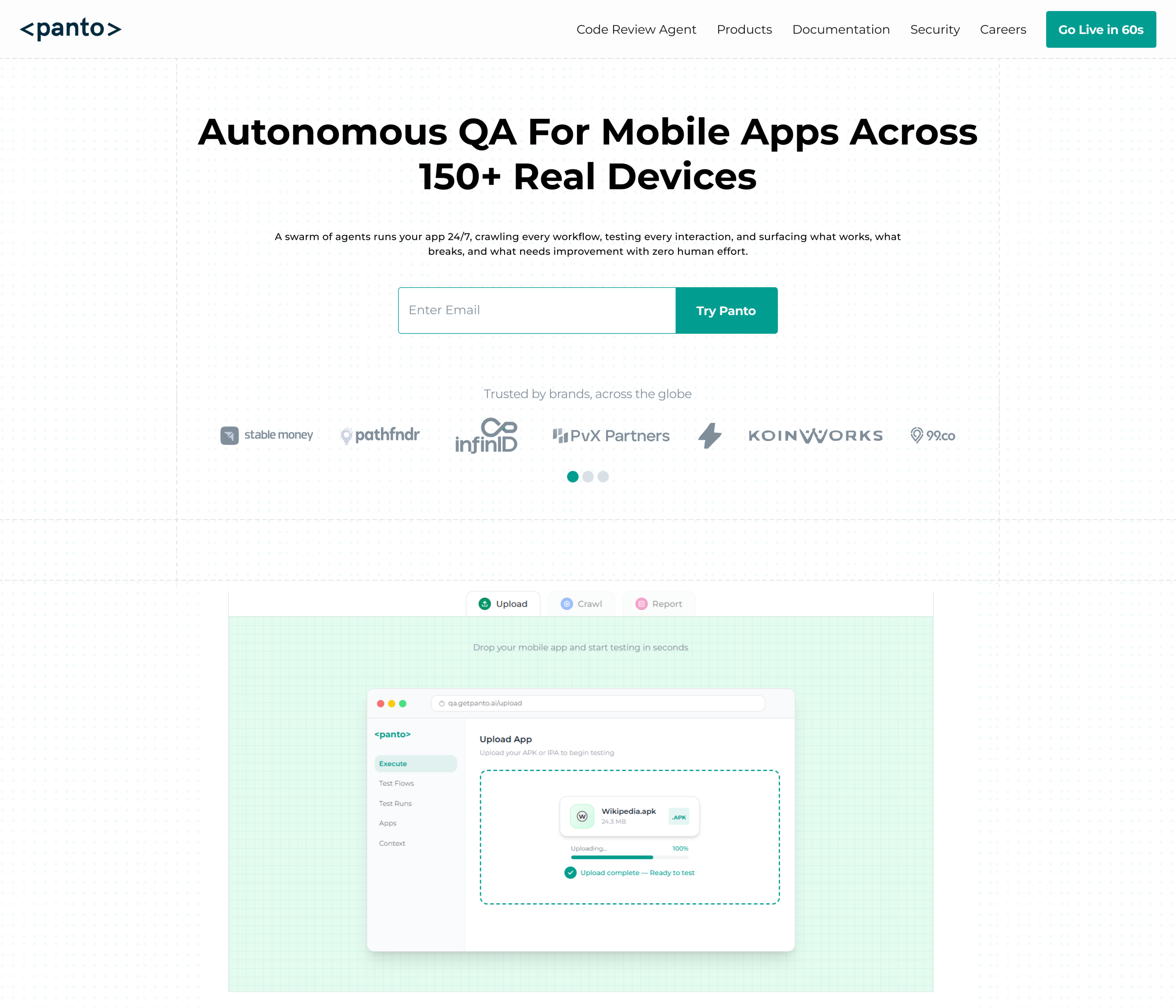
Panto AI is purpose-built for mobile teams who want intelligent, self-healing end-to-end tests without the maintenance overhead.
It uses AI to understand your app’s UI semantically, so tests don’t break every time a button moves or a label changes.
What sets Panto AI apart is its natural-language test authoring; you describe user flows in plain English, and Panto generates and runs the tests automatically.
It integrates directly into CI/CD pipelines and provides detailed visual reports, making it a strong fit for teams that ship fast and can’t afford flaky tests.
Key Features
- AI-powered self-healing tests that adapt to UI changes automatically
- Natural language test creation — no scripting required
- Visual test reports with screenshot diffs and failure explanations
- Native support for React Native iOS and Android apps
- CI/CD integration with GitHub Actions, Bitrise, and more
- Zero-maintenance test suite as your app evolves
Pricing: Custom pricing — contact Panto AI for a demo and quote
Limitations: Newer entrant with a growing ecosystem; pricing not publicly listed; best suited for teams already thinking about E2E automation at scale
2. Detox
Detox is the gold standard for gray-box end-to-end testing in React Native, developed and battle-tested by Wix.
It communicates directly with the app and the test runner simultaneously, giving it tight control over timing and eliminating flakiness caused by async issues.
Detox works by synchronizing with the React Native JS thread, so it waits for the app to become idle before executing the next action, which is a major advantage over black-box tools.
It supports both iOS (Simulator) and Android (Emulator) and integrates tightly with the React Native ecosystem.
Key Features
- Gray-box architecture for near-zero test flakiness
- Automatic synchronization with async operations and animations
- First-class support for React Native iOS and Android
- Works with Jest and Mocha as test runners
- Supports multi-app testing scenarios
- Active open-source community and Wix-backed maintenance
Pricing: Free and open source (MIT License)
Limitations: Setup is complex, especially on Android; requires macOS for iOS testing; emulator-only (no real device support natively); steep learning curve
3. Appium
Appium is the most widely adopted open-source mobile automation framework in the world, supporting iOS, Android, and desktop platforms under a single API.
It follows the WebDriver protocol, meaning teams familiar with Selenium can adopt it quickly.
Appium treats the mobile app as a black box and simulates user interactions via OS-level accessibility APIs.
While this makes it language and framework agnostic, it also means tests can be slower and more prone to timing issues compared to gray-box tools like Detox.
Key Features
- Supports iOS, Android, Windows, and macOS automation
- Language-agnostic: write tests in JS, Python, Java, Ruby, and more
- No app modification required — fully black-box
- Large plugin ecosystem via Appium 2.0
- Integrates with cloud device farms (BrowserStack, Sauce Labs)
- Strong community and long-standing enterprise adoption
Pricing: Free and open source (Apache 2.0 License)
Limitations: Notoriously slow test execution; flakiness issues on complex animations; requires significant setup and maintenance; no built-in test reporting
4. Jest
Jest is the default testing framework for React Native, shipped out of the box with every new project.
It handles unit testing, integration testing, and snapshot testing with a developer-friendly API and near-instant feedback loops.
For React Native, Jest pairs with tools like react-native-testing-library to render components in a lightweight JS environment without a real device or emulator.
This makes it incredibly fast and ideal for testing business logic, component rendering, and state management.
Key Features
- Zero-config setup with React Native CLI and Expo
- Snapshot testing to catch unintended UI regressions
- Mocking of native modules, timers, and async code
- Code coverage reports built in
- Watch mode for instant re-running of changed tests
- Integrates with @testing-library/react-native for component testing
Pricing: Free and open source (MIT License)
Limitations: Cannot test real native behavior or device-specific APIs; snapshot tests can become noisy; not suitable for E2E or interaction testing on its own
5. Maestro
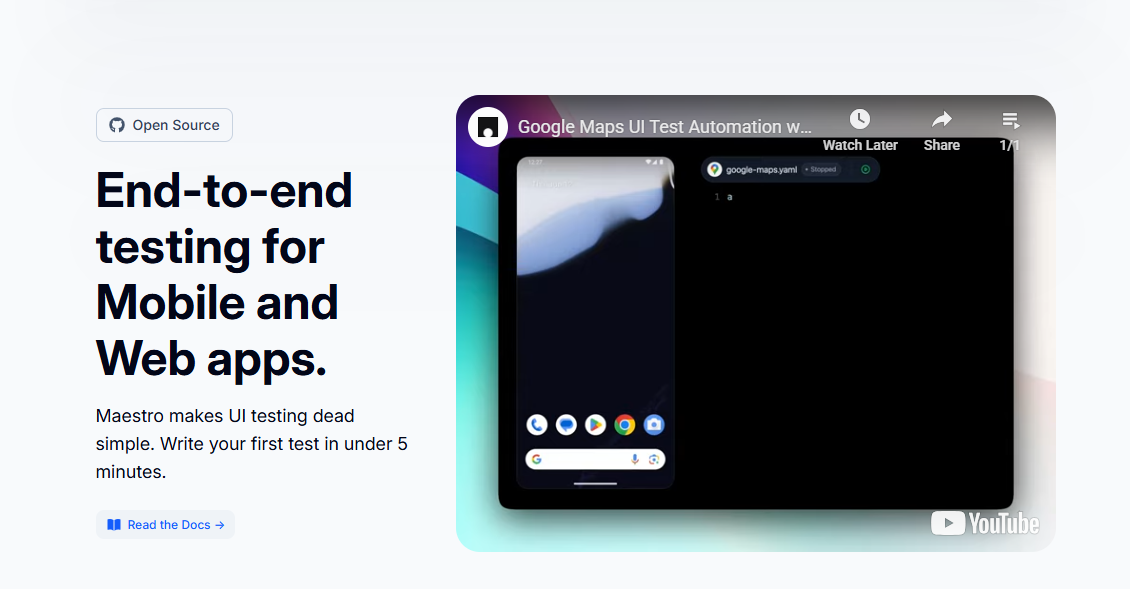
Maestro is a modern mobile UI testing framework designed for simplicity. Tests are written in plain YAML, making them accessible to non-engineers and fast to author even for complex multi-step flows.
It was built specifically to solve the flakiness problem in mobile E2E testing. Maestro runs directly on device or simulator and handles timing automatically, with no explicit waits needed.
Its cloud offering, Maestro Cloud, lets teams run tests on real devices in CI without setting up device infrastructure themselves.
Key Features
- YAML-based test syntax — readable by anyone on the team
- Built-in tolerance for flakiness: automatic retries and smart waits
- Supports iOS, Android, React Native, Flutter, and native apps
- Maestro Cloud for real-device CI execution
- Fast test authoring — write a full flow test in minutes
- Free CLI with no mandatory account setup
Pricing: CLI is free and open source; Maestro Cloud starts at free tier with paid plans for higher usage
Limitations: Relatively young framework; YAML syntax can be limiting for complex conditional logic; cloud pricing scales quickly for larger teams
6. Cypress
Cypress is a leading web testing framework primarily designed for browser-based apps, but it’s highly relevant for React Native Web projects.
If your team uses React Native for Web (via react-native-web), Cypress gives you fast, reliable, and developer-friendly browser automation.
Cypress runs inside the browser itself, giving it direct access to the DOM, network requests, and app state.
Its visual test runner makes debugging failing tests an almost pleasant experience, and its component testing mode works great for isolated UI development.
Key Features
- Real-time browser test execution with live reload
- Automatic waiting — no manual sleep() or timeouts
- Network request stubbing and interception
- Time-travel debugging with screenshots at each step
- Component testing mode for isolated UI component tests
- Extensive plugin ecosystem and active community
Pricing: Free open-source plan; Cypress Cloud from $0 (limited) to ~$67/month
Limitations: Web only — does not support native iOS or Android; not suitable for teams targeting native mobile exclusively
7. Cavy
Cavy is a lightweight integration testing framework built specifically for React Native.
Unlike Detox or Appium, Cavy runs inside the app itself using a test hook system. This makes it simple to set up without needing a separate test server or complex infrastructure.
It’s particularly well-suited for small teams or projects that need integration-level tests without the overhead of a full E2E setup.
Cavy generates human-readable test output and works with both iOS and Android out of the box.
Key Features
- In-app test execution — no external server needed
- Simple component hooks API for targeting UI elements
- Works on both iOS and Android with minimal config
- Human-readable test reports
- Lightweight footprint — easy to add to existing projects
- Open source with a permissive license
Pricing: Free and open source
Limitations: Limited community and infrequent updates; not suitable for complex E2E scenarios; lacks advanced features like visual diffing or AI assistance
8. Testim (by Tricentis)

Testim Mobile is a cloud-based solution with low-code test authoring, AI-powered element detection, and support for React Native, Flutter, and hybrid apps on a Virtual Mobile Grid.
TestIM is a good fit for enterprise QA teams that need a full-suite testing platform with test management, reporting, and team collaboration baked in.
Its integrations with GitHub, Jira, and Jenkins are particularly strong for larger engineering organizations.
Key Features
- AI-generated and AI-maintained test locators
- Visual test editor — no code required for basic flows
- Built-in test management and analytics dashboard
- Integrates with Jira, GitHub, Jenkins, and Slack
- Parameterized testing and data-driven test support
- Team collaboration features for QA and dev workflows
Pricing: No free plan; pricing starts around $450/month for team plans (contact for enterprise)
Limitations: Expensive for small teams; mobile support less mature than web; vendor lock-in with proprietary test format; overkill for React Native-only testing
9. Percy by BrowserStack

Percy is a visual testing platform that captures screenshot snapshots of your UI and highlights pixel-level differences between builds.
While primarily a web tool, Percy supports React Native Web and hybrid apps, making it valuable for teams where visual consistency is critical.
Percy integrates into your existing test suite (Jest, Cypress, Storybook) and runs visual comparisons in the cloud.
It’s especially powerful for design-heavy apps where visual regressions are just as important as functional ones.
Key Features
- Automated visual diff detection across builds
- Integrates with Jest, Cypress, Selenium, and Storybook
- Responsive screenshot comparison across multiple viewports
- Side-by-side diff viewer with approval workflows
- Parallel snapshot processing for fast CI runs
- Team review and approval flows for visual changes
Pricing: Free plan (5,000 snapshots/month); paid plans from $599/month for higher volume
Limitations: Web and React Native Web only — no native iOS/Android; can generate noise on dynamic content; approval workflow adds friction in fast-release environments
10. BrowserStack App Automate
BrowserStack App Automate is a real-device cloud platform that runs your Appium, Detox, or Espresso tests on thousands of real iOS and Android devices without any device infrastructure investment.
It’s the go-to solution for teams that need broad device coverage without maintaining a device lab.
BrowserStack handles OS versions, device models, and network conditions so you can simulate real-world usage at scale.
It’s commonly used as the execution layer on top of other testing frameworks, not as a framework itself.
Key Features
- Access to 3,000+ real iOS and Android devices
- Supports Appium, Detox, XCUITest, and Espresso
- Parallel test execution to dramatically reduce suite run time
- Video recordings, logs, and screenshots for every test run
- Network condition simulation (3G, 4G, offline)
- Integrates with GitHub Actions, CircleCI, Jenkins, and more
Pricing: Plans from $29/month (limited); team and enterprise plans from $399/month
Limitations: Costs scale quickly with parallel usage; not a test authoring tool — requires a framework like Appium or Detox; occasional device availability delays during peak hours
When to Choose Which Tool
Not every tool fits every team. Here’s a practical guide to help you pick the right one:
Choose Panto AI if…
You want AI-powered, self-maintaining E2E tests and your team wants to move fast without writing and maintaining complex test scripts. Ideal for product teams shipping frequently.
Choose Detox if…
You’re building a pure React Native app and need reliable, flake-resistant E2E tests. Best for teams comfortable with a complex setup in exchange for highly stable automation.
Choose Appium if…
Your team tests across multiple platforms and wants a language-agnostic solution. Great for enterprise teams with existing Selenium/WebDriver expertise.
Choose Jest if…
You need fast unit and component tests that run in CI in seconds. Every React Native project should have Jest, it’s the foundation of any testing strategy.
Choose Maestro if…
You want simple, readable E2E tests that non-engineers can author. A strong choice for startups and small teams that want real E2E coverage without Detox’s setup complexity.
Choose Cypress if…
Your app uses React Native for Web and you need fast, reliable browser-based testing. Not relevant for native-only apps.
Choose Cavy if…
You have a small app and need lightweight integration tests without the overhead of Appium or Detox. Best as a stepping stone before adopting a full E2E solution.
Choose Testim (by Tricentis) if…
You’re an enterprise QA team looking for a managed platform with collaboration, reporting, and AI assistance across web and mobile from a single dashboard.
Choose Percy if…
Visual consistency is a first-class concern and you ship design-heavy screens and need to catch UI regressions before they reach users. Best used alongside Jest or Cypress.
Choose BrowserStack App Automate if…
You already have tests written in Appium or Detox and need to run them on real devices at scale. Essential for apps targeting a wide range of device models and OS versions.
Conclusion
There’s no single ‘best’ React Native testing tool. The right choice depends on your team’s size, your app’s complexity, and where you are in your testing maturity.
A solid baseline starts with Jest for unit tests, adds Detox or Maestro for E2E coverage, and uses BrowserStack for real-device validation before major releases.
If you’re looking to reduce the time your team spends writing and maintaining tests, Panto AI offers a compelling AI-first approach that grows with your app. Start with the tools that solve your biggest pain point today, and build from there.



